About Tetroid
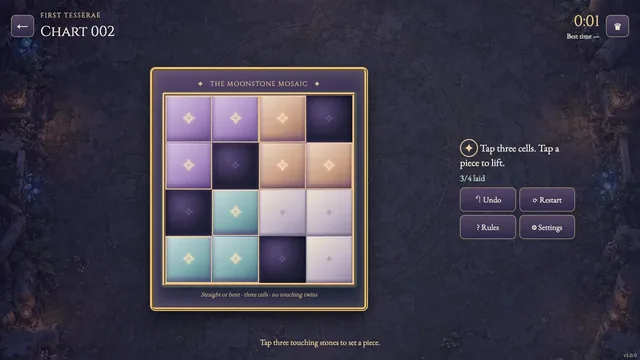
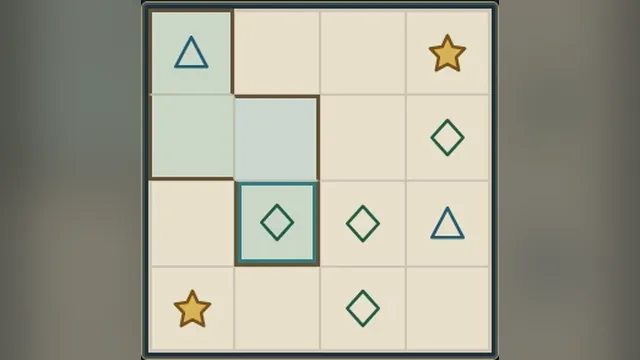
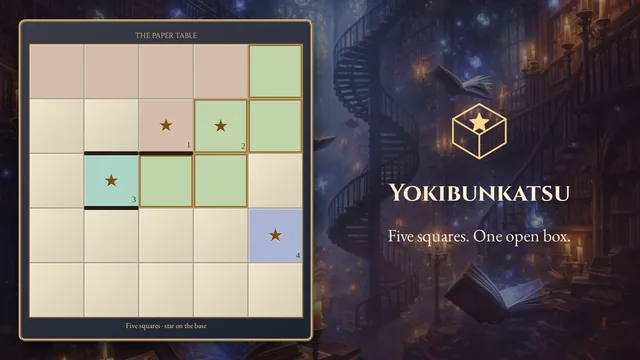
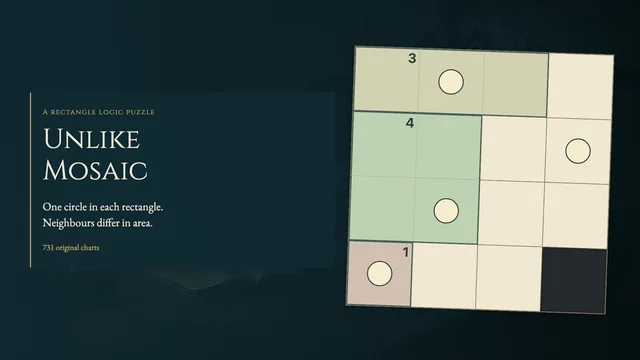
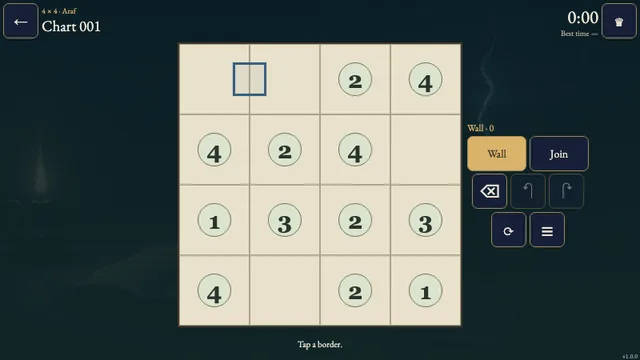
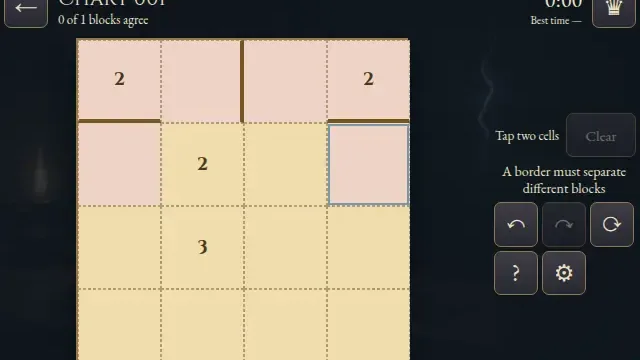
Divide cut-out grids into four-square pieces. Rotations and mirror images count as the same shape, and matching shapes must never share an edge.
Try a placement, follow the neighboring shape restrictions, and revise with Undo. Each of the 17 original charts has one solution.
How to play
- Goal
- Cover every paper square with four-square pieces. Matching shapes must not share an edge.
- How it ends
- Every paper square belongs to a connected piece of four and neighboring pieces have different shapes. Mistakes can be undone.
- Record
- When played on morassgames.com, your first eligible finish can set the chart’s time record. Replays are local practice.
- Tap four paper squares, then Place. The four squares must connect along edges. Dark cut-outs are not part of the floor.
- Every paper square must belong to exactly one piece. The five shapes are I, O, T, L and S; rotations and mirror images count as the same shape.
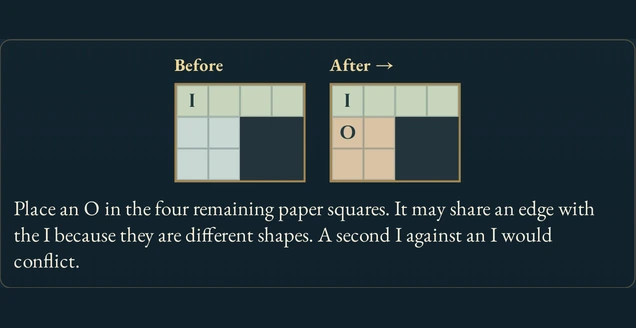
- Pieces sharing an edge must have different shapes. Matching shapes may touch at corners.
- There is no fixed inventory: a shape may appear several times when its copies stay apart, and a chart need not use all five shapes.
- Tap a placed piece to select it, then Remove. Cancel clears the current selection. Undo and Redo reverse individual placements or removals.
Controls
| Input | Action |
|---|---|
| Tap / click paper squares, then Place | Select and commit a four-square piece |
| Tap / click a placed piece, then Remove | Lift a piece |
| Arrow keys on the board | Move the cell cursor |
| Space / Enter on the board | Select a square / place the draft |
| Ctrl or Command + Z / Y; Shift+Z | Undo / Redo |
| Tab / Shift+Tab, Enter | Reach and activate controls |
| Escape | Cancel a selection, close a dialog or go back |
| Gamepad D-pad / stick, A | Move focus and select a square or activate a control |
| Gamepad X, LB / RB | Place; Undo / Redo |
| Gamepad Start, B | Open the menu; cancel or go back |
Good to know
Placed pieces save on this device when storage is available. Undo and Redo stay in the current visit. Opening a chart starts its first-attempt clock; reading and menus do not pause it. Reloading an unfinished chart makes it local practice. Replays cannot replace the original first finish.