About Linesweeper
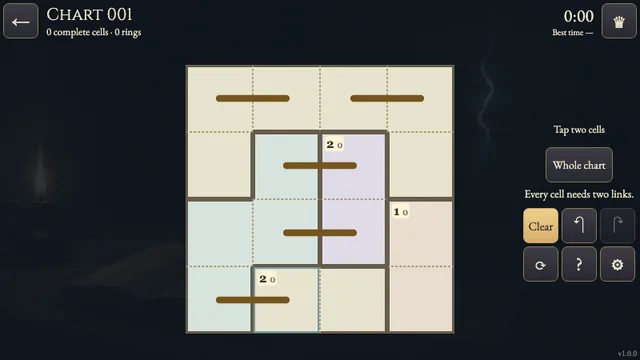
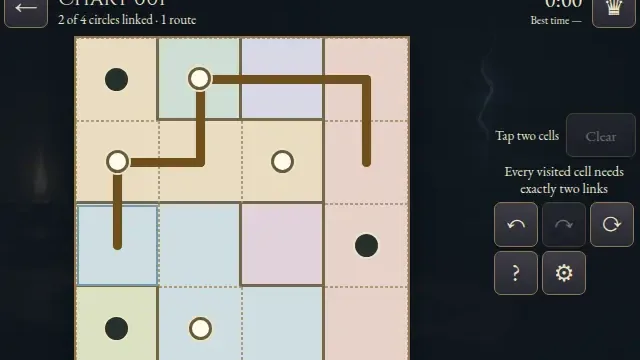
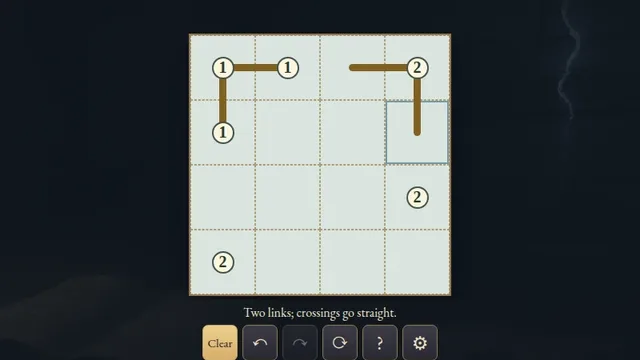
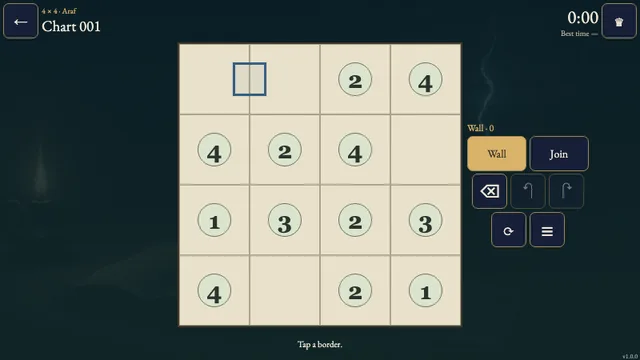
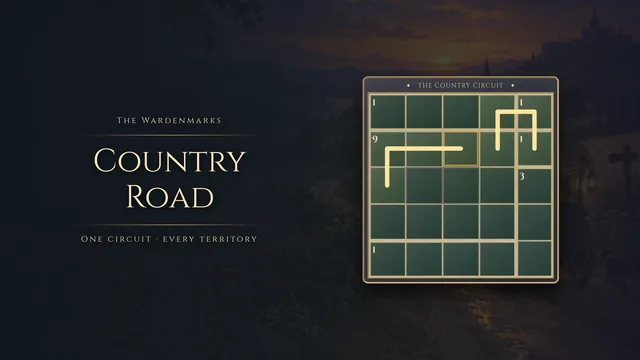
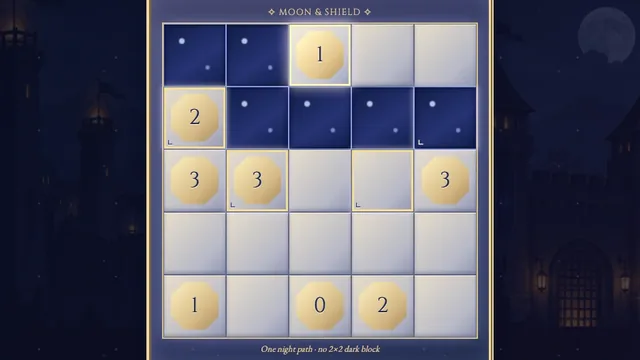
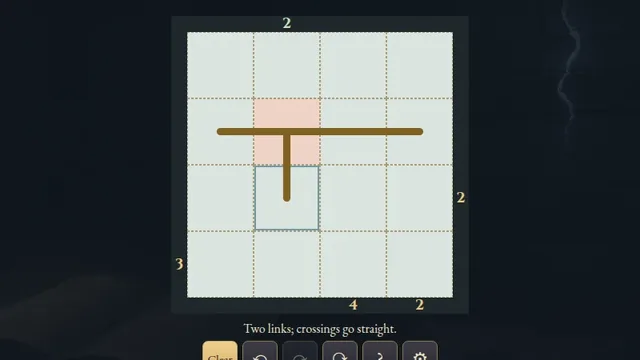
Trace one ink loop between the centers of empty cells. Each numbered cell counts how many of its eight surrounding cells the loop visits, including diagonals.
Choose from 121 original puzzles on 4×4, 5×5 and 6×6 grids. Overlapping neighbor counts and the need for a single connected loop work together; every chart has one answer.
How to play
- Goal
- Draw one closed loop so every number counts the surrounding cells visited by the loop.
- How it ends
- A chart is complete when the loop has no branches or crossings, avoids all numbered cells and satisfies every clue; mistakes can always be erased.
- Record
- Your first solve time is kept for each chart, and later replays are untimed practice.
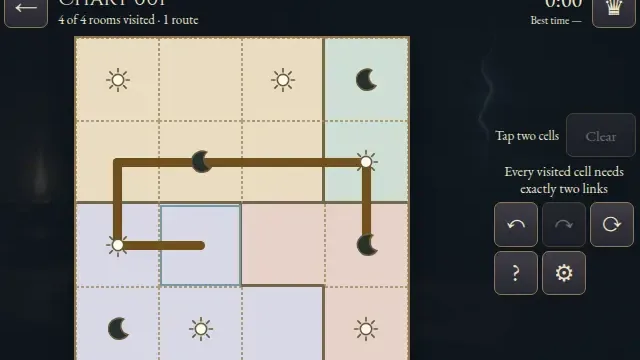
- Choose Line, then tap two neighboring empty cells or drag between them to draw a link. Links run horizontally or vertically.
- Make one closed loop without branches or crossings. The route cannot enter numbered cells; empty cells may remain unused.
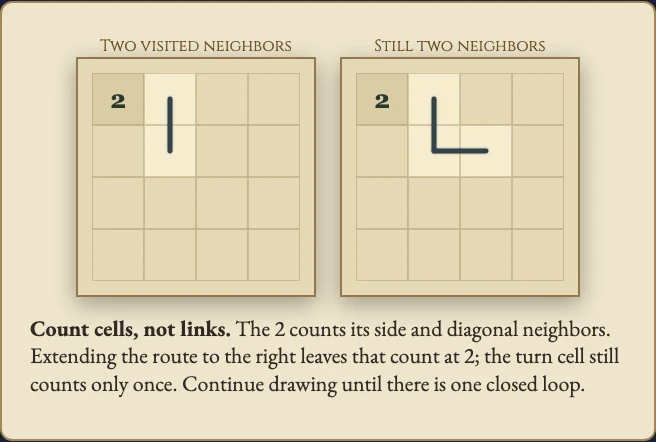
- Each number counts the distinct cells visited by the loop in its eight-cell neighborhood, including diagonals. A turn cell still counts only once.
- Cross marks an empty cell you think is unused and clears links touching it. Crosses are optional notes. Erase removes a cross and links touching that cell.
- Undo and Redo restore whole strokes. Pan moves a board larger than its frame.
- Close the single loop and satisfy every number to solve the chart.
Controls
| Input | Action |
|---|---|
| Line / Cross / Erase, then tap or drag | Connect neighboring cells, add optional crosses or erase |
| Pan, then drag | Move a board larger than its frame |
| Arrows + Enter / Space | Move the cell cursor and apply the chosen tool |
| L / X / C / P | Choose Line / Cross / Erase / Pan |
| Delete / Backspace | Erase the focused cell and its links |
| Z / Y / R | Undo / Redo / request Restart |
| Escape | Cancel, close or go back |
| D-pad + A / B | Move and apply / cancel or go back |
| Shoulders / X / Start | Undo and Redo / Erase / Settings |
Tips
- Count cells, not links A corner in the route counts once. Check the side and diagonal cells around each number.
- Share the evidence A visited cell can contribute to several nearby clues. Compare overlapping neighborhoods.
- Keep one route Every visited cell needs exactly two links. A small closed loop cannot later join another route.
Good to know
Progress saves in this browser. The first clock starts when you open a chart and continues through menus and Restart. Reloaded attempts and changed clocks stay local. Practice keeps your original finish. Music and Effects have separate switches. Shelves describe grid size, not difficulty.
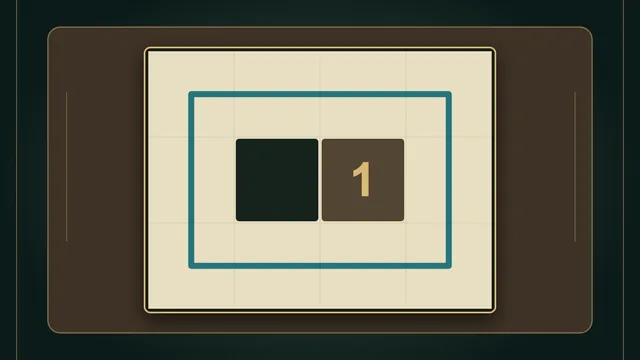
Watch how to play
Questions
Do diagonal neighbors count?
Yes. A clue counts all eight surrounding cells, including diagonals. The route itself uses only horizontal and vertical links.
Must the loop visit every empty cell?
No. Unused empty cells are allowed, and cross notes are optional.
Can the loop enter a numbered cell?
No. Numbered cells are clues and cannot be part of the route.