About Kuralin
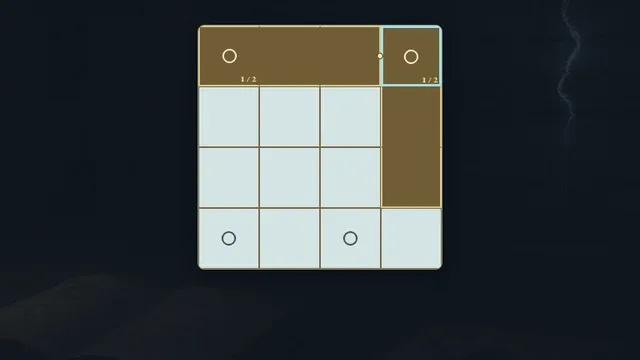
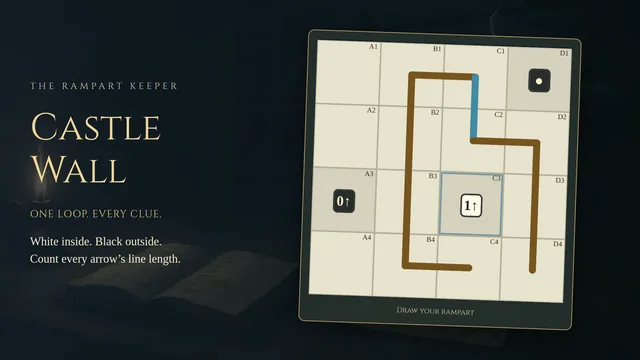
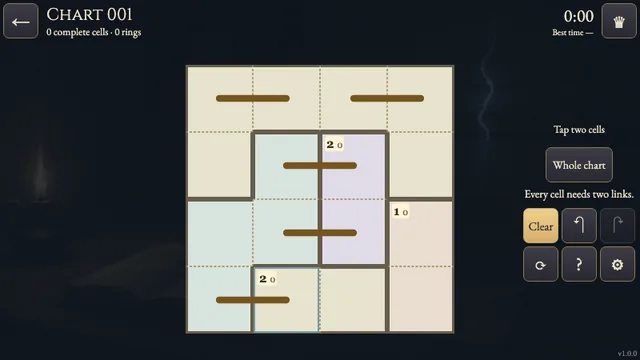
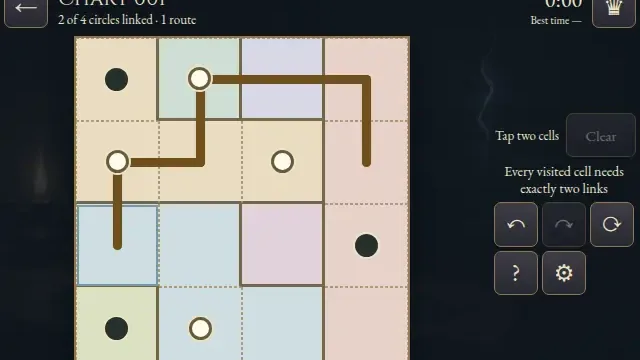
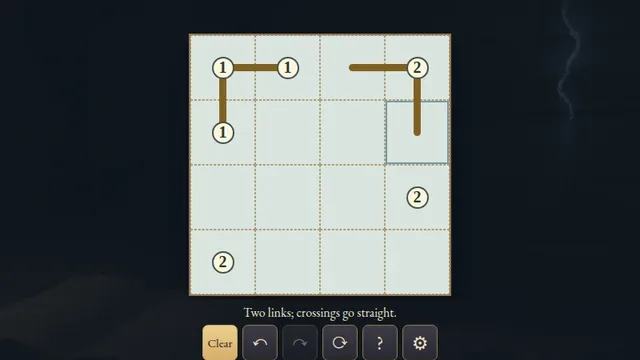
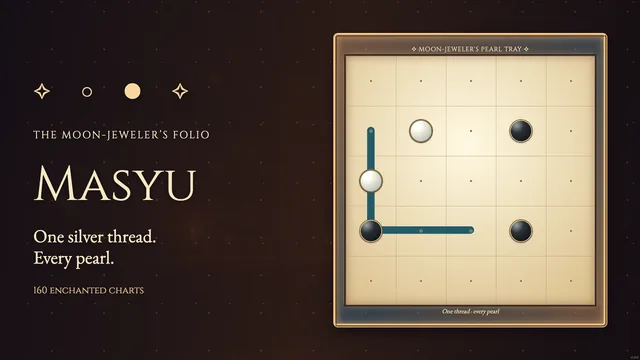
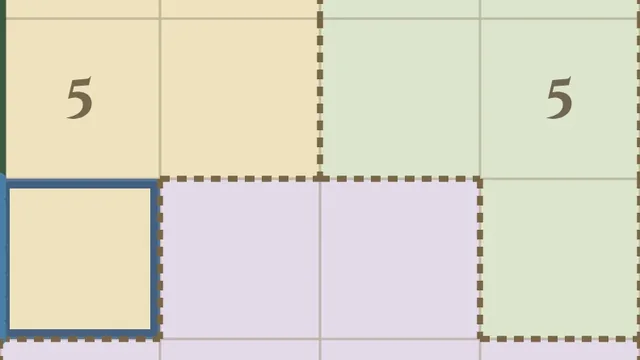
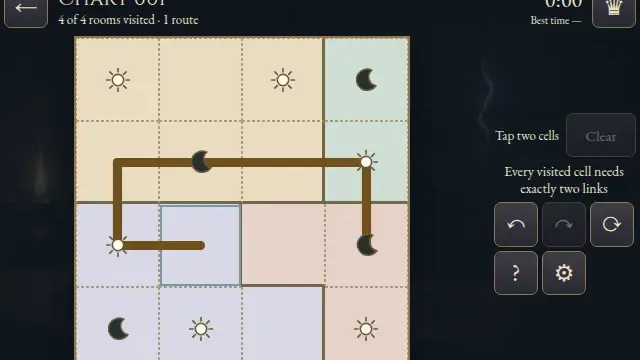
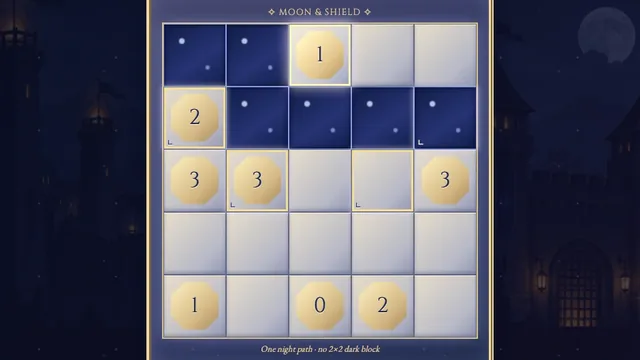
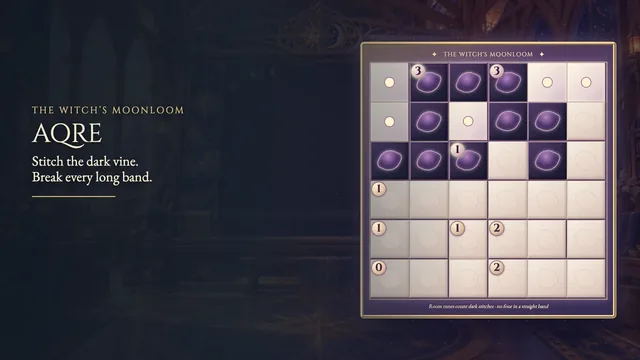
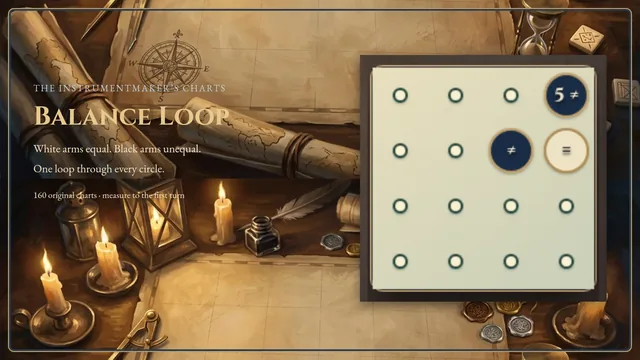
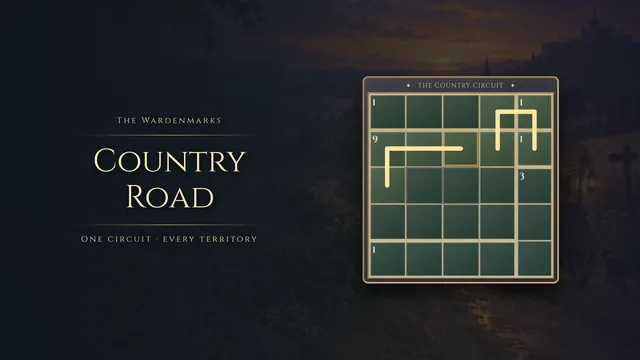
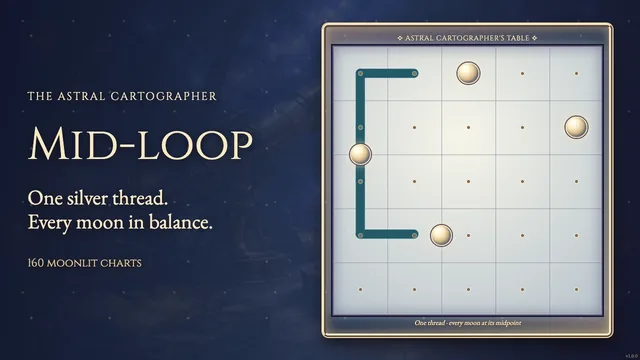
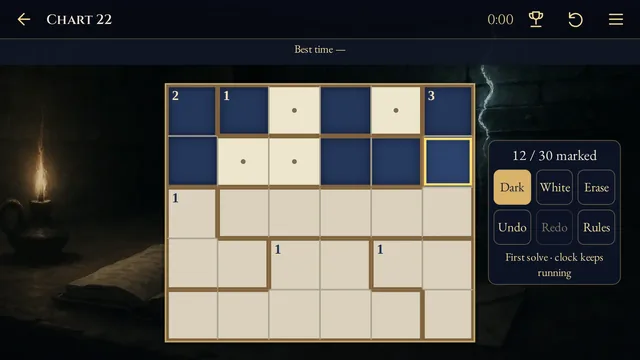
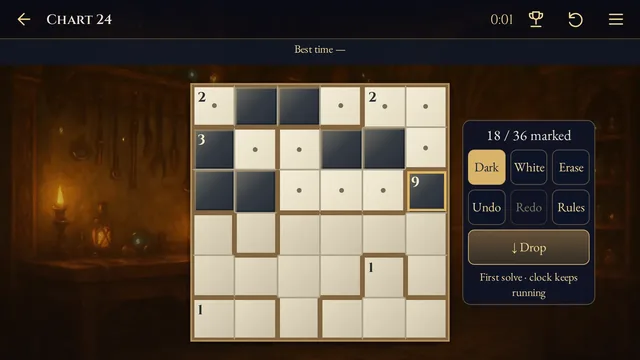
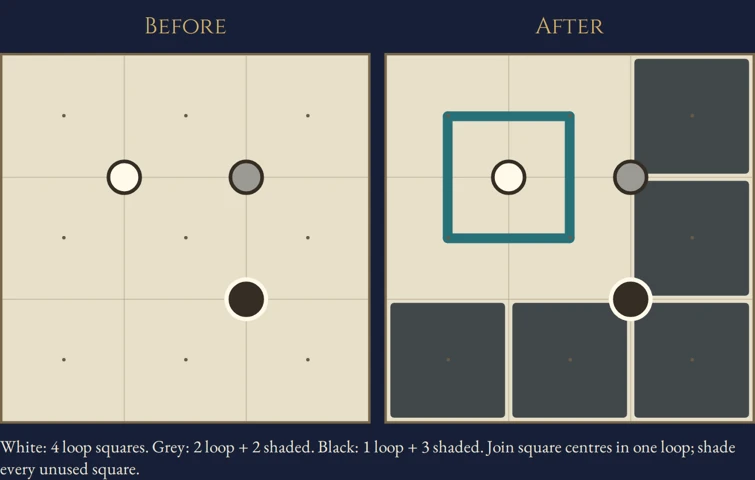
Join square centres into one loop, then shade every square outside it. White, black and grey circles compare the nearby light and dark squares.
Choose from 96 original puzzles across four open shelves. Every puzzle has one answer and can be completed by deduction.
How to play
- Goal
- Draw one loop and shade every unused square so each circle’s colour matches the squares touching it.
- How it ends
- A maze finishes when one unbroken loop visits every unshaded square and every circle agrees; mistakes can always be undone.
- Record
- The fastest first unaided solve of each maze is recorded.
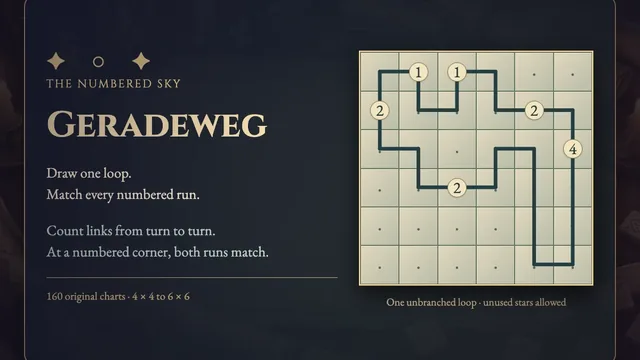
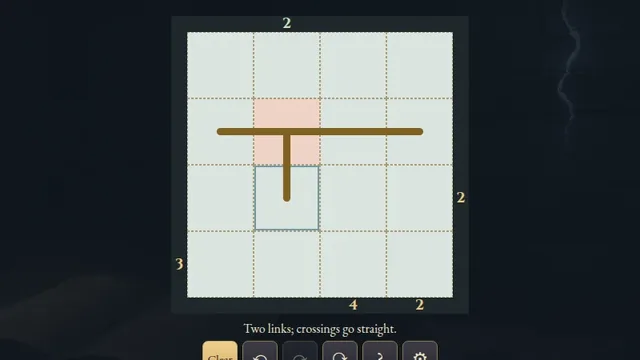
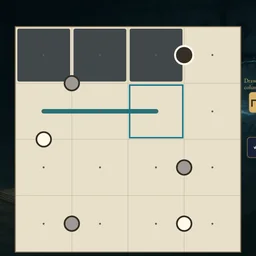
- Draw one closed loop along orthogonal links between square centres. It cannot branch, cross or visit a square twice. Shade every square the loop leaves unused. Shaded squares may touch.
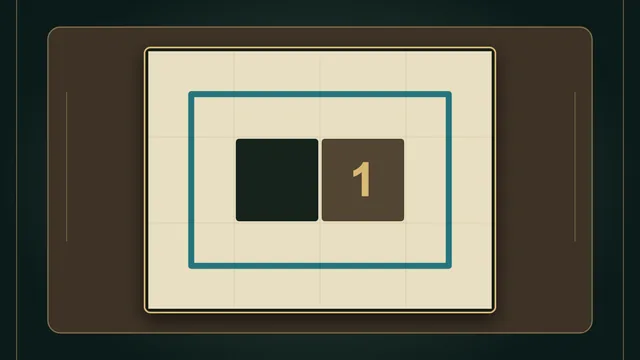
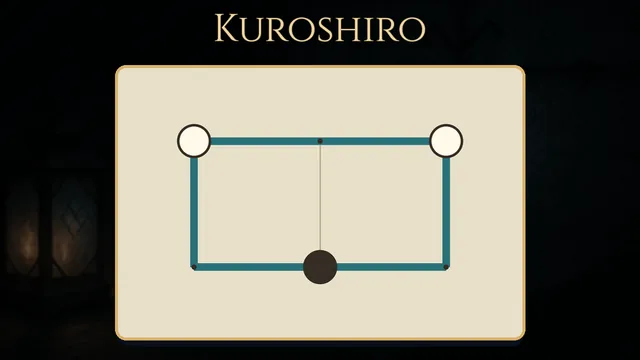
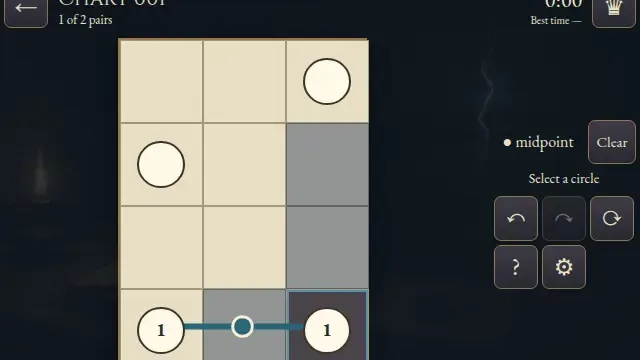
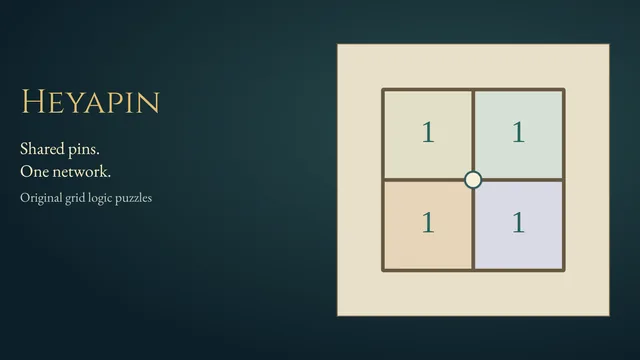
- A white circle touches more loop squares than shaded squares. A black circle touches more shaded squares than loop squares. A grey circle touches equal numbers. An edge circle touches two squares; a circle at a grid intersection touches four.
- With Draw, select both endpoints of each link. Start a new pair for the next link, choosing a shared endpoint again; or drag one adjacent link. Shade toggles a square. Clear removes its shading and incident links. Undo and Redo revise an action.
- The puzzle finishes automatically when every unused square is shaded and all clues agree with one complete loop. Restart clears your marks while the first clock keeps running. Completed puzzles reopen as untimed practice.
Controls
| Input | Action |
|---|---|
| Tap both endpoints / drag one link | Draw or lift one orthogonal link; start a fresh pair for each link |
| Shade / Clear, then tap a square | Toggle shading / remove shading and incident links |
| Arrows + Enter / Space | Move and act at the focused square |
| D / S / C / P | Choose Draw / Shade / Clear / Pan |
| Delete / Backspace | Choose Clear |
| Z / Y / R | Undo / Redo / open Restart confirmation |
| Pan / drag | Move a large chart without editing |
| Escape | Cancel a selection, close a dialog or return to the atlas |
Tips
- Start with edge circles A white circle between two squares forces both onto the loop; a black one forces both shaded. A grey one needs one of each.
- Keep the whole loop in mind A locally balanced circle cannot justify a separate loop or a branch. Check how your route can continue before closing it.
Good to know
Progress saves in this browser. The first clock starts when a chart is selected and never pauses, including in menus and after Restart. Reloaded attempts stay local; practice preserves the first finish. Music and Effects have separate switches.
Watch how to play
Questions
May shaded squares touch?
Yes. Shaded squares may share an edge or corner.
Does every square need a mark?
Every square is either on the loop or explicitly shaded. An unused blank square keeps the chart unfinished.
Must the loop pass through the circles?
Circles sit between squares and compare the squares touching them. The loop joins square centres.