About Trace Numbers
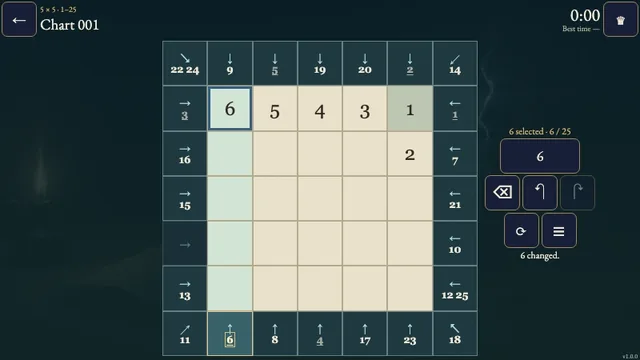
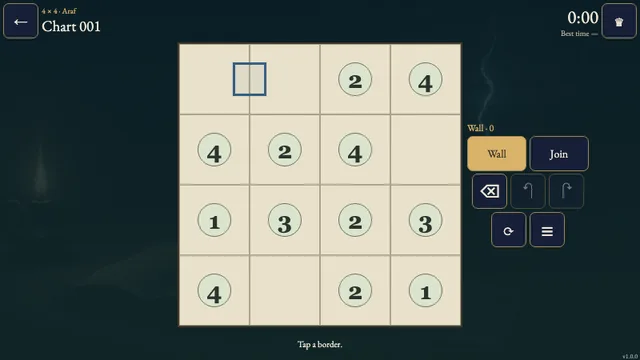
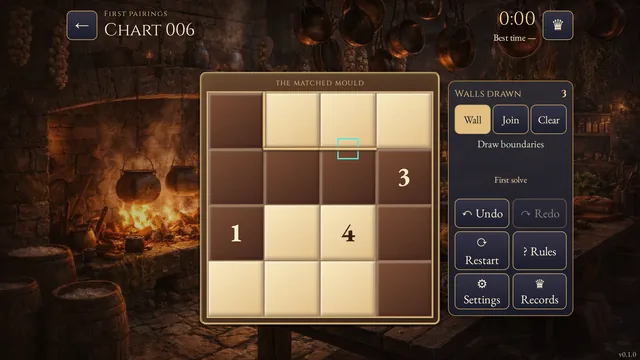
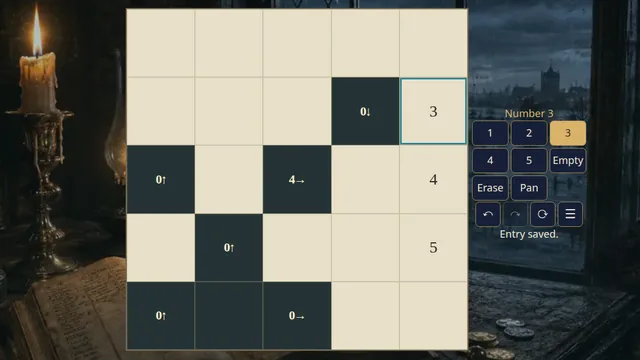
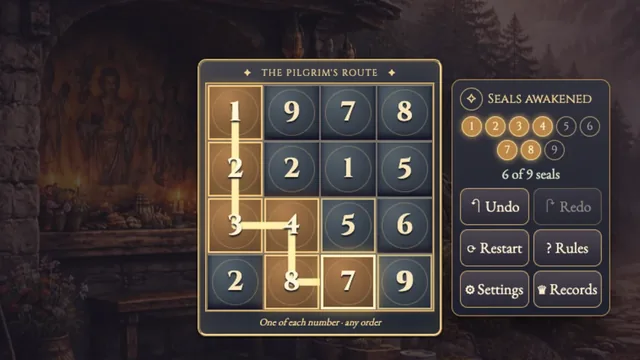
Draw separate paths through numbered clues, using every square. The numbers tell you the order to visit them; blank squares can lie between consecutive clues.
Choose from 24 original puzzles on two open shelves: 8 at 4×4 and 16 at 5×5. Each puzzle has one answer. Shelf sizes describe the boards rather than a difficulty rating.
How to play
- Goal
- Draw paths from every 1 through ascending clues and cover every cell.
- How it ends
- All paths end at the last clue, with no branches or crossings.
- Record
- First unaided solve · fastest time.
- From every 1, draw a separate path through one each of 2, 3 and 4, ending on 4. Use every square exactly once.
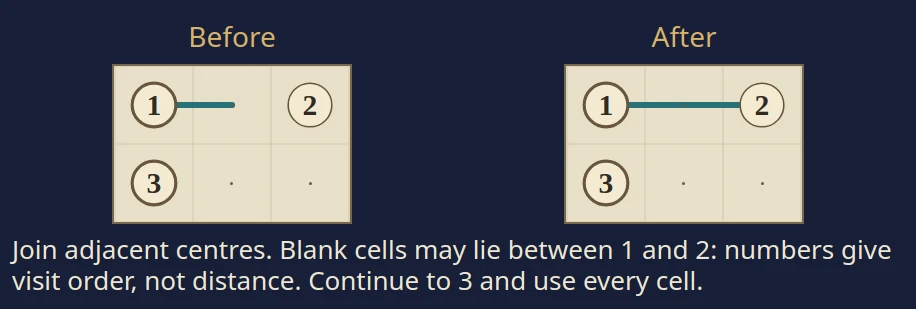
- Join neighbouring cell centres horizontally or vertically. Blank cells may lie between consecutive clues: numbers give visit order, not distance. You can draw either way along a path.
- Paths may touch along their sides without joining. Do not branch, cross, revisit a cell, close a loop or continue beyond 4.
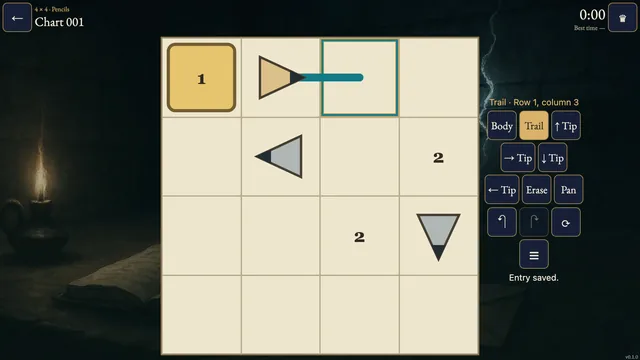
- Choose Draw and tap both endpoints of an adjacent link, or drag through adjacent cells. A whole stroke is one Undo. Cross adds optional no-link notes; Clear removes marks touching a chosen cell.
Controls
| Input | Action |
|---|---|
| Draw, then adjacent taps or a drag | Add or remove links along the visited cells |
| Cross, then adjacent taps or a drag | Toggle optional no-link notes |
| Clear, then tap | Remove incident links and notes |
| Pan, then drag | Move a chart that exceeds its frame |
| Arrows + Enter / Space | Move the cursor and apply the selected tool |
| D / X / C / P | Choose Draw / Cross / Clear / Pan |
| Z / Y / R | Undo / Redo / request Restart |
| Escape | Cancel a selection, close a dialog or return |
| D-pad + A / B | Move and select / cancel or go back |
| Shoulders / Y / X / Start | Cycle tools / Undo / Clear / Settings |
Tips
- Begin at the ends Every 1 and 4 has exactly one link. An ordinary cell needs two.
- Leave room for every path A route that isolates empty squares cannot finish.
- Read order, not distance A 2 can be several blank squares away from its 1.
Good to know
Progress saves in this browser. The first clock starts when you select a chart and continues through menus and Restart. Reloaded attempts and clock changes stay local. Practice keeps your original finish. Music and Effects have separate switches.
Watch how to play
Questions
Must I use every blank square?
Yes. Every numbered and unnumbered square belongs to exactly one path.
May two paths touch?
Yes. Adjacent path segments may share a side without a drawn link between them.
Does 2 have to be next to 1?
No. Blank cells can lie between consecutive numbers.
Can I draw from 4 backwards?
Yes. The finished path is read from its 1; drawing direction does not matter.