About Nagareru
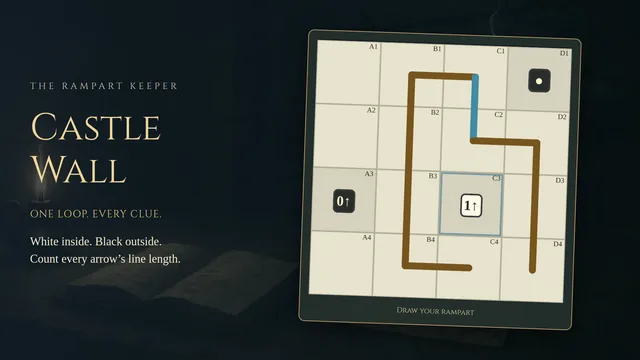
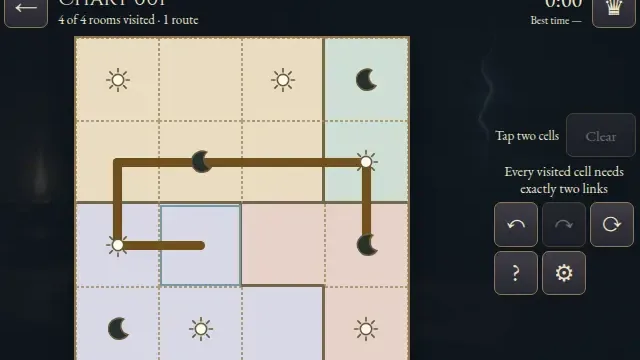
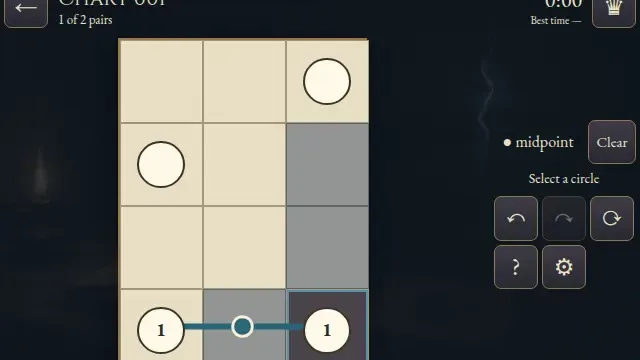
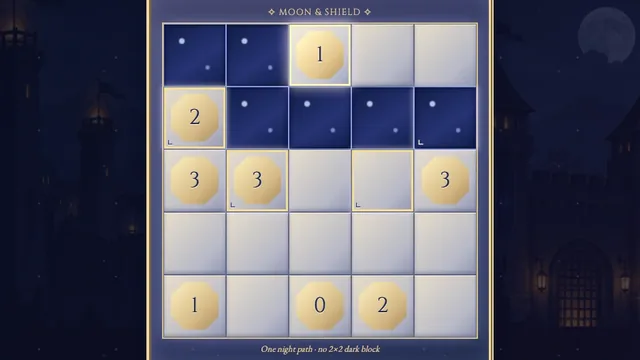
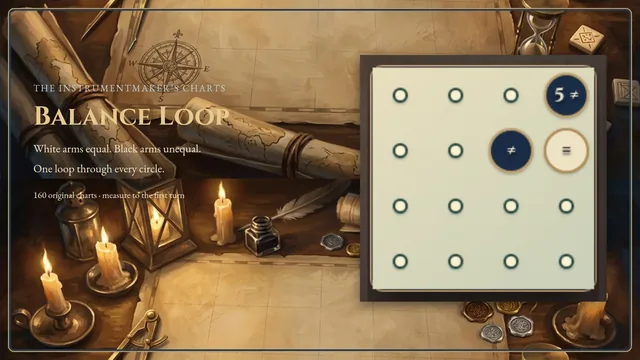
Join neighbouring white squares into one directed loop. Printed arrows set its course; wind from black squares forbids upstream travel and forces turns after sideways entry.
Choose from 1,861 original puzzles across three open shelves, from 4×4 to 6×6. Each puzzle has one answer and can be completed by deduction.
How to play
- Goal
- Draw one directed loop through every white arrow while obeying the wind.
- How it ends
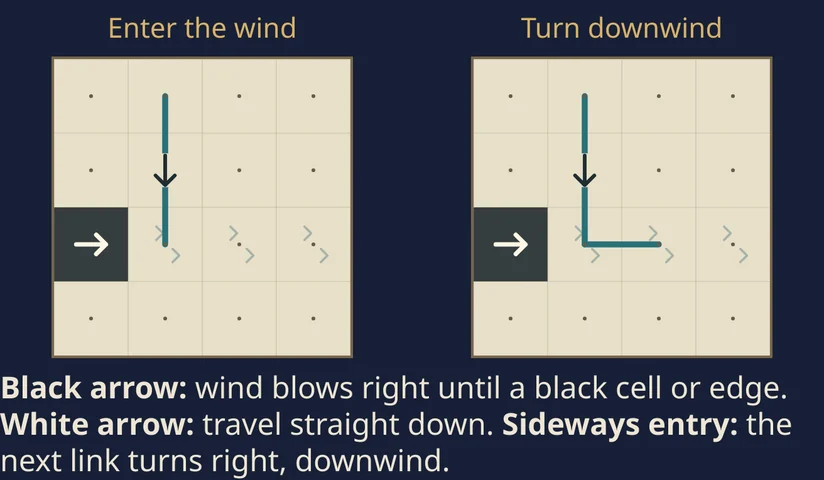
- One unbroken loop follows the white arrows straight and turns downwind after entering wind sideways.
- Record
- The fastest first unaided solve of each puzzle is recorded.
- Draw one closed loop through every arrow on a white square, travelling straight through each arrow in its printed direction. Other white squares may be unused.
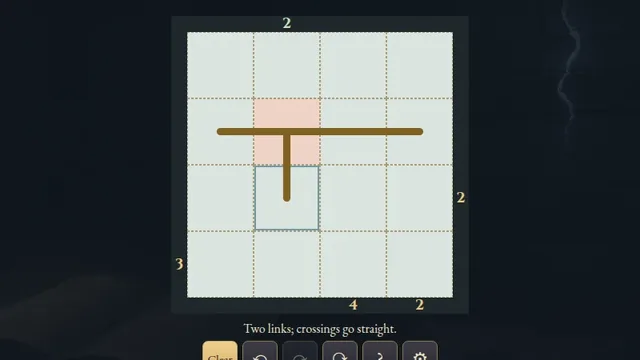
- Join neighbouring cell centres horizontally or vertically. Branches, crossings and separate loops are not allowed.
- Black arrow squares are impassable wind sources. Each blows in its arrow direction until another black square or the board edge.
- Never travel against a wind. When you enter a windy square sideways, your next step must follow that wind into a white square. After moving downwind, you may turn away. All overlapping winds apply.
- Choose Draw and tap two adjacent cell centres, or drag through adjacent squares. Retrace to withdraw the last leg; release to save the stroke. Cross adds optional notes. Erase removes links and notes touching a square.
Controls
| Input | Action |
|---|---|
| Draw or Cross, then two adjacent taps or a drag | Add loop links or optional Cross notes |
| Erase, then tap | Remove links and notes touching a square |
| Pan, then drag | Move a chart that does not fit the frame |
| Arrows + Enter / Space | Move the cursor and apply the selected tool |
| D / X / E / P | Choose Draw / Cross / Erase / Pan |
| Z / Y / R | Undo / Redo / open Restart confirmation |
| Escape | Cancel a selection, close a dialog or return to the atlas |
| D-pad + A | Move the controller cursor and apply the selected tool |
| Shoulders / Y / Start | Cycle tools / Undo / Settings |
Tips
- Follow the white arrows A white arrow fixes both the incoming and outgoing direction at its square.
- Check the downwind exit A sideways entrance cannot work if the required next square is black or outside the chart.
Good to know
Progress saves in this browser. The first clock starts on chart selection and continues through menus and Restart. Reloads, clock changes or browser suspension make an attempt local only. Practice keeps the original finish. Music and Effects have separate switches.
Watch how to play
Questions
Must the loop visit every white square?
No. It must visit every white arrow; other white squares may be unused.
When does wind force a turn?
Entering a windy square sideways forces your next step downwind. After a downwind step, you may turn away. Travelling upstream is always forbidden.
Do Cross notes need to fill every unused link?
No. Cross notes are optional and do not affect a correct completed loop.