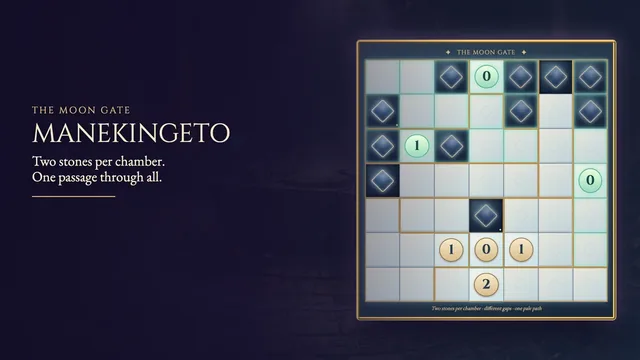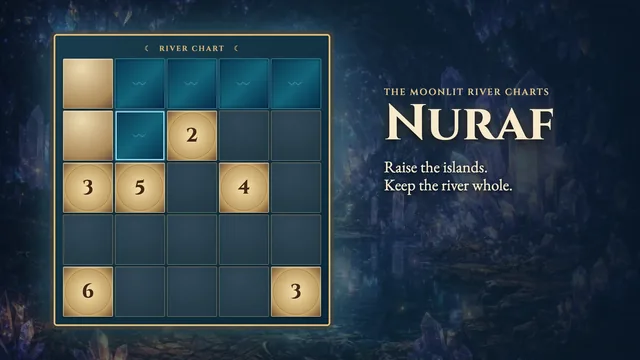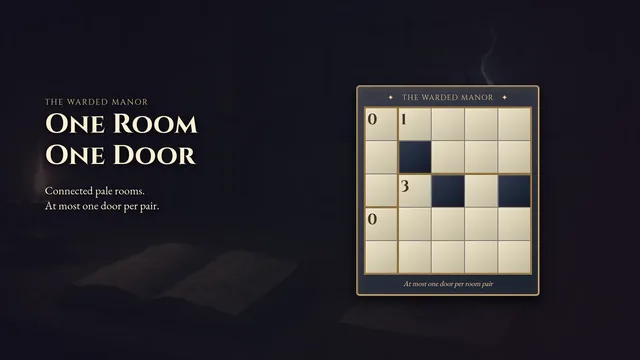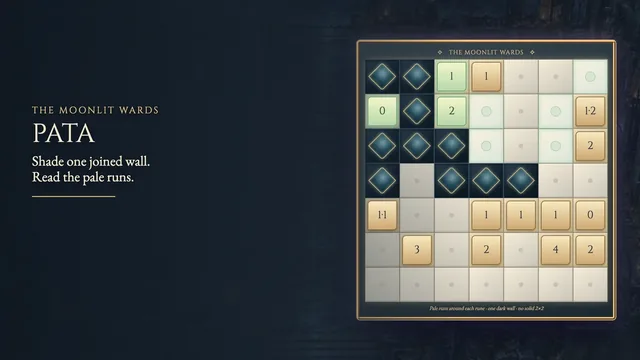
About Nuritwin
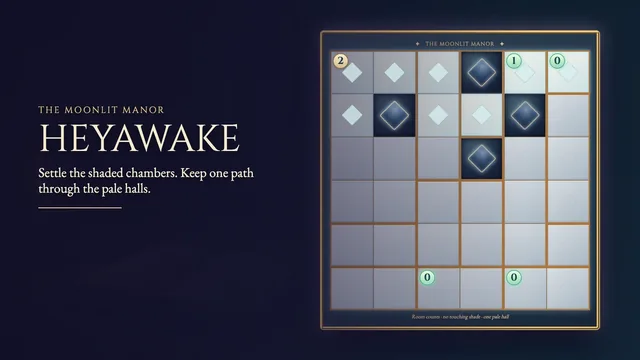
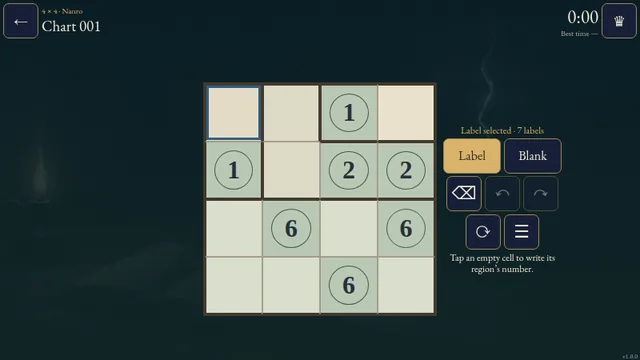
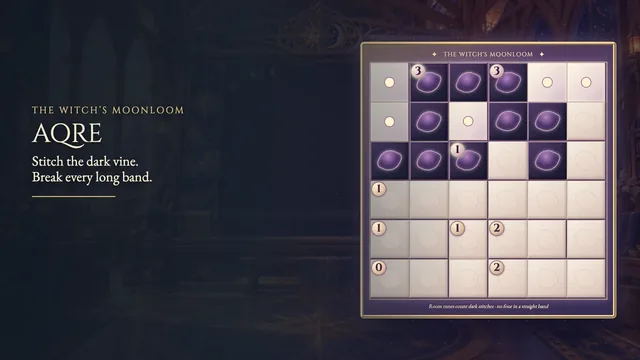
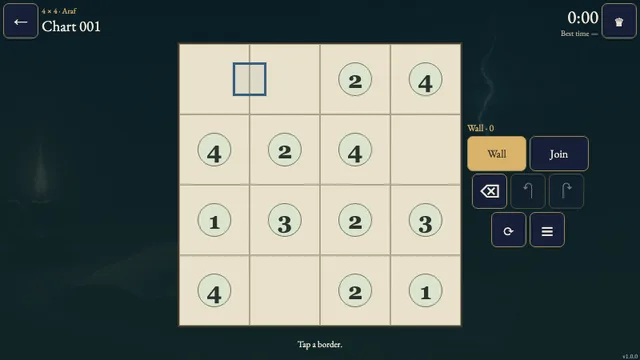
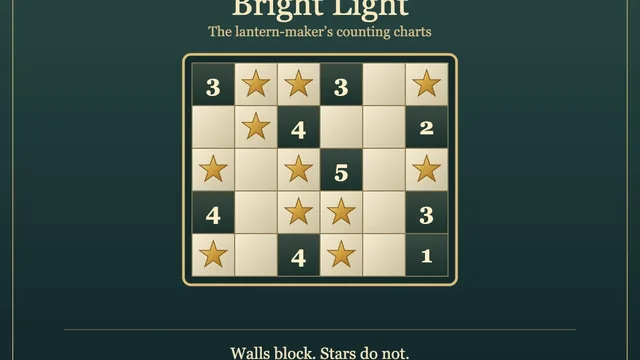
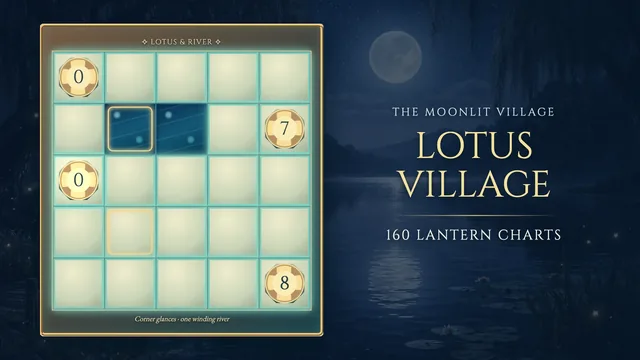
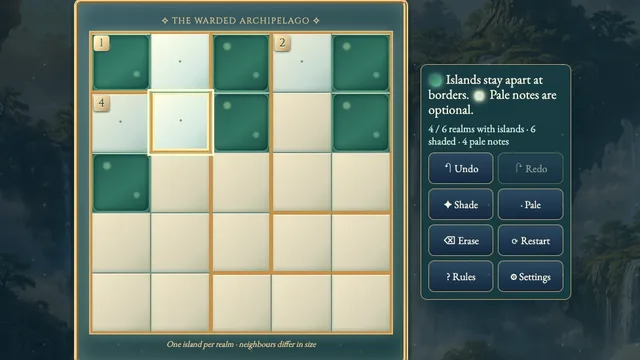
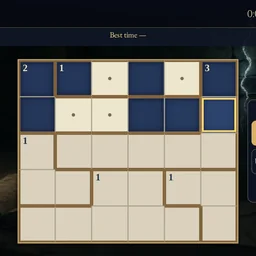
Shade pale stone cells to form two separate, equal-sized dark groups inside each bronze-bordered room. A printed number gives the size of each group, while their shapes may differ.
Join the twins through neighbouring rooms into one continuous dark network, keeping every solid two-by-two square clear. Work through 22 original charts, from small four-by-four grids to wider six-by-five boards.
How to play
- Goal
- Shade two equal-sized groups inside every room. Join all dark cells into one network.
- How it ends
- Every cell is Dark or White, all twins fit their clues, and no solid dark 2×2 remains.
- Record
- Your first unaided solve time. Later solves are practice.
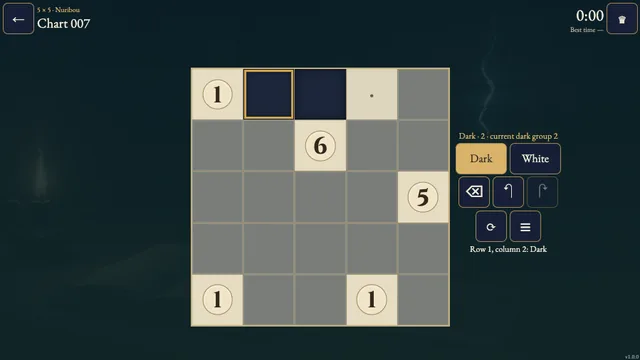
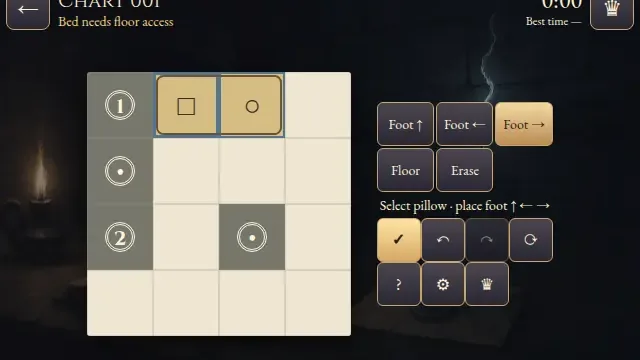
- Choose a chart, then choose Dark, White or Erase and tap a cell. Mark every cell Dark or White to finish.
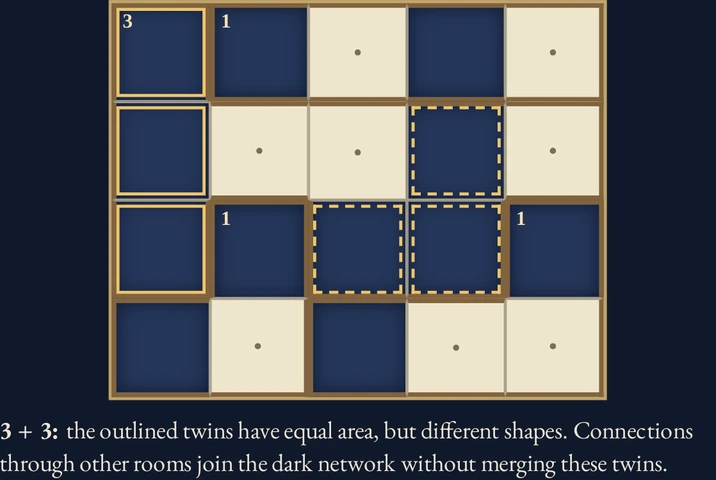
- Within each room, Dark cells must form exactly two separate groups connected through shared sides. Both groups have equal area, but may have different shapes.
- A printed number gives the size of each group, not their combined size. The numbered cell may be Dark or White. Unnumbered rooms still need equal twins.
- Across the whole chart, all Dark cells must join one side-connected network. Connections through another room do not merge that room’s twins. Diagonals do not connect.
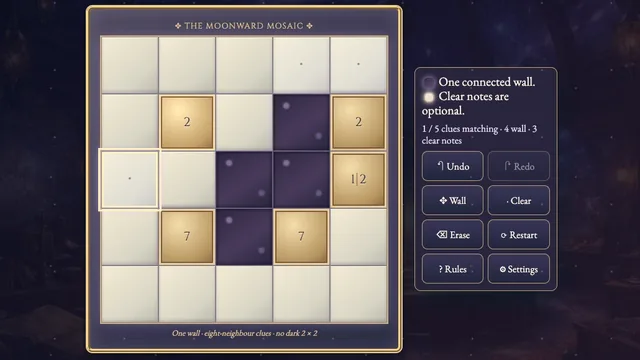
- No solid two-by-two square may be Dark, even when it crosses room borders. Undo and Redo let you revise marks; Restart asks before clearing the same chart.
Controls
| Input | Action |
|---|---|
| Mouse / touch | Choose Dark, White or Erase, then tap a cell; right-click marks White |
| Arrow keys / Enter or Space | With a cell focused, move focus / apply the selected tool |
| D / W / E | Select Dark / White / Erase |
| Delete or Backspace / Z / Y | Erase the focused cell / Undo / Redo |
| R / Escape | Open Restart confirmation / close a dialog or return to Boards |
| Gamepad | D-pad move; A apply; X cycle tools; LB/RB Undo/Redo; B back; Y rules; Start settings |
Tips
- Count inside the border Trace each twin within its own room. A route through a neighbouring room joins the overall network without joining the twins locally.
- Watch three dark corners Three Dark corners of a two-by-two square force its remaining cell White.
- Leave a connection Before marking a cell White, check whether an existing Dark group still has a route to the rest of the network.
Good to know
Progress and Undo stay in this browser. Your first clock begins when a chart opens and keeps running through menus and Restart. Reload restores marks as untimed practice. Clock discontinuities or unavailable safe storage also prevent time submission. There is no time limit.
Watch how to play
Questions
Must twins have matching shapes?
No. They need equal numbers of cells, with each twin connected side to side inside its room.
Is the numbered cell always Dark?
No. It may be Dark or White; the number describes each twin’s area.
Does Restart reset my time?
No. It clears marks after confirmation and preserves the original clock. Later completed replays are untimed practice.