About Chiyotsui
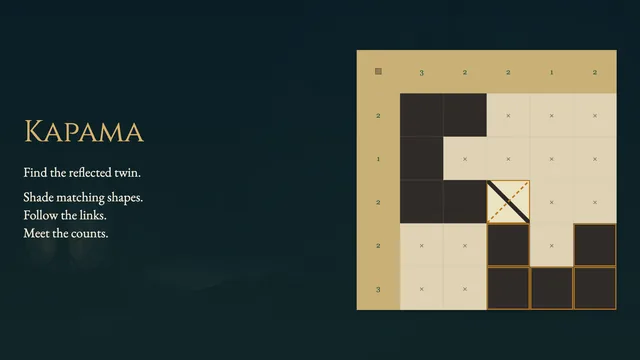
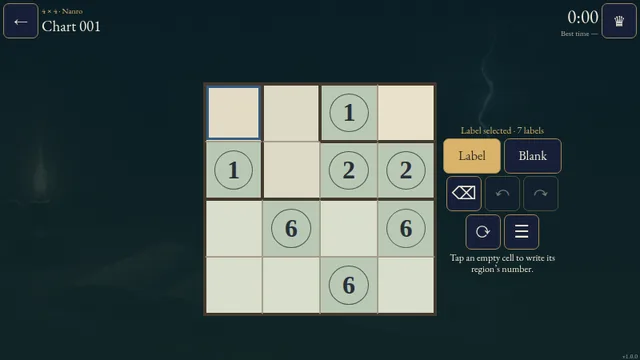
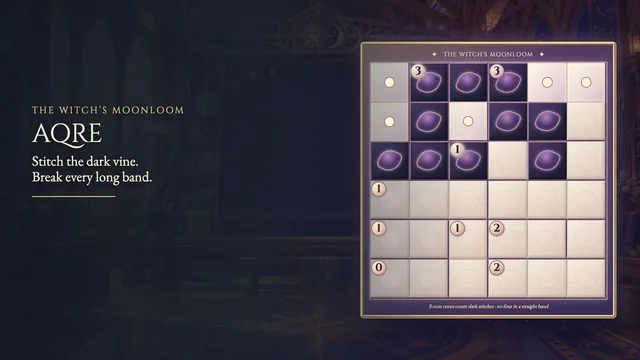
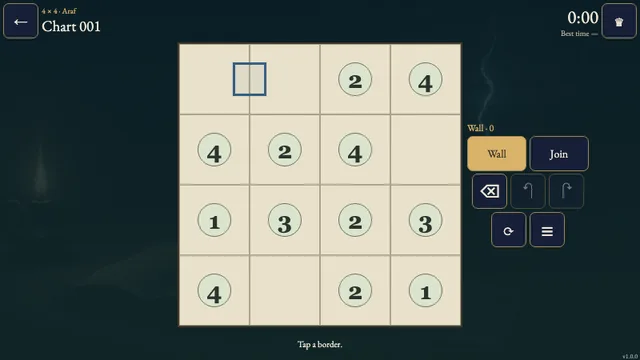
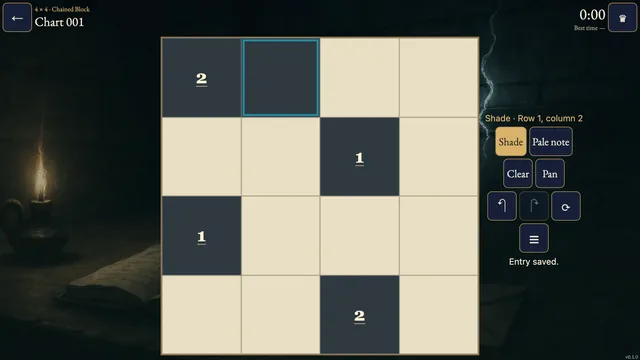
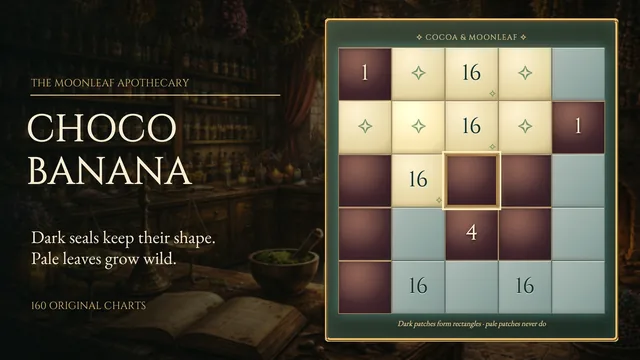
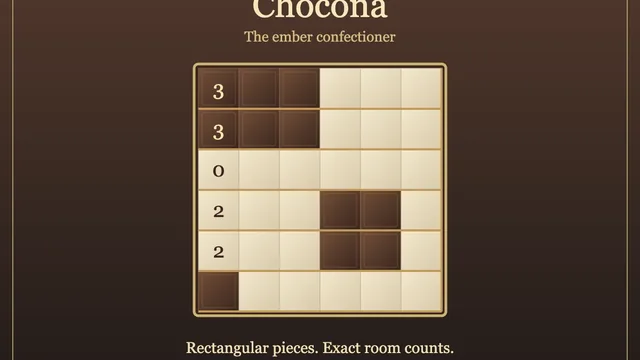
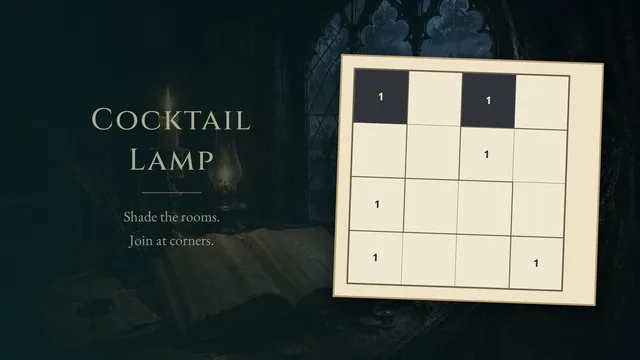
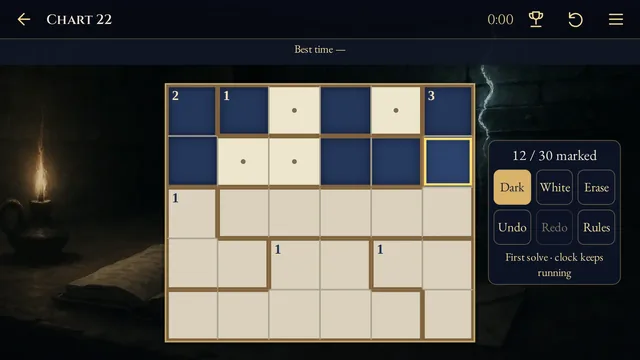
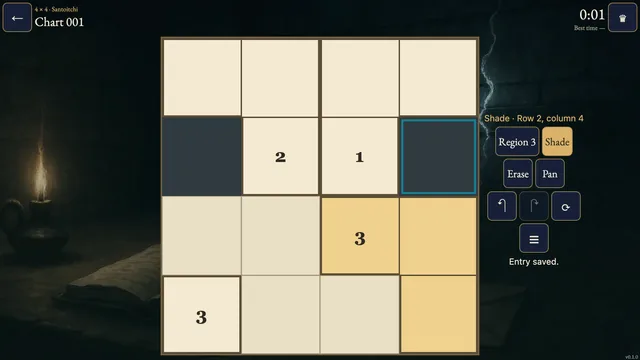
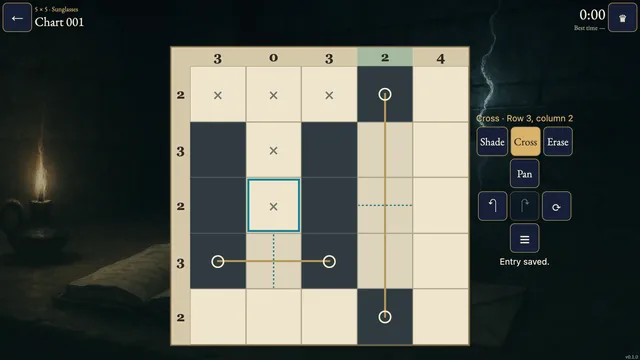
Shade cells into reflected shapes. Every connected ink patch straddles one straight border between two rooms, while each room’s number sets its total shaded cells.
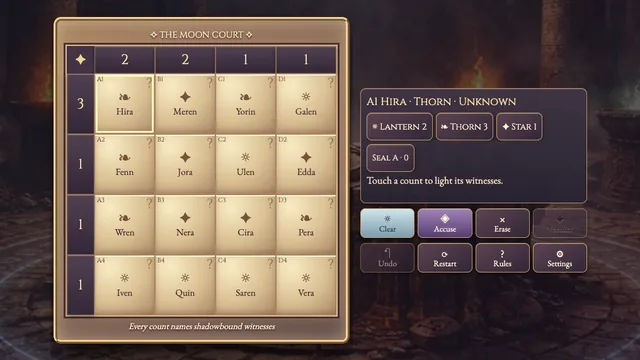
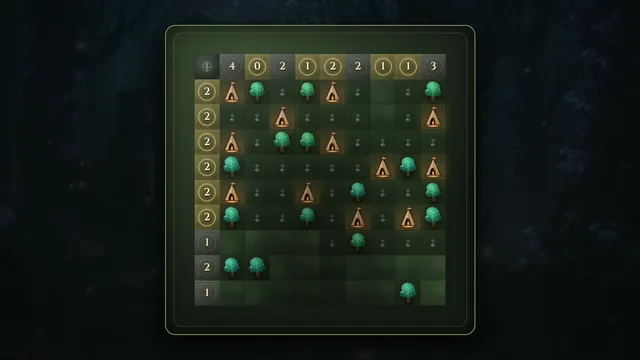
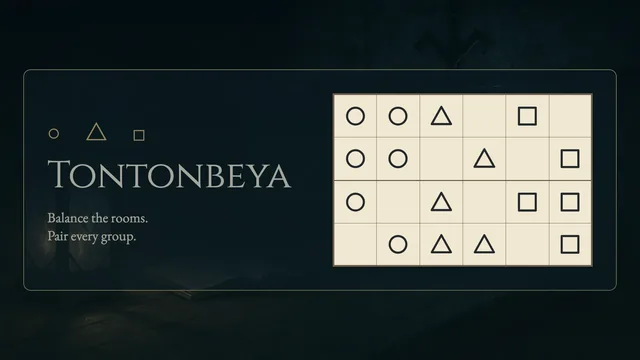
Choose from 160 original puzzles on 4×4, 5×5 and 6×6 grids. A room can share several separate patches with different neighbors; each chart has one answer.
How to play
- Goal
- Ink mirror-symmetric patches across room borders and match every room total.
- How it ends
- Each patch reflects across one straight border between two rooms; every room total matches.
- Record
- The fastest first unaided solve of each puzzle is recorded.
- Choose Ink and tap or drag to shade cells. A patch is a group of shaded cells connected horizontally or vertically.
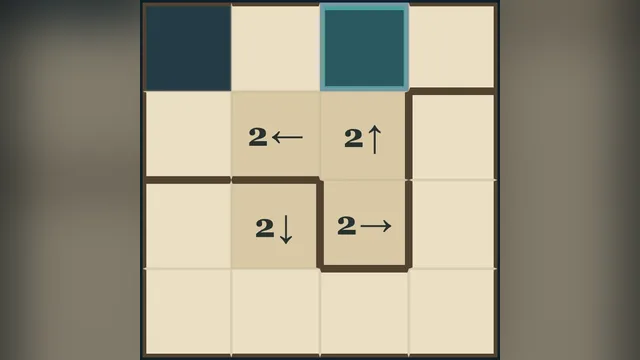
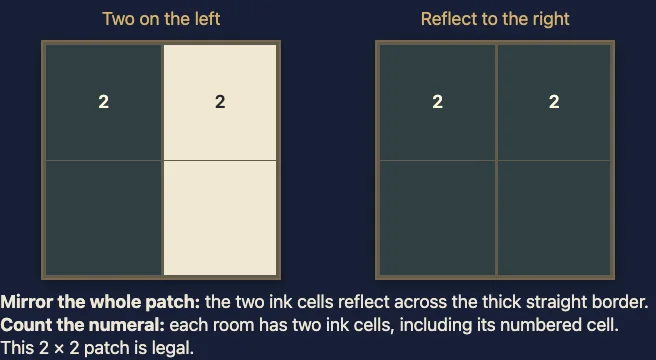
- Each patch must occupy exactly two rooms across one straight border. Reflecting the whole patch across that border must reproduce the same shape.
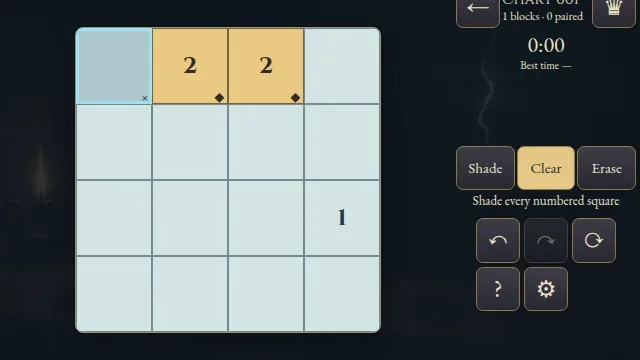
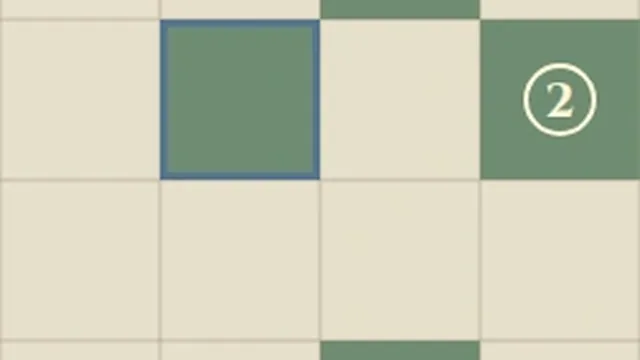
- A room’s number counts all its shaded cells, including the numbered cell itself when shaded. Unnumbered rooms have no required total.
- Separate patches may touch at corners. A room may contain several patches. Shaded 2×2 squares are allowed, and the unshaded cells need not connect.
- Cross adds optional notes; Erase removes marks. Undo and Redo restore whole strokes. Pan moves a chart larger than its frame.
- Match every room total and make every patch reflect to finish automatically. You do not need to cross every unshaded cell.
Controls
| Input | Action |
|---|---|
| Ink / Cross / Erase, then tap or drag | Shade cells, add optional crosses or erase |
| Right click | Toggle a Cross note |
| Pan, then drag | Move a chart larger than its frame |
| Arrows + Enter / Space | Move the cell cursor and apply the chosen tool |
| 1 / 2 / 3 | Choose Ink / Cross / Erase |
| Z / Y / R | Undo / Redo / request Restart |
| Escape | Cancel, close or go back |
| D-pad + A / B | Move and apply / cancel or go back |
| Shoulders / X / Y / Start | Cycle tools / Erase / Undo / Settings |
Tips
- Reflect across the border A shaded cell needs its matching cell on the opposite side of the patch’s straight seam.
- Count the whole room A room total includes every patch in that room, not just its largest patch.
- Keep patches separate Joining two shapes can make one patch cross extra rooms or lose its reflection. Use optional crosses to remember cells you have ruled out.
Good to know
Progress saves in this browser. The first clock starts when you open a chart and continues through menus and Restart. Reloaded attempts and changed clocks stay local. Practice keeps your original finish. Music and Effects have separate switches. Shelves describe grid size, not difficulty.
Watch how to play
Questions
Can I shade a number?
Yes. A numbered cell counts toward its room total just like any other cell.
Are shaded 2×2 blocks allowed?
Yes, when the patch reflects correctly across one straight room border.
Must the white cells connect?
No. Only the shaded patches have connectivity and reflection rules.