About Rekuto
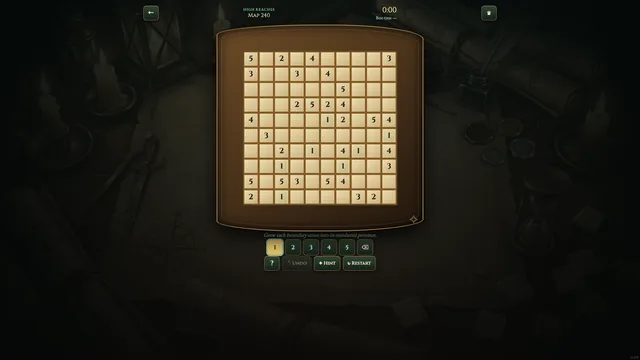
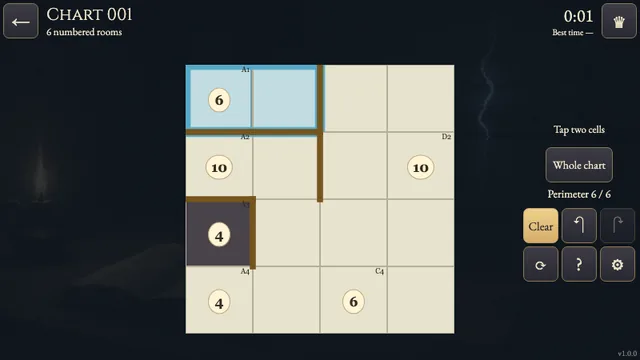
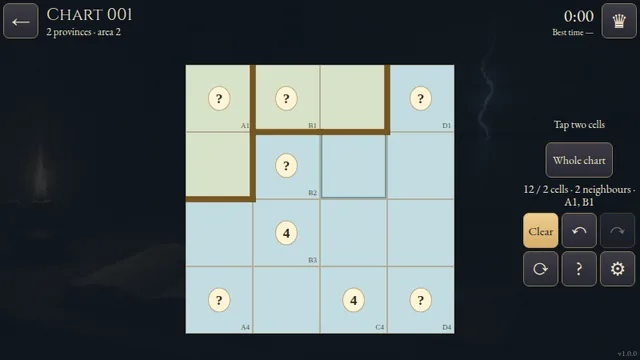
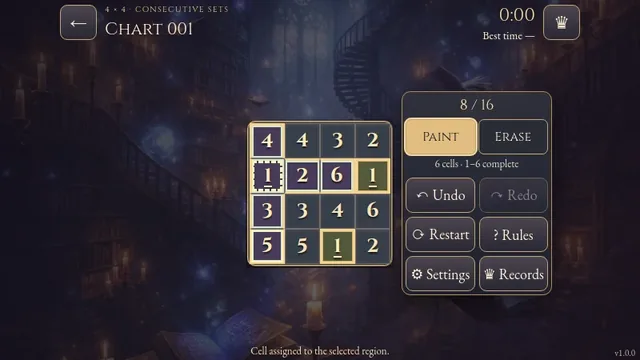
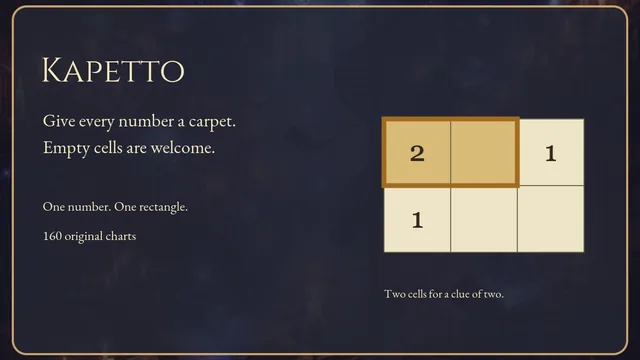
Turn a parchment grid into rectangular plots. Every number gives the sum of its rectangle's width and height, so a long strip and a wider block can share the same clue.
Choose from 160 original puzzles: 40 at 4×4, 60 at 5×5 and 60 at 6×6. Each chart has one complete partition.
How to play
- Goal
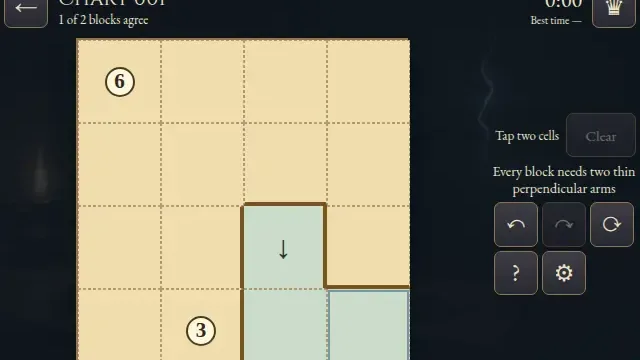
- Cover the grid with rectangles, each containing exactly one number equal to its width plus height.
- How it ends
- A chart is complete when every square belongs to a valid rectangle; you can undo or erase any unfinished placement.
- Record
- Your first solve of each chart is saved in this browser, and verified first solves compete for the fastest time. Later solves are practice.
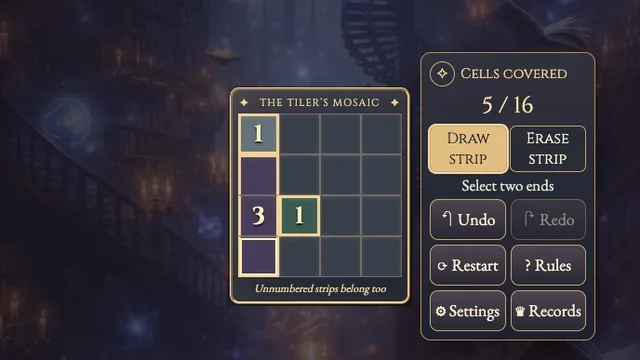
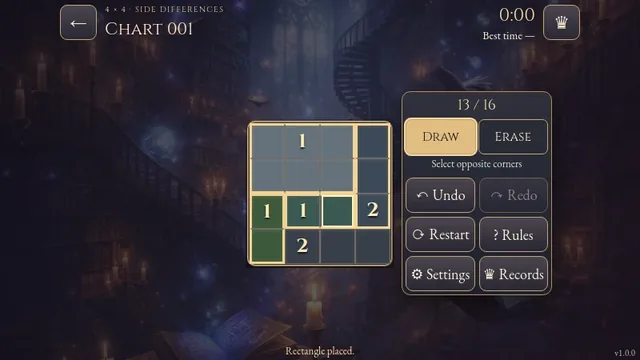
- Choose two opposite corners to draw a rectangle. You can use two taps or drag between the corners.
- Each rectangle must contain exactly one printed number. Its width plus height, measured in cells, must equal that number.
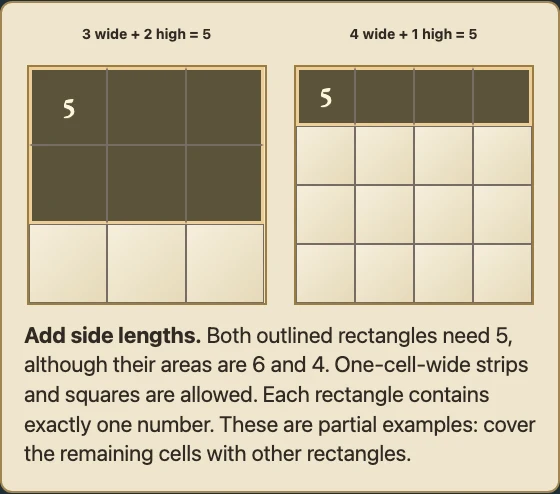
- A 3-cell-wide, 2-cell-high rectangle needs 5. A 4-cell-wide, 1-cell-high strip also needs 5. Count side lengths, not area or the full perimeter.
- Cover every cell without overlaps. Squares and one-cell-wide strips are allowed.
- Erase removes a whole rectangle. Undo and Redo restore complete edits; Restart asks before clearing your chart.
Controls
| Input | Action |
|---|---|
| Tap two corners or drag | Draw a rectangle |
| Erase; tap a rectangle | Remove that whole rectangle |
| Arrow keys; Enter / Space | Move the cursor; select opposite corners |
| Delete / Backspace; Z / Y | Erase; Undo / Redo |
| Escape | Cancel the draft, close a panel or return to the atlas |
| Controller D-pad / A / X | Move the cursor / select corners / erase |
| Controller shoulders / B / Start | Undo and Redo / cancel or back / menu |
Tips
- List possible dimensions A clue of 5 allows 1×4, 2×3, 3×2 or 4×1. Neighbouring numbers and the grid edge rule out placements.
- Watch uncovered cells A rectangle that fits its number can still leave a cell with no possible owner. Undo it and try another shape.
Good to know
Progress and Undo history save in this browser. The first clock starts when a chart opens and continues through menus and Restart. Reloaded attempts continue locally without a ranked time; completed charts reopen as practice. The shelves describe grid size rather than difficulty.
Watch how to play
Questions
Does the number mean area?
No. Add width and height. A 2×3 rectangle needs 5, although it covers 6 cells.
May rectangles touch?
Yes. They may share sides or corners. They must cover every cell without overlapping.