How to play
- Goal
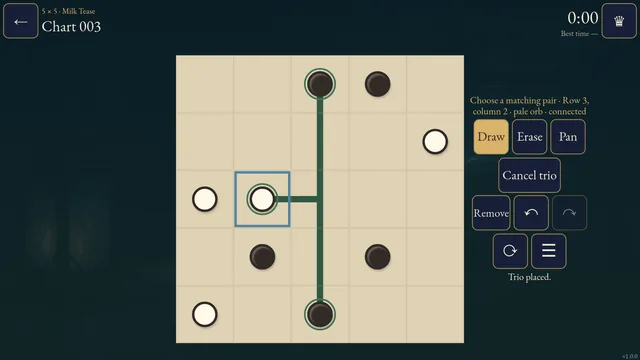
- Move every circle the required distance along a separate straight track so the final circles have half-turn symmetry about the board centre.
- How it ends
- Every circle has a valid destination and the final arrangement matches after a half-turn; unused cells remain empty.
- Record
- Your first uninterrupted unaided completion time is kept for each chart; completed charts reopen as untimed practice.
- Select a printed source circle, then tap or drag to its destination along a straight horizontal or vertical track. Selecting another printed source switches circles.
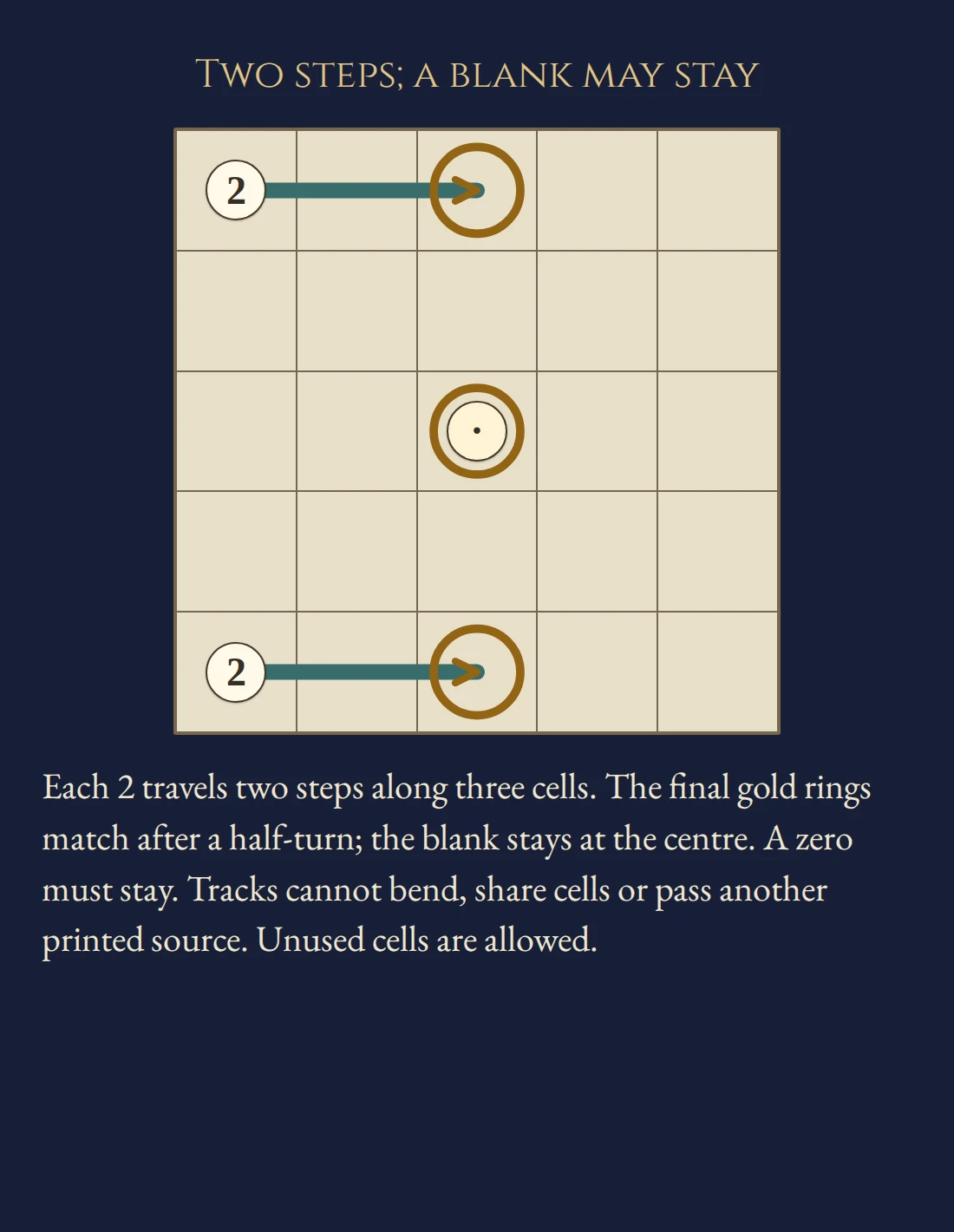
- A number counts cell steps, excluding the source. Zero stays. A blank can move any distance or stay; tap a selected source again to confirm staying.
- Tracks cannot bend, share a cell, cross or pass another printed source, even after that circle has moved. Original source labels remain visible.
- Only final circle positions must match after a half-turn. Labels and tracks need not match. A central circle can match itself; unused cells are allowed. Invalid previews do not change your entries.
Controls
| Tap / click / drag | Select a source and place its destination |
|---|---|
| Arrows + Enter / Space | Move the cursor and select or place |
| Remove / Delete | Remove the selected track |
| Z / Y / R | Undo / Redo / open Restart confirmation |
| Pan / P | Move a large chart without changing entries |
| Whole chart | Open a read-only overview from the chart menu |
| Escape | Cancel a stroke or selection, close a dialog or return to the atlas |
| Controller | D-pad move; A select/place; X remove; Y Undo; shoulders Draw/Pan; B back; Start settings |
Tips for Bonsan
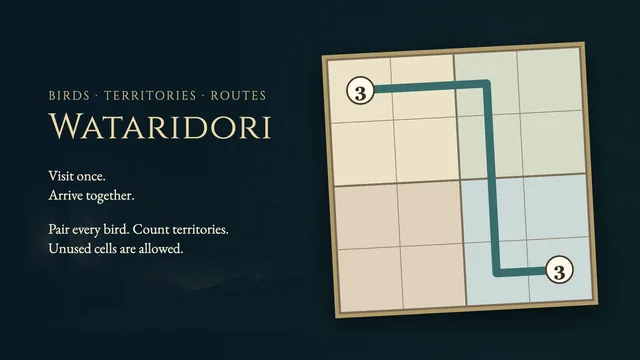
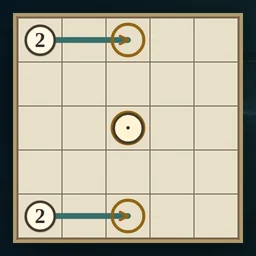
- Count steps The guide circles numbered two each move across three cells: source plus two steps.
- Check the opposite cell A preview highlights its computed counterpart across the board centre.
- Keep original sources clear Moving a circle never opens its original source to another track.
Questions about this game
Must I fill every cell?
No. Place every circle correctly; unused cells are allowed.
Do labels and tracks need symmetry?
No. Only final circle positions must match after a half-turn.
What does a blank mean?
It can move any straight distance or stay. All separation and symmetry rules still apply.
Are shelves difficulty levels?
They describe four sizes, from 5×5 to 8×8, with 24 charts each. No human difficulty ranking is promised.
Does Restart reset the clock?
It clears entries while retaining the original first-solve clock. Undo restores the cleared position.
What happens on replay or reload?
Completed charts open in untimed Practice. Reloaded unfinished charts retain settled tracks and Undo; their time stays local.
Charts and the worked example are original. Settled tracks and Undo save in this browser; unfinished previews do not. The first clock starts when a chart is selected. Reloaded attempts and detected clock or suspension discontinuities stay local. Unsafe storage is reported in-game. This is an independent implementation of Bonsan puzzle rules.
Watch how to play
About Bonsan
S
l
i
d
e
c
i
r
c
l
e
s
a
l
o
n
g
s
e
p
a
r
a
t
e
s
t
r
a
i
g
h
t
t
r
a
c
k
s
u
n
t
i
l
t
h
e
i
r
f
i
n
a
l
p
o
s
i
t
i
o
n
s
m
a
t
c
h
a
f
t
e
r
a
h
a
l
f
-
t
u
r
n
.
S
o
l
v
e
9
6
o
r
i
g
i
n
a
l
u
n
i
q
u
e
c
h
a
r
t
s
a
c
r
o
s
s
f
o
u
r
o
p
e
n
s
i
z
e
s
.