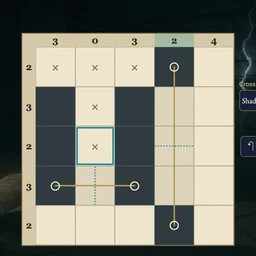
About Sunglasses
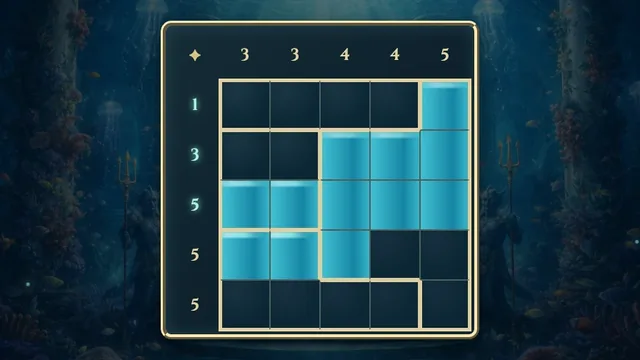
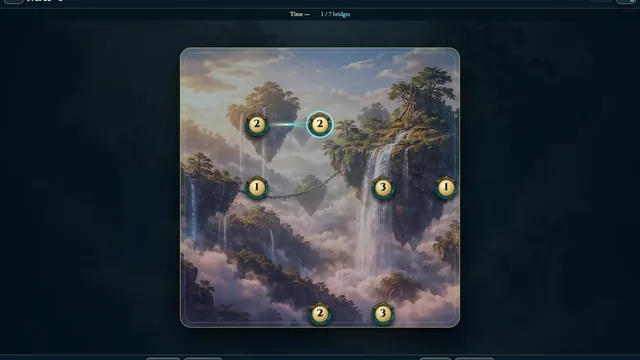
Build matching shaded lenses around the ends of each bridge. The pair reflects across the dashed midpoint axis, while row and column clues constrain its outline.
Choose from 422 original puzzles in four open size shelves, from 5×5 to 8×8. Each chart has one answer; crossing out clear squares is optional.
How to play
- Goal
- Shade two reflected lenses for every bridge.
- How it ends
- Keep every lens separate and meet all shaded-square line counts.
- Record
- The fastest first unaided solve of each puzzle is recorded.
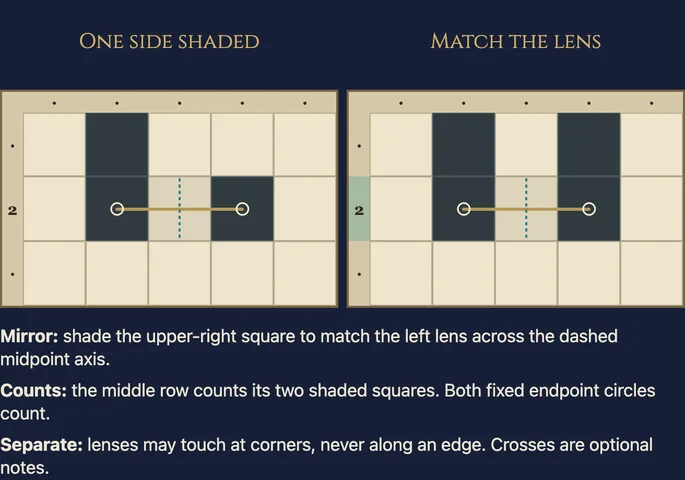
- Shade two separate, edge-connected lenses for every bridge. Each lens contains exactly one bridge endpoint; every shaded square belongs to a lens.
- Reflect a whole lens across the dashed axis halfway between the bridge endpoints to obtain its partner. The reflection axis is perpendicular to the bridge, including on diagonal bridges.
- Bridge endpoints are fixed shaded squares. Squares crossed by the interior of a bridge stay clear. Separate lenses may touch at corners but cannot share an edge.
- Numbers beside rows and columns count all shaded squares, including fixed endpoints. A dot means that line has no given count.
- Choose Shade, Cross or Erase, then tap or drag. Undo and Redo change whole strokes. The chart finishes when the shading fits every rule; crosses are optional.
Controls
| Input | Action |
|---|---|
| Shade / Cross / Erase, then tap or drag | Mark editable squares |
| Pan, then drag | Move a larger chart inside its panel |
| Arrows / Space or Enter | Move the cell cursor / apply the selected tool |
| 1 or S / 2 or C / 3 or E / P | Choose Shade / Cross / Erase / Pan |
| Ctrl or Cmd+Z / Shift+Ctrl or Cmd+Z | Undo / Redo |
| Escape | Cancel a stroke, close a dialog or return to the atlas |
| D-pad / A / X | Move the cursor / apply or confirm / choose Cross |
| Left shoulder / right shoulder / Y / Start | Undo / Redo / How to play / Settings |
Tips
- Start with restrictive counts A zero line stays clear. A nearly full line can constrain both a lens and its reflected partner.
- Use the midpoint axis The bridge connects the two lenses; the dashed perpendicular line shows the axis of reflection.
- Keep pairs separate Diagonal contact is allowed. Shading an edge between two endpoint-bearing components joins lenses that must remain separate.
Good to know
Progress saves in this browser. Choosing a chart starts its first clock; menus and Restart retain it. Reloads or clock changes make the attempt local only. Practice keeps your original result. Music and Effects have separate switches.
Watch how to play
Questions
Must I cross out every clear square?
No. Crosses are optional notes. A valid shaded pattern finishes the chart.
Can lenses touch at a corner?
Yes. Different lenses may meet diagonally, but they cannot share an edge.
Do counts include bridge endpoints?
Yes. Endpoints are fixed shaded squares and count toward their rows and columns.
Are the shelves difficulty ratings?
No. They group charts by size. Within a size, the order is mechanical rather than a human difficulty rating.