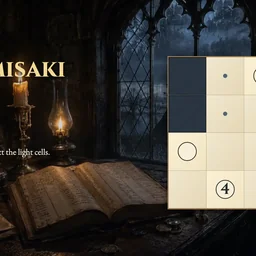
About Nurimisaki
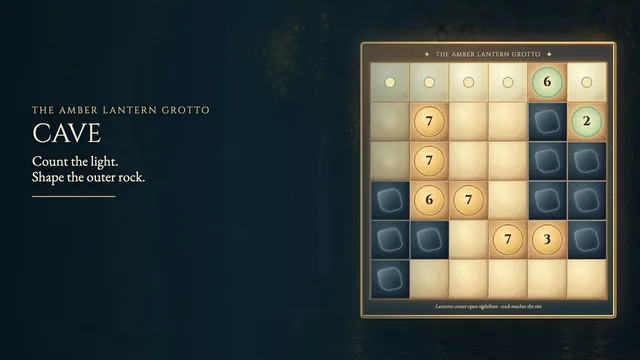
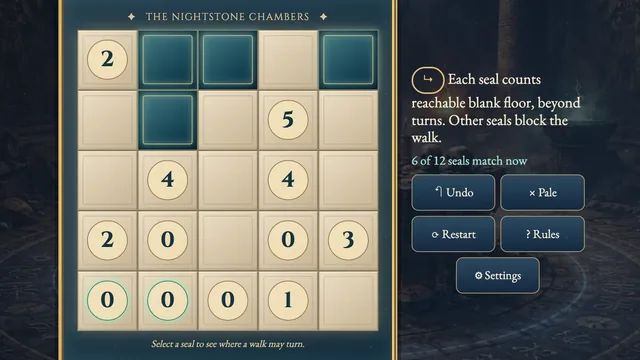
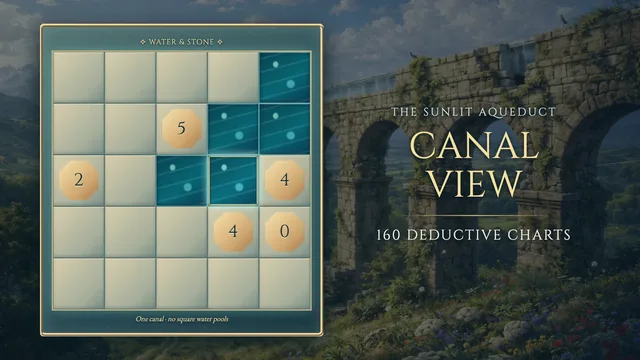
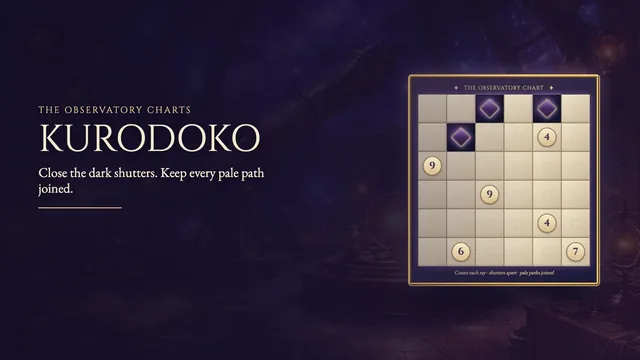
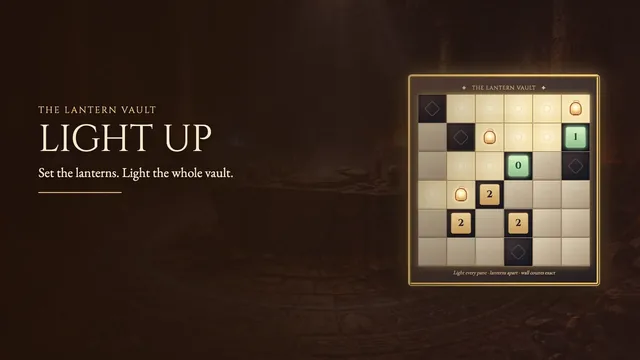
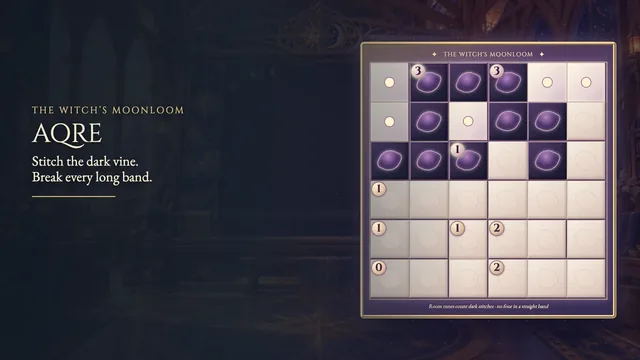
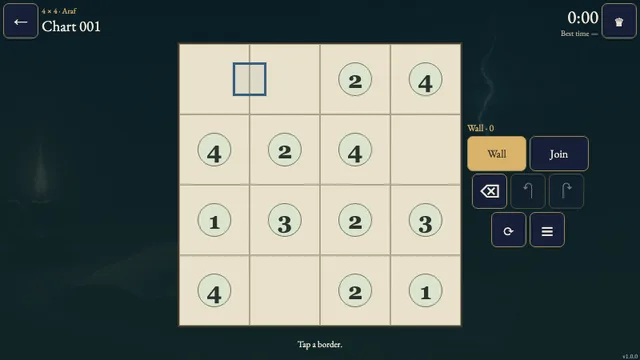
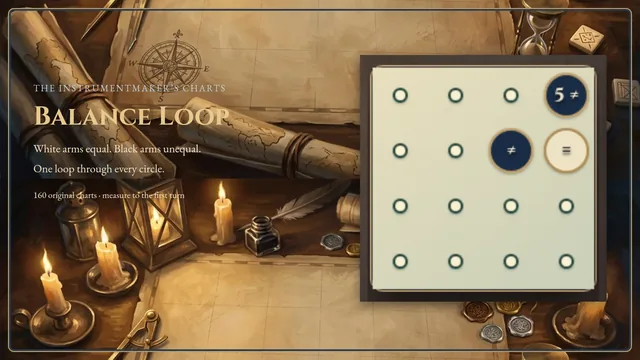
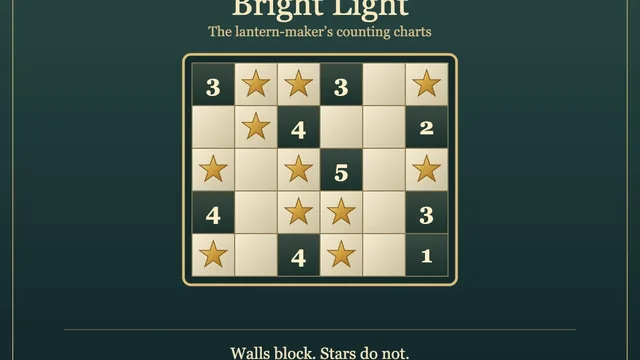
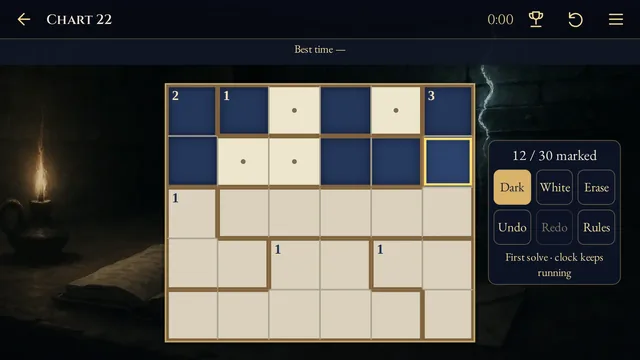
Shade cells around circled tips, then join the remaining light cells into one network. Each circle marks a dead end, and numbered circles tell you how far a straight light run extends.
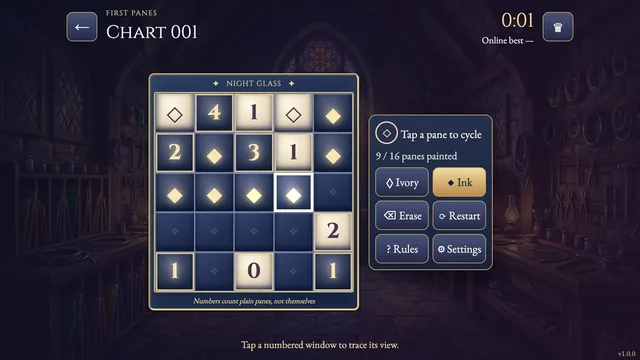
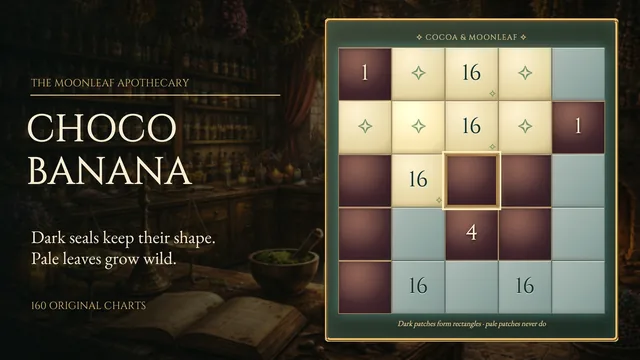
Solve 160 charts from 4×4 to 7×7 on a lamplit writing desk. Branches and loops are welcome, but neither colour may form a solid two by two square.
How to play
- Goal
- Connect all light cells. Circles mark every dead end; numbered circles count a straight light run including themselves. Neither colour may fill a two by two block.
- How it ends
- Decide every editable cell and satisfy all the rules. Marks can always be changed.
- Record
- Your fastest first solve is kept for each chart.
- Choose a chart and select Shade, Light or Erase. Every cell without a circle needs an explicit Shade or Light decision; an untouched cell is unknown.
- Circles are fixed light. Each circle must have exactly one light neighbour through an edge. Every other light cell needs at least two light neighbours.
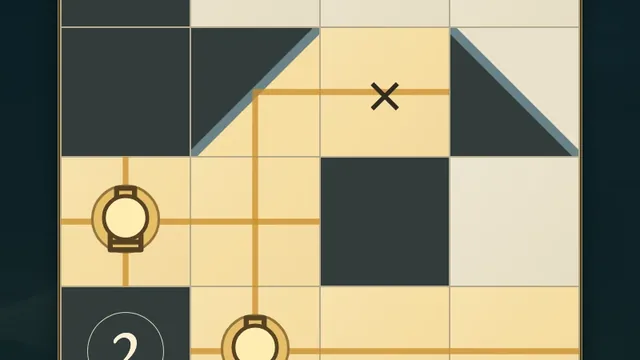
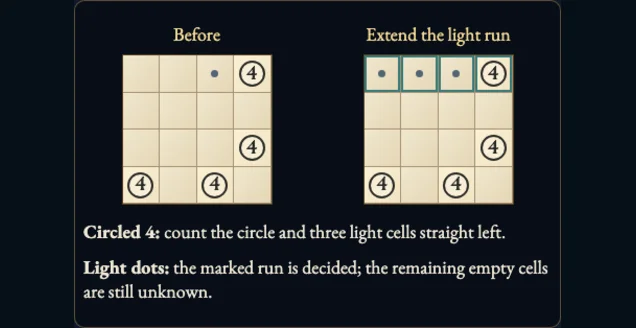
- A numbered circle counts itself and the consecutive light cells straight ahead in its only light neighbour’s direction, stopping at shade or the grid edge. Empty circles have no length clue.
- All light cells must connect through edges. Branches and loops are allowed; you do not need a single simple path.
- No two by two block may be entirely light or entirely shaded. Use Undo to revisit a choice; Restart asks before clearing your editable marks.
Controls
| Input | Action |
|---|---|
| Tap or click / drag | Apply Shade, Light or Erase; drag is one Undo step |
| Right-click a cell | Erase its mark |
| Arrows / Space | Move focus / apply the selected tool |
| S / L / E | Select Shade / Light / Erase |
| X / Delete or Backspace | Mark Light / erase |
| U / Y / R | Undo / Redo / ask to restart |
| Escape | Close a dialog or return to Charts |
| Gamepad stick or D-pad / A | Move focus / activate |
| Gamepad X / LB / RB | Mark Light / Undo / Redo |
| Gamepad B / Start / Back | Return / menu / How to play |
Tips
- Start at the tips A circle has only one light neighbour. A number restricts how long its straight light run can be.
- Check both colours Three matching cells in a two by two block force its fourth cell to use the other colour. Keep the light network connected.
Good to know
Progress stays in this browser. Returning to Charts in the same page keeps the first clock running. Restart keeps that clock and all circles. Reload restores marks as Practice; replay cannot replace your first-solve time. Music and effects have separate switches.
Watch how to play
Questions
Must the light cells form a single path?
No. Branches and loops are allowed. Only circled light cells may be dead ends.
Why is my chart still unfinished?
Every editable cell must be marked Shade or Light, and all rules must hold. Unknown cells are not light marks.