About Double Choco
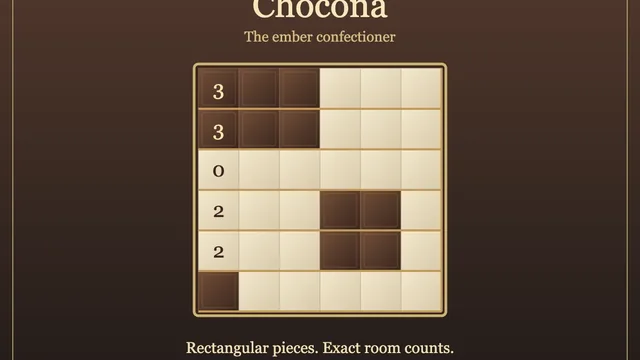
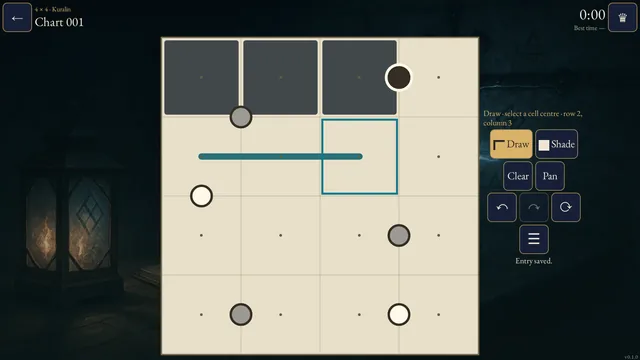
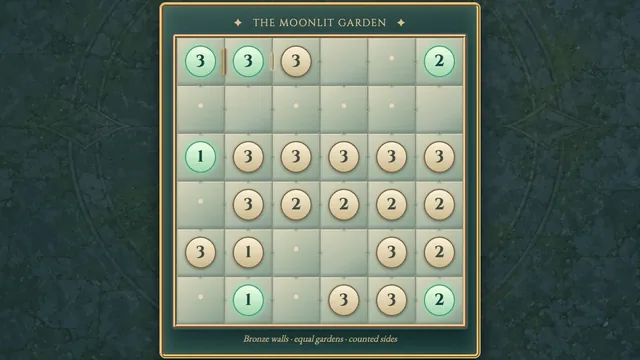
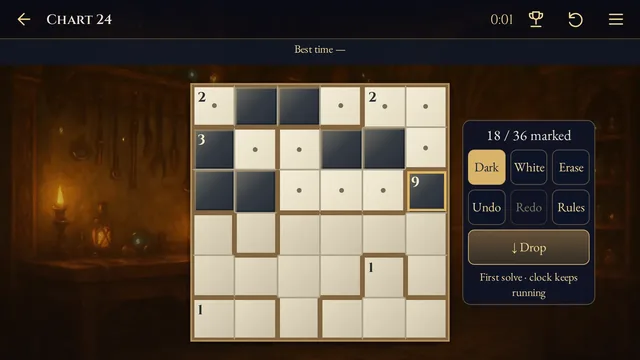
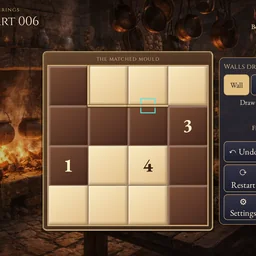
Draw boundaries through a chocolate grid. Each finished block needs a pale half and a dark half with the same shape, even when one is turned or reflected.
Choose from 96 original puzzles across four open shelves, from 4×4 to 6×6. Every puzzle has one answer and can be solved by deduction.
How to play
- Goal
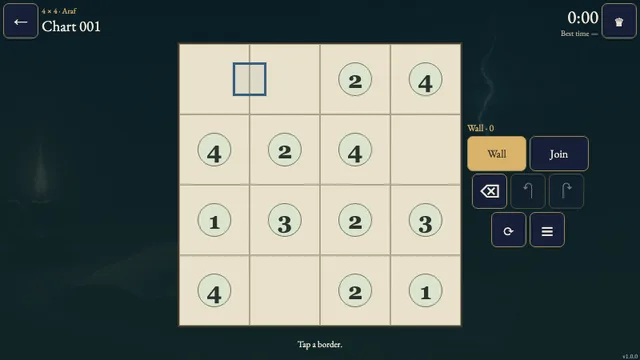
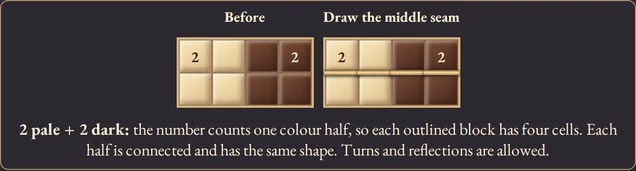
- Divide the grid into blocks. Each block has connected pale and dark halves with matching shapes; turns and reflections are allowed. A number counts the cells in one half.
- How it ends
- Every cell belongs to a valid block. Clear and Undo repair your walls.
- Record
- Your first solve keeps its time. Replays and attempts reopened after a reload are practice.
- Divide every cell into blocks by drawing walls between neighbouring cells. The outside border is already closed.
- Each block contains a nonempty, side-connected pale half and a nonempty, side-connected dark half. Both halves must have the same shape; turns and reflections are allowed.
- A number gives the number of cells in one colour half, not the total block size. Every number in a block must agree. Blocks may contain several matching numbers or no number.
- Neighbouring blocks may have the same size. Do not leave extra walls inside a block.
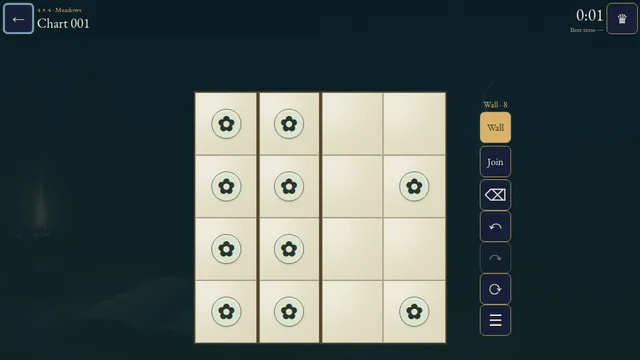
- Choose Wall and tap or drag along boundaries. Join marks a boundary as open for your notes; it is optional. Clear removes marks. Undo reverses a whole stroke.
Controls
| Input | Action |
|---|---|
| Tap or drag a boundary | Apply Wall, Join or Clear |
| W / J / C | Choose Wall / Join / Clear |
| Arrows + Enter / Space | Move between boundaries and apply the tool |
| Delete / Backspace | Clear the focused boundary |
| Z / Y / Shift+Z | Undo / Redo / Redo |
| R | Open Restart confirmation |
| Escape | Close a dialog or return to the atlas |
| Connected controller | Directions move focus; A applies, B returns, X changes tools, Y or LB undoes, RB redoes, Start opens Settings |
Tips
- Count one half A clue of 3 needs three pale cells and three dark cells in its block.
- Compare shapes Equal cell counts are only the start. Check whether turning or reflecting one connected half makes it fit the other.
Good to know
Progress saves in this browser. The first clock starts when you choose a chart and continues through menus and Restart. Reloads, browser suspension or clock changes make an attempt practice. If saving fails, play remains available but the result cannot enter the records. Music and Effects have separate switches.
Watch how to play
Questions
Can a block have no number?
Yes. It still needs connected pale and dark halves with matching shapes.
Can two numbers share a block?
Yes, if they agree and each counts the cells in one half.