About Jemini
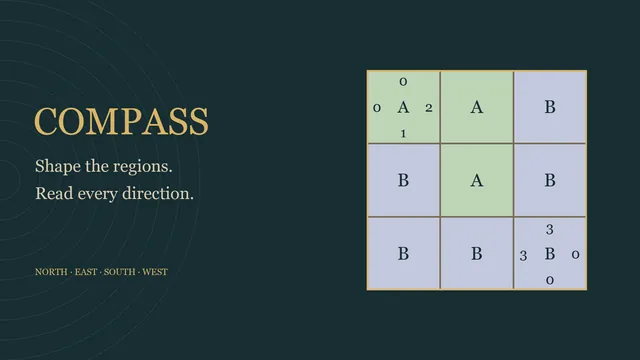
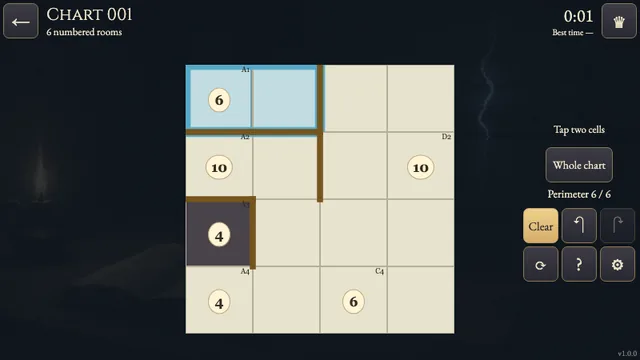
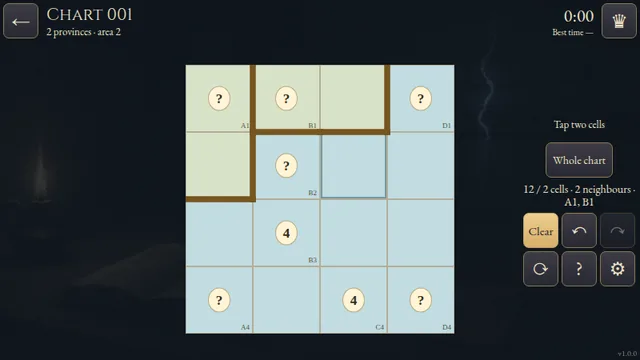
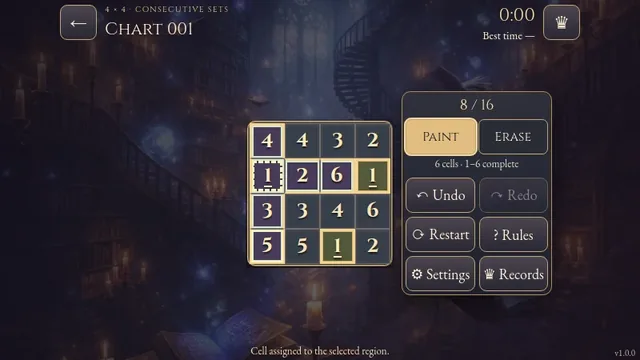
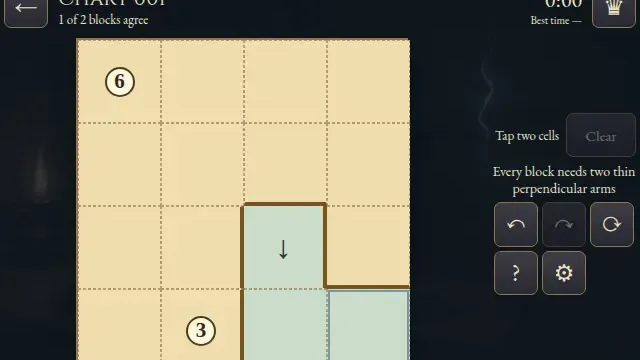
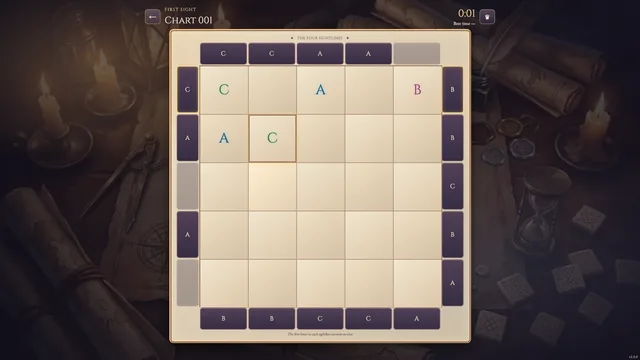
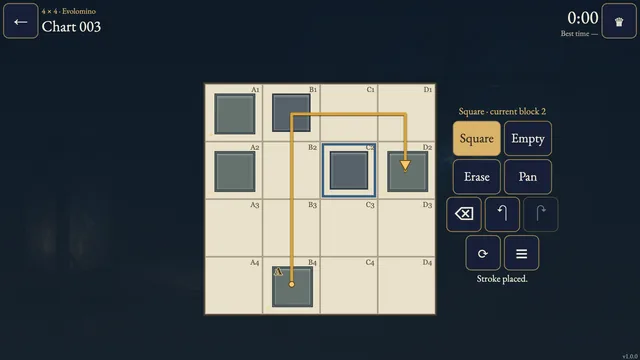
Divide a paper grid into lettered regions. Choose a letter, draft its cells and commit the whole shape. Matching letters must become translated copies, with their letters in matching positions.
Seven compact puzzles explore repeated shapes, unequal regions and interlocking bends. Different letters can use rotated shapes; when their shapes have the same orientation, their letter positions must match too.
How to play
- Goal
- Divide every cell into connected regions with exactly one letter. Repeated letters need the same shape, orientation and letter position.
- How it ends
- Every cell belongs to a legal region. Mistakes can be undone.
- Record
- Your unaided first solve sets the time record. Returning to Charts keeps that clock running; reloading or restarting makes the attempt practice.
- Choose a letter, then tap cells or drag through side-adjacent cells to draft its region. Commit keeps it; Cancel discards only the draft. Cover every cell with exactly one region, each containing exactly one printed letter.
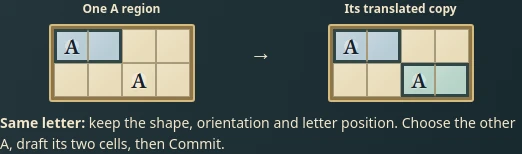
- Repeated letters need identical shapes, orientations and letter positions. Moving the whole shape is allowed; rotating or reflecting a repeated-letter shape is not.
- Regions with different letters may use rotated or reflected shapes. If two regions have the same shape and orientation, their letters must occupy the same relative position.
- Compare shows your entered shapes and letter anchors without supplying an answer. Erase removes a whole region. Undo and Redo reverse edits; Restart clears marks after confirmation and makes the attempt practice.
Controls
| Input | Action |
|---|---|
| Tap / click a letter, then cells | Start and edit a tentative region |
| Drag across cells | Add or remove cells from the draft |
| Commit / Cancel | Keep the whole region or discard its draft |
| Arrows; Enter | Move the cell cursor; select or edit |
| Delete / Backspace | Erase the selected whole region |
| Ctrl/Cmd+Z; Ctrl/Cmd+Shift+Z | Undo; Redo |
| Escape | Cancel a draft, close a dialog or return to Charts |
| Gamepad | D-pad moves, A selects, X commits, Y erases, shoulders undo/redo, B cancels/returns and Start opens the menu |
Tips
- Translate from the letter Compare which cells lie above, below, left and right of each matching letter.
- Use the frame A matching copy cannot extend beyond an edge or through another letter.
- Check the anchor Two equally oriented shapes need their letters in the same place, even when the letters differ.
Good to know
Progress saves in this browser. Returning to Charts keeps an uninterrupted first clock running; reloading or restarting makes the attempt practice.
Watch how to play
Questions
Can different letters use the same shape?
Yes. If the shapes have the same orientation, their letters must occupy the same relative position. Rotated or reflected shapes are also allowed for different letters.
Does each letter prescribe an area?
No. A region may contain one cell or several; it must remain connected and obey both matching rules.
Can I improve my time by replaying?
No. Only your unaided first solve can claim the time record. A reloaded or restarted attempt is practice.