About Sto-stone
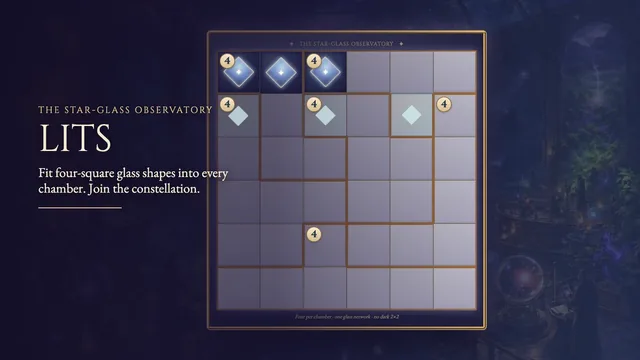
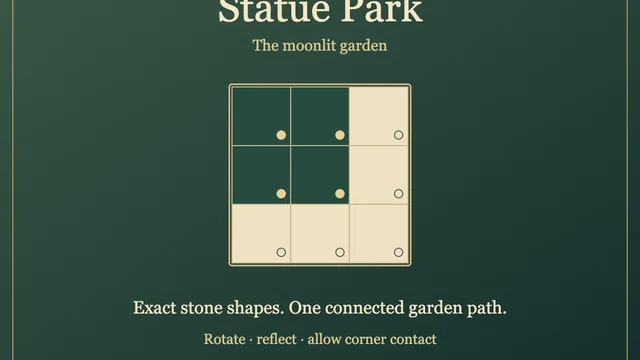
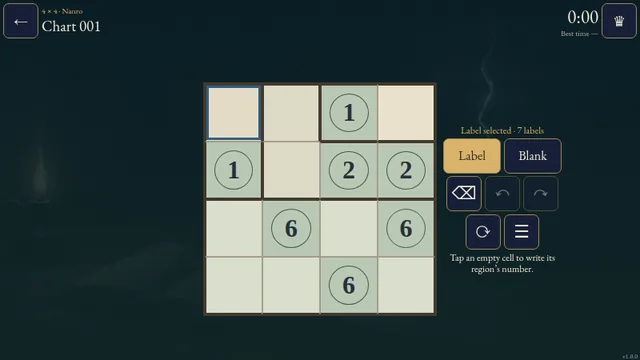
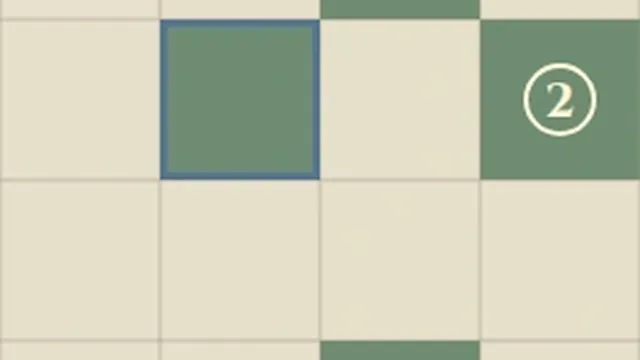
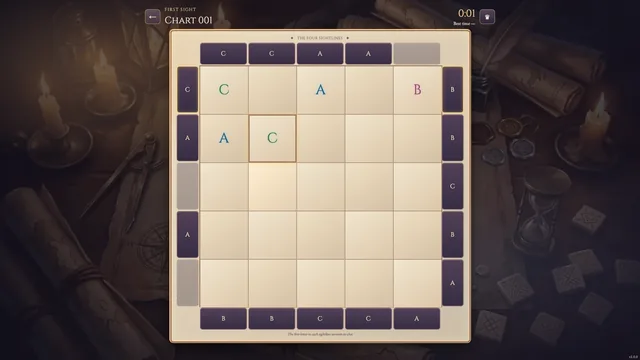
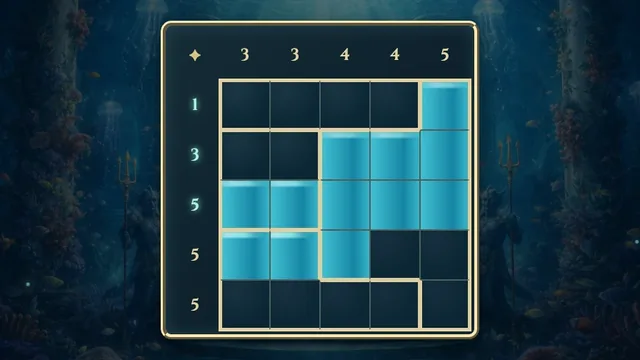
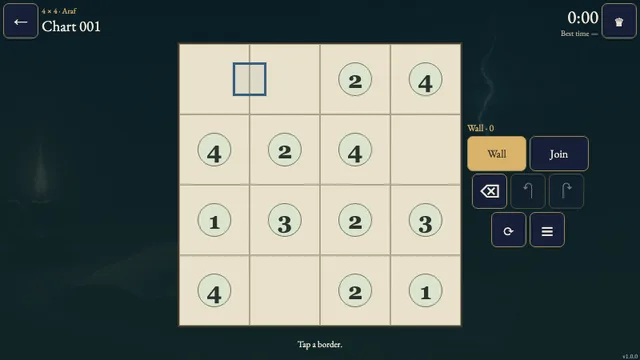
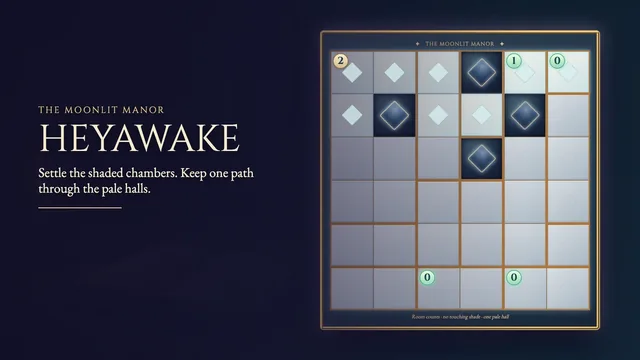
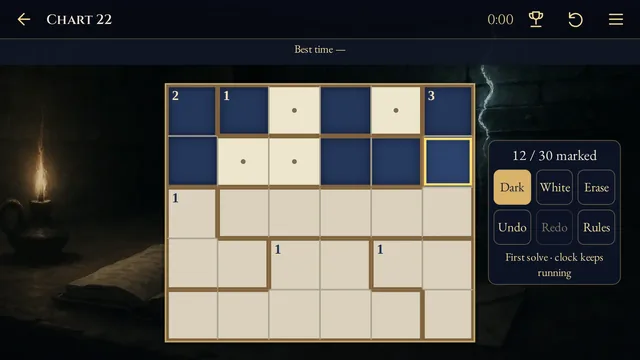
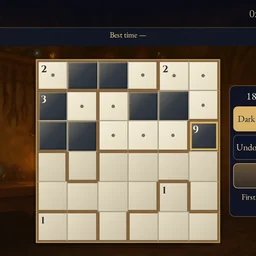
Shade one connected stone in each outlined room. Each stone keeps its shape as it falls straight down, and together they must pack the bottom half of the board.
Work through 24 original charts, from small four-by-four tablets to six-by-six boards. Use Drop to inspect your construction, then return to your marks and revise it.
How to play
- Goal
- Shade one connected stone in every room. Its number gives the stone’s area.
- How it ends
- Decide every cell. Stones stay separate across room borders, then fall intact to fill the bottom half.
- Record
- Your first unaided solve time. Drop inspection is allowed; later solves are practice.
- Choose Dark, White or Erase, then tap or drag across cells. Decide every cell as Dark or White to finish. One drag is one undoable stroke.
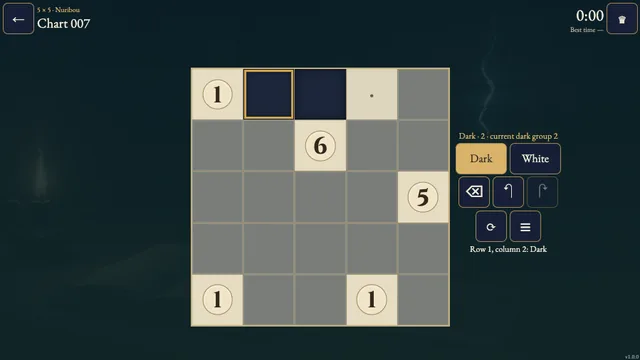
- Each outlined room needs exactly one nonempty group of Dark cells connected through shared sides. A number gives the number of Dark cells in that room. The numbered cell may be Dark or White.
- Stones in different rooms must not share a side. They may touch diagonally. Unnumbered rooms still need a stone.
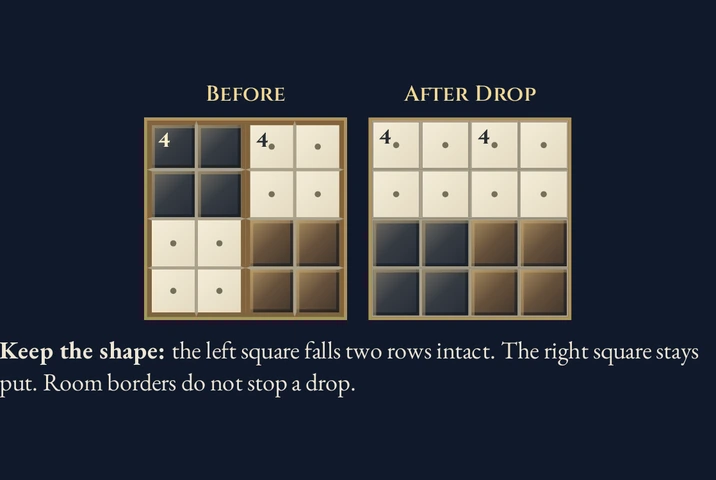
- Press Drop to inspect the fall. Each stone moves straight down as one rigid shape: it never rotates, breaks apart or moves sideways. Room borders do not stop it.
- After all stones stop falling, they must fill every cell in the bottom half, leaving the top half empty. Press Drop again or Escape to return to your marks.
Controls
| Input | Action |
|---|---|
| Mouse / touch | Choose a tool, then tap or drag; right-click marks White |
| Arrow keys / Enter or Space | Move between cells / apply the selected tool |
| 1 / 2 / 0 or D / W / E | Choose Dark / White / Erase |
| Delete or Backspace / Z / Y | Erase the focused cell / Undo / Redo |
| G / R / Escape | Toggle Drop / confirm Restart / close preview or return |
| Gamepad | D-pad move; A apply; X cycle tools; LB/RB Undo/Redo; B back; Y rules; Start menu |
Tips
- Keep the whole shape A tall stone cannot squeeze into a shallow gap by breaking into separate cells.
- Check the support A stone may stop on another stone and leave a hole underneath an overhang. Equal column totals alone do not prove a fit.
- Leave room for every stone An unnumbered room still needs at least one Dark cell, separated from neighbouring rooms’ stones.
Good to know
Progress and Undo stay in this browser. The first clock keeps running through rules, settings, Drop and Restart. Reload restores marks as untimed practice. Unavailable safe storage or clock changes prevent time submission. There is no time limit.
Watch how to play
Questions
Does Drop reveal a solution?
No. It shows how your current stones fall without changing your marks or history. It is allowed during a first solve.
Do room borders stop falling stones?
No. Borders constrain the stones you shade, but they are ignored during the drop.
Does Restart reset my time?
No. It clears marks after confirmation while keeping the original clock. Later completed replays are untimed practice.