About Unlike Mosaic
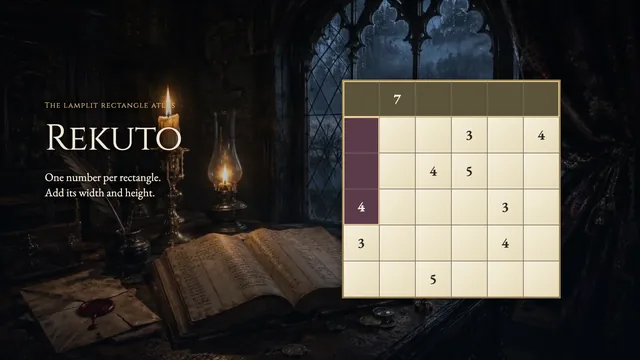
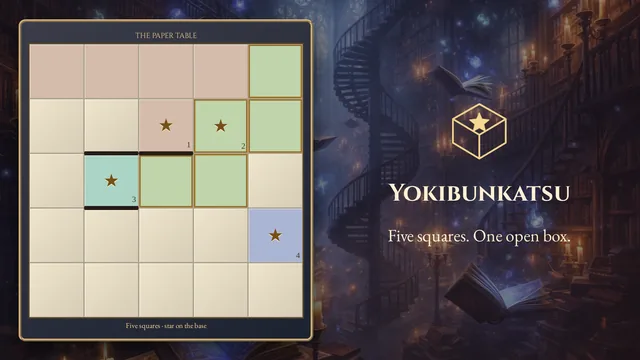
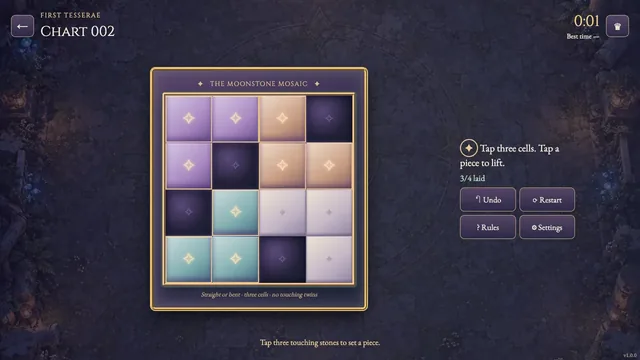
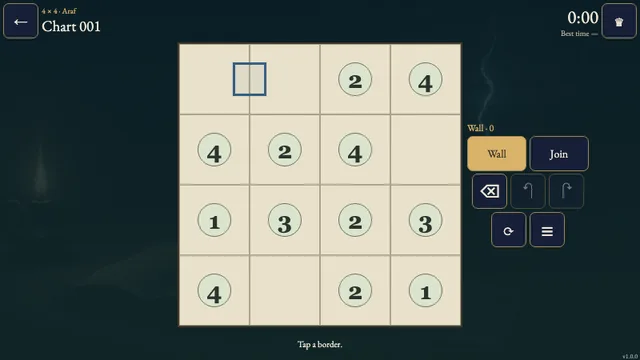
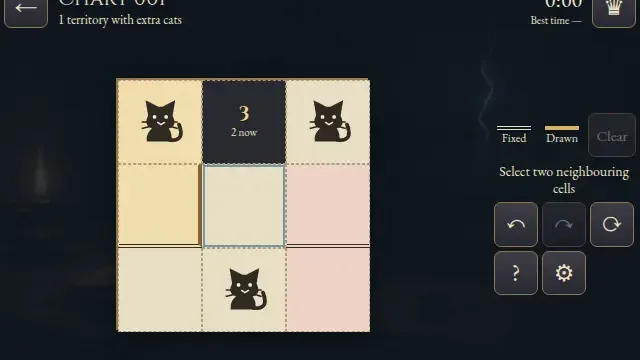
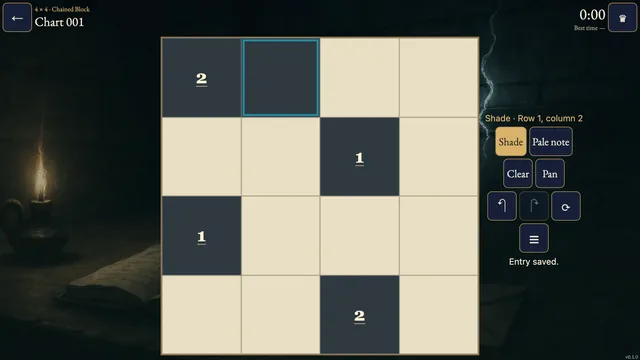
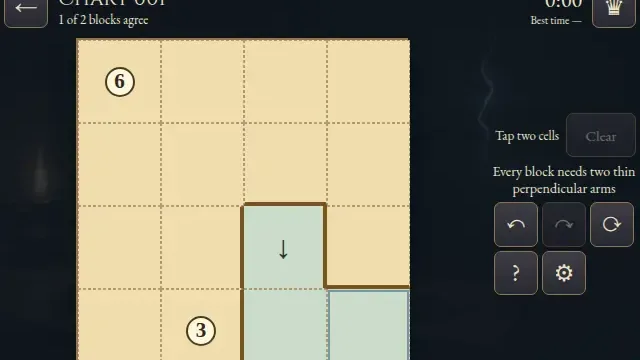
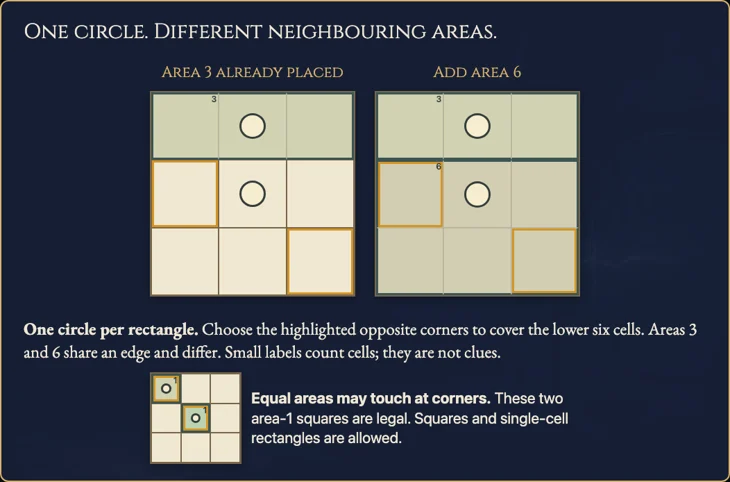
Divide a mosaic into rectangles, each containing one circle. Rectangles sharing an edge must have different areas, so the space around one circle constrains its neighbours.
Choose from 731 original charts in three sizes. Tap opposite corners or drag, compare areas and revise a placement with Undo.
How to play
- Goal
- Cover every open cell with rectangles that each contain one circle and have a different area from every rectangle sharing an edge.
- How it ends
- A chart is complete when every open cell belongs to a valid rectangle; mistakes can always be undone.
- Record
- Your fastest first solve is kept for each chart, and completed charts remain available for untimed practice.
- Cover every open cell with non-overlapping rectangles. Each rectangle must contain exactly one circle.
- Two rectangles sharing any cell edge must have different areas. Area is the number of cells in the rectangle.
- Equal-area rectangles may touch at corners. Squares, single-cell rectangles and thin strips are allowed. Black cells stay outside all rectangles.
- Choose opposite corners or drag to place a rectangle. Remove erases a whole rectangle; Undo and Redo revise one action.
- Complete the chart by covering all open cells. Restart clears the same chart while its first clock continues.
Controls
| Input | Action |
|---|---|
| Mouse / touch | Choose opposite corners or drag; choose the same cell twice for a single-cell rectangle |
| Remove / right-click | Erase the rectangle at the selected cell |
| Pan | Drag the chart without editing |
| Arrows; Enter / Space | Move the cursor; choose or confirm a corner |
| 1; X / E; P; Delete | Select Rectangle; select Remove; select Pan; erase the selected rectangle |
| Z / Y; R; Escape | Undo / Redo; Restart; cancel a corner, close or return |
| Gamepad directions; A; X; Y; LB / RB | Move cursor; choose corners; select Remove; Undo; change tools |
| Gamepad Start; Back; B | Settings; rules; cancel or return |
Tips
- Count cells, not side lengths A 2 × 3 rectangle has area 6. Compare this total with each rectangle sharing its edge.
- Check narrow gaps A black cell or nearby circle can prevent a rectangle from extending farther. Use those limits before committing.
Good to know
Progress and history save in this browser. The first clock starts when a chart opens and continues through menus and Restart. Reloaded unfinished charts retain local progress and timing but cannot rank publicly. Later solves are untimed practice. Music, effects and reduced motion have separate settings.
Watch how to play
Questions
Can equal rectangles touch?
Yes, at a corner. They cannot share a cell edge, even if they have different shapes.
Must a rectangle contain a circle?
Yes, exactly one. A circle does not state the rectangle’s area.
Are squares and single-cell rectangles allowed?
Yes. Every legal rectangle obeys the same circle and neighbouring-area rules.