About Turf
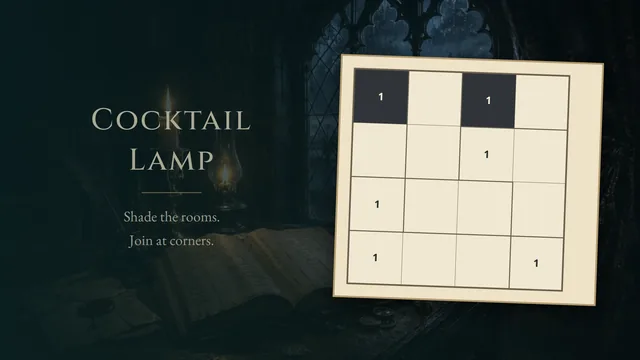
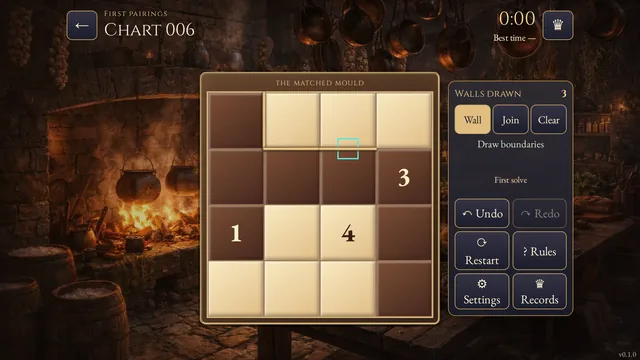
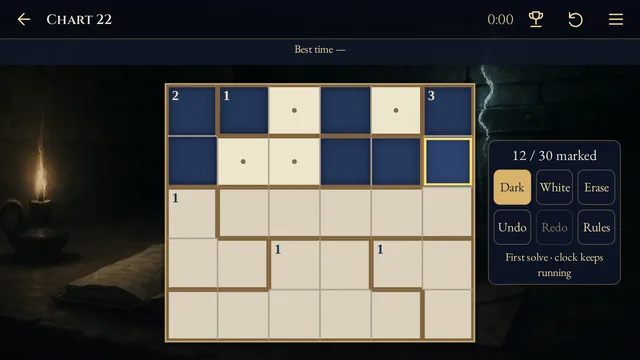
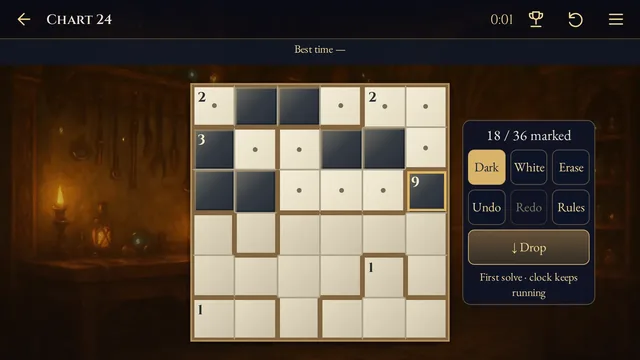
Color a cloth mosaic light or dark. Every connected patch needs an area clue, while the remaining numbers count nearby light cells. Deciding which job a number does is part of the puzzle.
Work through 6 compact boards with optional clue notes and whole-stroke Undo. Each board has one solution.
How to play
- Goal
- Color every cell light or dark.
- How it ends
- Finish when every region has an area clue and every other number correctly counts nearby light cells.
- Record
- The clock starts when a board opens; only a fresh, saved first finish can set its best time, while reloads and restarts stay local.
- Color every cell light or dark. Unknown cells need an explicit color before a board can finish.
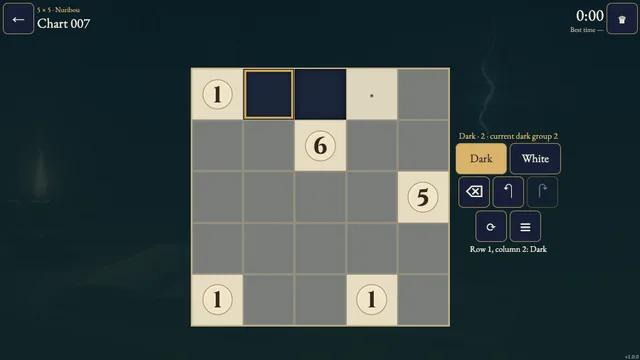
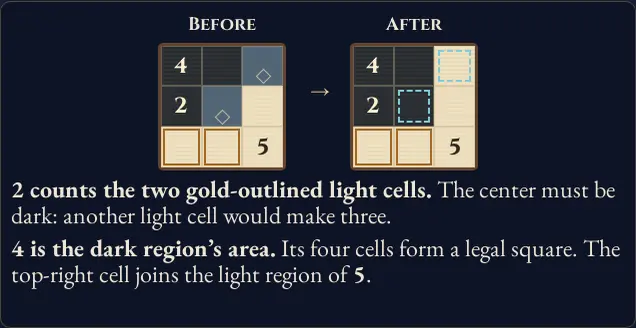
- A region is a group of same-color cells joined along edges. Each region needs at least one number equal to the number of cells in that region. That number acts as an area clue.
- Every other number counts light cells in its surrounding 3×3 square, including itself when light. Count across region borders, but ignore positions outside the board.
- You decide which numbers act as area clues and which count nearby light cells. Area A, Local L and Both A/L are optional notes for your reasoning; the colors determine the answer.
- Choose Dark, Light or Clear, then tap or paint cells. Undo reverses an entire stroke. The board finishes automatically when every cell is colored and all clues satisfy their roles.
Controls
| Input | Action |
|---|---|
| Tap / click a tool, then a cell | Apply the selected color or manual clue note |
| Drag across cells | Paint a stroke; Undo reverses the whole stroke |
| Arrow keys on the board | Move the cell focus |
| Space on a cell | Cycle unknown → light → dark → unknown |
| Tab / Shift+Tab, Enter | Reach and activate tools and dialog controls |
| Escape | Cancel a stroke, open the board menu or close a dialog |
| Gamepad D-pad / stick, A | Move focus and apply the selected tool or activate a control |
| Gamepad LB / RB, X / Y | Cycle tools; Undo / Redo |
| Gamepad Start / Back / B | Open the board menu / rules / back |
Tips
- Count beyond the patch Nearby-light clues count across region borders. A light cell in a different region still counts.
- Use optional notes Mark a suspected area clue with Area A, or a nearby-light clue with Local L. Notes never change the coloring or decide whether the board is complete.
Good to know
Progress and Undo history save on this device when browser storage is available. Only a fresh, saved first finish can set a named best time. Reloads, confirmed restarts and unsaved attempts stay local; replays cannot improve the first time. Sound settings are shared with the site.