About Santoitchi
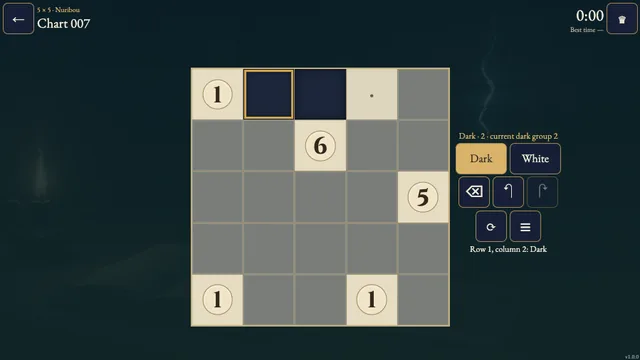
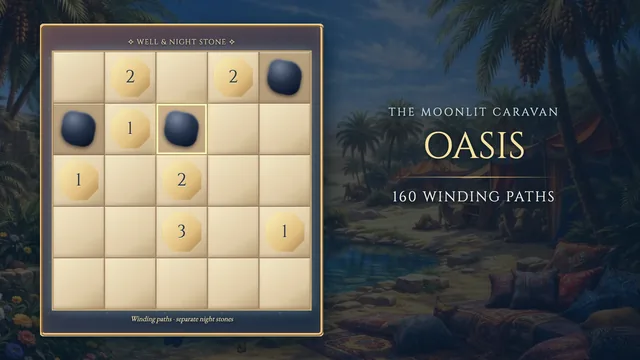
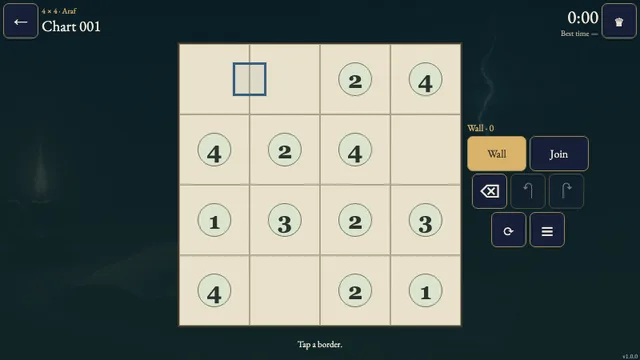
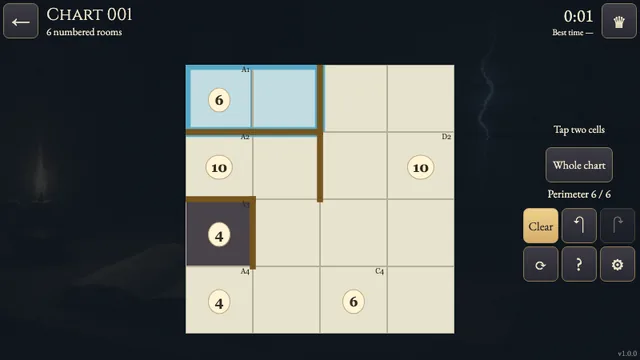
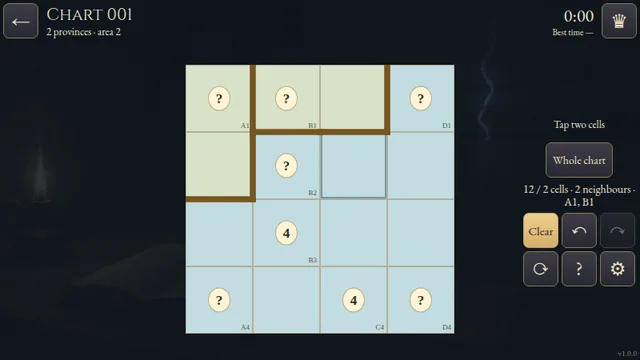
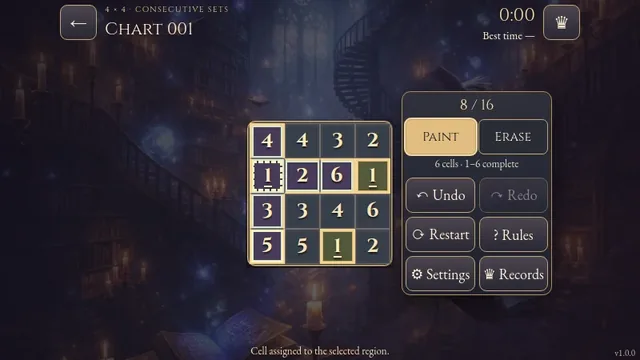
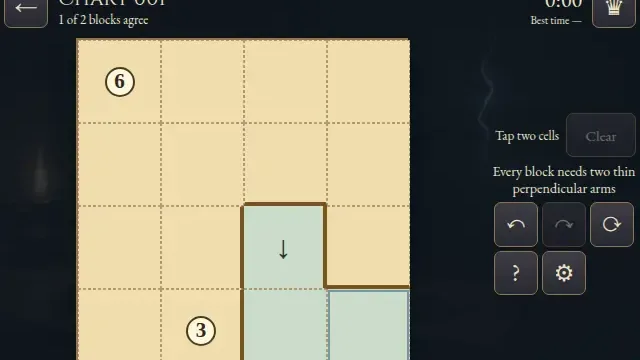
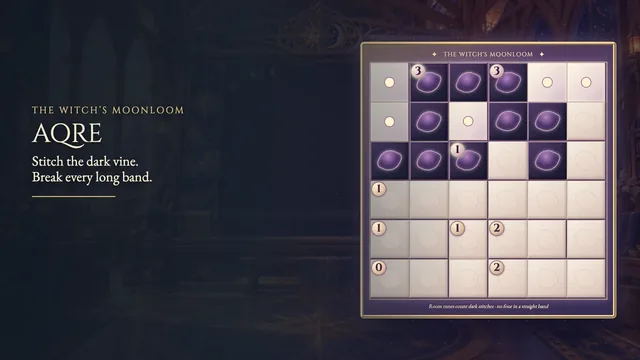
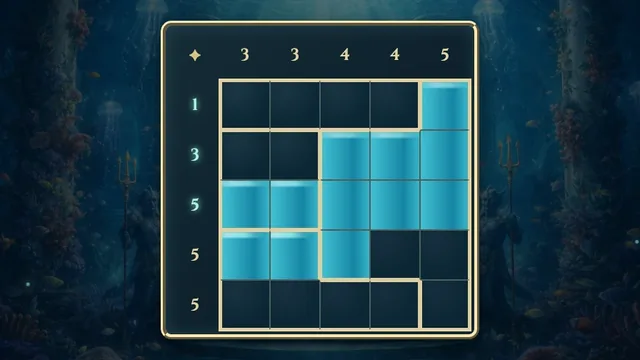
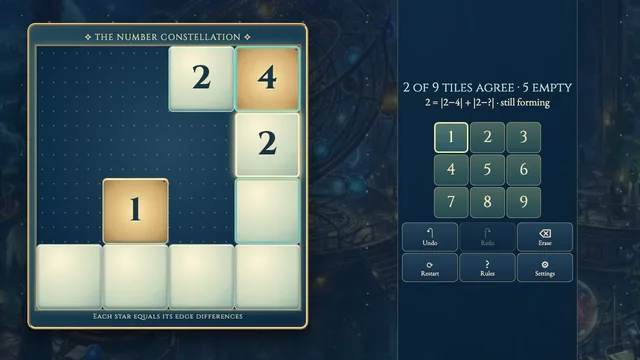
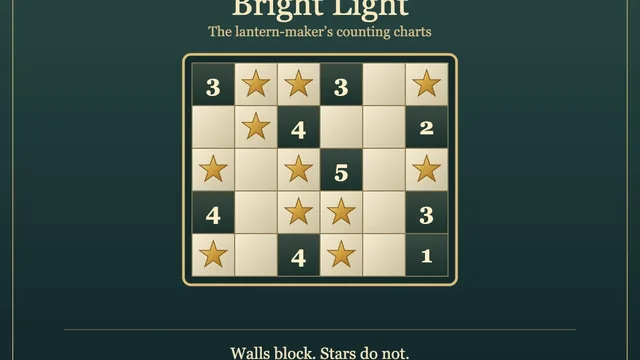
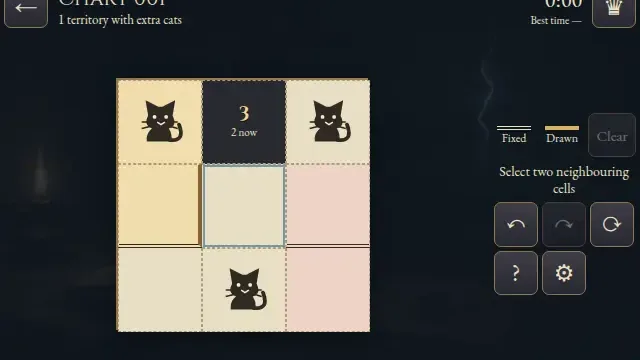
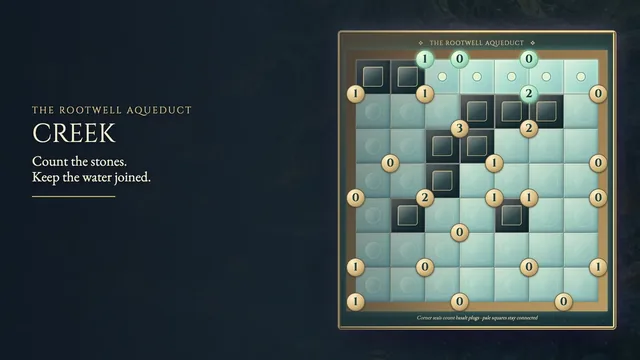
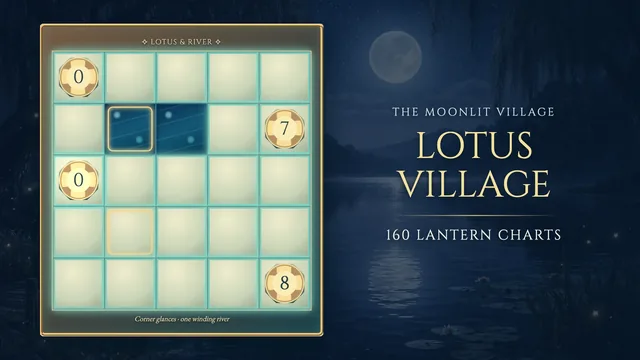
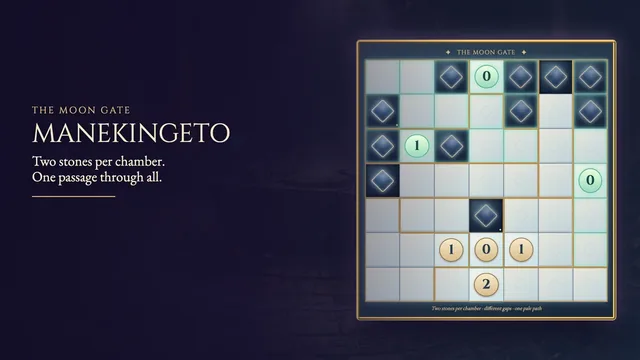
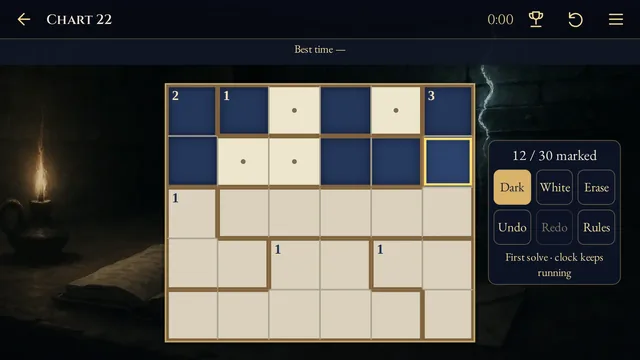
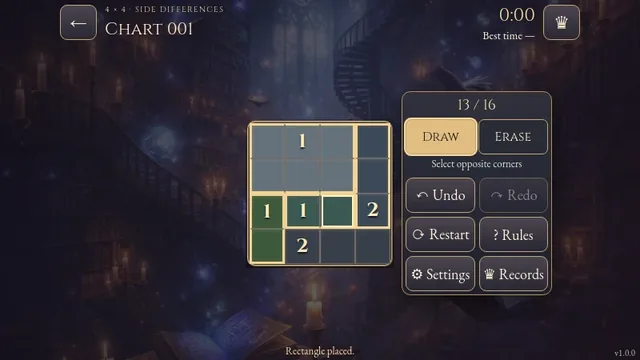
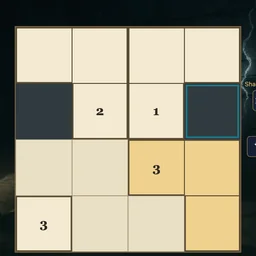
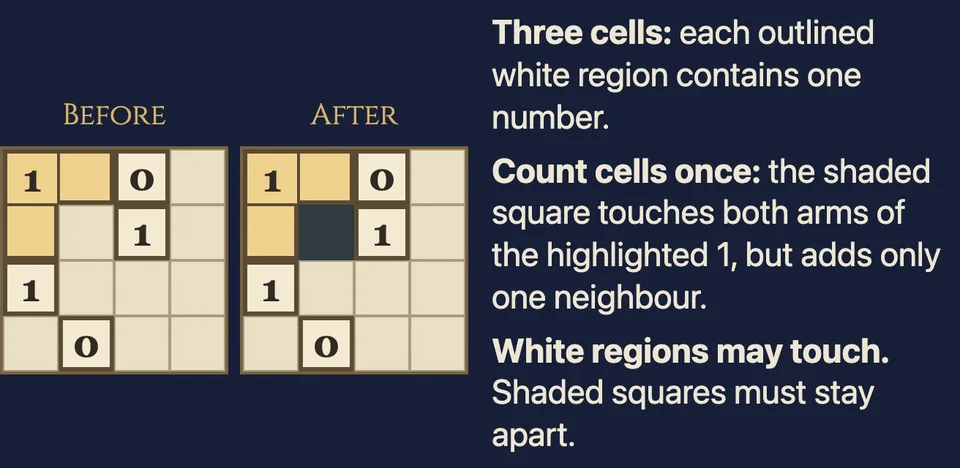
Divide the white cells into connected groups of three, each containing one number. The number counts distinct shaded cells along the group’s boundary, so a shade touching two sides still counts once.
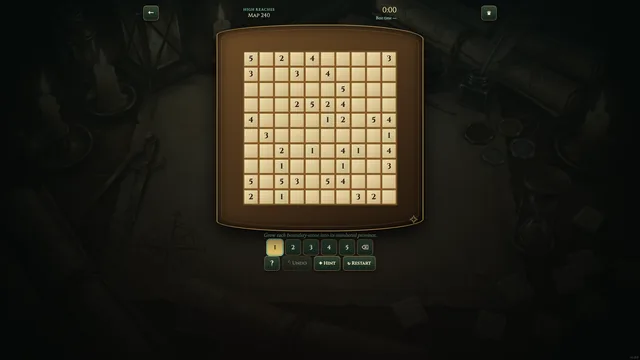
Choose among 96 original puzzles across four open shelves, from 4×4 to 5×6. Each chart has one answer. Shelf sizes describe the boards, rather than a difficulty rating.
How to play
- Goal
- Divide white cells into three-cell regions, each with one number.
- How it ends
- Keep shaded cells apart; each region counts its distinct shaded neighbours.
- Record
- The fastest first unaided solve of each puzzle is recorded.
- Every white region contains exactly three edge-connected cells and one numbered cell. Separate white regions may share edges.
- Choose a number or an assigned cell to select its region. Tap or drag through empty cells to claim them. A stroke cannot take another region’s cells.
- Choose Shade for cells outside all white regions. Shaded cells cannot share an edge. Diagonal shaded contact is allowed.
- Each number counts distinct shaded cells sharing an edge with any cell of its region. A shaded cell touching two sides of the same region still counts once. Diagonal contact does not count.
- Use Erase to clear editable cells, Undo and Redo to revise a drawing, or Pan to move a larger chart. Restart asks for confirmation and keeps the original clock.
Controls
| Input | Action |
|---|---|
| Tap a number or assigned cell | Select that region |
| Tap or drag empty cells | Claim cells for the selected region |
| Shade / Erase, then tap or drag | Shade or clear editable cells |
| Pan, then drag | Move a chart inside its panel |
| Arrows / Enter / Space | Move focus / select a region / apply the tool |
| S / E / P | Choose Shade / Erase / Pan |
| [ / ] | Cycle regions |
| Z / Y / R | Undo / Redo / open Restart confirmation |
| Escape | Cancel a stroke, close a dialog or return to the atlas |
| D-pad / A / X | Move the cursor / apply tool / choose Shade |
| Y or left shoulder / right shoulder / Start | Undo / cycle regions / Settings |
Tips
- Count cells, not touching edges A single shaded square can touch two cells of a bent region and still adds only one to its number.
- Try the corner shapes Compare the possible three-cell shapes around an edge clue and the space available for separated shaded neighbours.
- White regions may touch The white outlines show ownership. You do not need a shaded gap between every pair of regions.
Good to know
Progress saves in this browser. Chart selection starts the first clock; menus and Restart retain it. Reloads, clock changes or browser suspension make the attempt local only. Practice retains your original finish. Music and Effects have separate switches.
Watch how to play
Questions
Must white regions be separated by shaded cells?
No. Different white regions may share edges. Each region must contain exactly one number and three edge-connected cells.
Does a shade touching two sides count twice?
No. Count distinct shaded cells, once per region.
Must shaded cells connect?
No. Shaded cells cannot share an edge; there is no connected-shade rule.
Do numbers count diagonal neighbours?
No. Only edge contact counts.