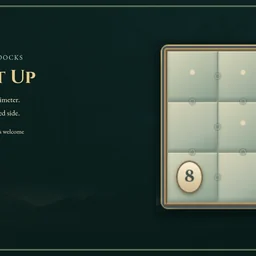
How to play
- Goal
- Divide every cell into connected paddocks containing exactly one number, with that number equal to the paddock's perimeter.
- How it ends
- A chart is solved when all paddocks match their numbers and every fence separates different paddocks; Undo and Erase repair mistakes, so there is no loss state.
- Record
- The fastest uninterrupted first solve of each chart is kept with its holder's name; replay is practice.
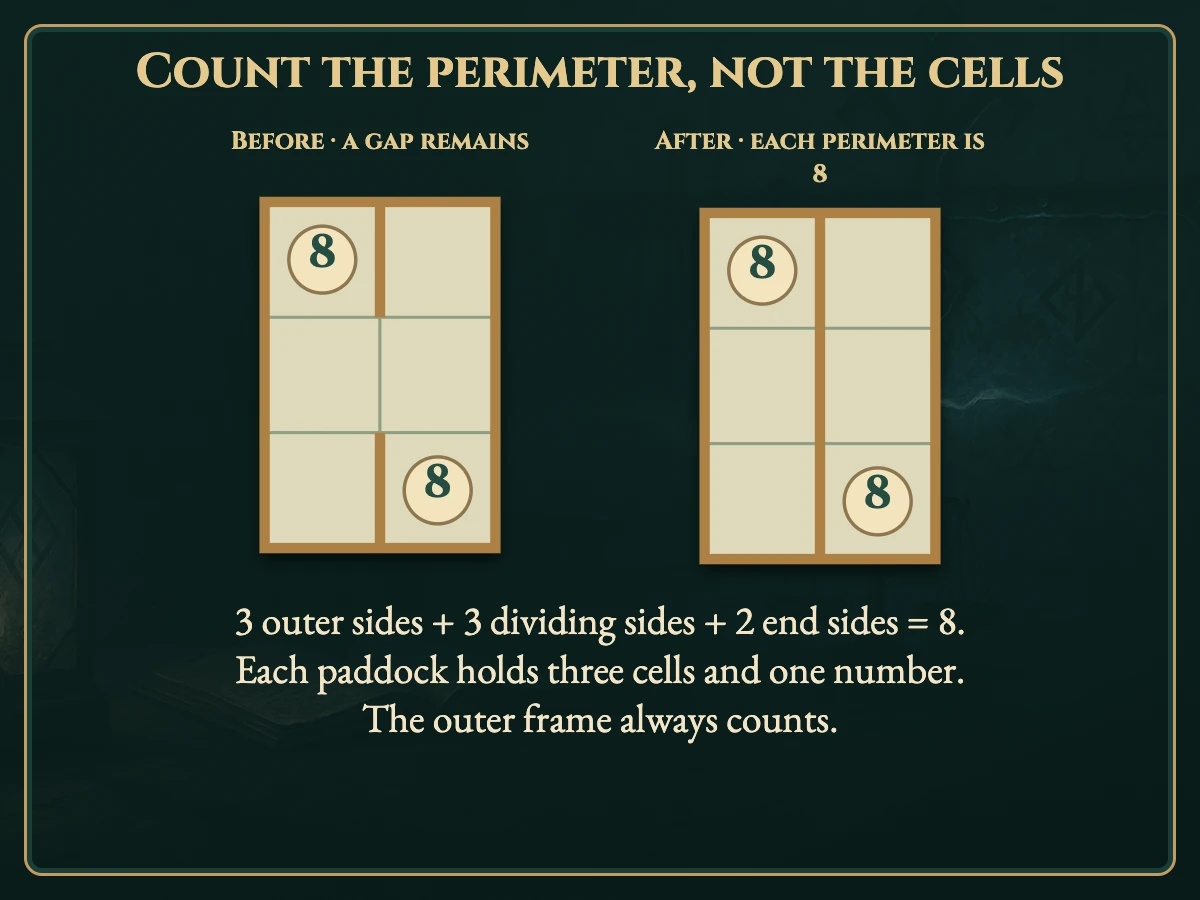
- Divide every cell into paddocks connected through shared sides. Each paddock must contain exactly one number, and that number must equal its perimeter, not its area.
- Count the permanent outside frame. A fence shared by two paddocks counts for both. Bent shapes and paddocks surrounding another paddock are allowed. Every drawn fence must separate different paddocks.
- Choose Fence and tap a boundary, or drag across boundaries and release. One released gesture is one Undo. Open makes a no-fence note; Erase clears either mark. Notes are optional at completion.
- On short screens, scroll the board or choose Pan to reach more rows and columns. Keyboard arrows bring the selected boundary into view.
- Restart preserves the first clock. Reload preserves marks and Undo; the resumed first finish stays local. A clock change or computer suspension makes the current time local. Replay preserves your first time.
Controls
| Mouse / touch | Tap boundaries or drag across them and release |
|---|---|
| Arrows + Enter / Space | Move between boundaries and apply the selected tool |
| F / O / E | Fence / Open note / Erase |
| Z / Y | Undo / Redo |
| R | Restart confirmation |
| Escape | Cancel a draft, close a dialog or return to the atlas |
| Controller | D-pad moves; A applies; X cycles tools; Y focuses the board; shoulders Undo/Redo; B returns; Start settings. Leave the board at its right/bottom boundary to reach the tools. |
Tips for Fence It Up
- Start with a four A perimeter of four surrounds one cell. Count any sides supplied by the outside frame.
- Count shared sides twice A shared fence belongs to the perimeter of both neighbouring paddocks.
- Compare possible shapes Cells required by one number cannot also belong to another paddock. Every cell needs an owner.
Questions about this game
Does eight mean eight cells?
No. It means eight exposed sides around the paddock.
Must paddocks be rectangles?
No. Bent shapes and connected shapes surrounding a different paddock are allowed.
Must every unused boundary be marked open?
No. Open marks are optional notes.
Can replay improve my first time?
No. Your saved first finish stays unchanged; replay is practice.
All charts are open. Notes are optional. Reload retains marks, Undo and the clock; resumed finishes stay local. Practice preserves your first time.
Watch how to play
About Fence It Up
Fence a moonlit paddock plan with bronze rails. Every number counts the sides around its paddock, including the outside frame. Shapes may bend.
All 160 original charts are open: eight 3×3, fifty-six each at 4×4 and 5×5, and forty 6×6. Each has one independently verified ending and a complete elimination proof.
Your first finish keeps its time. An uninterrupted verified first solve can claim the named fastest time; replay is practice.