About Miraringutairu
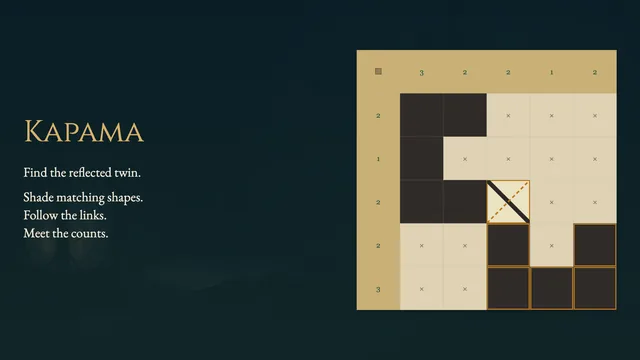
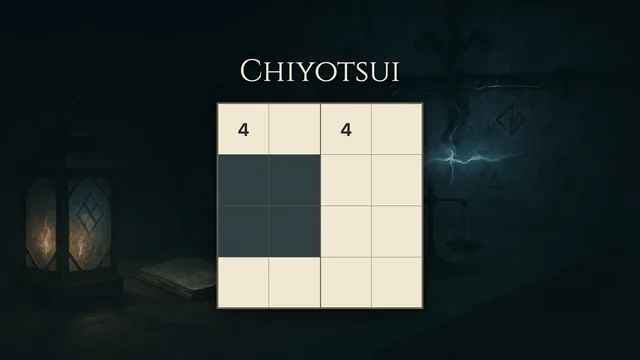
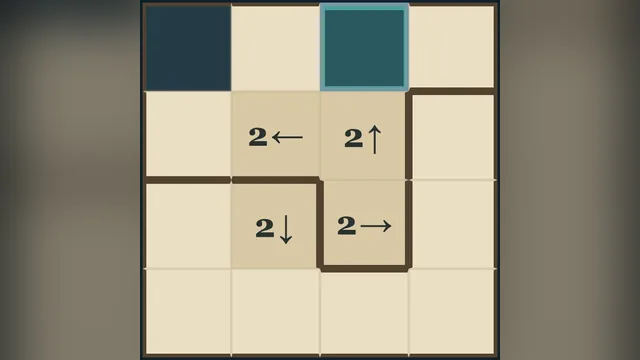
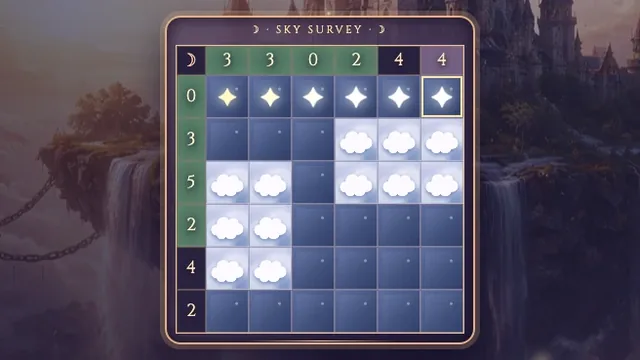
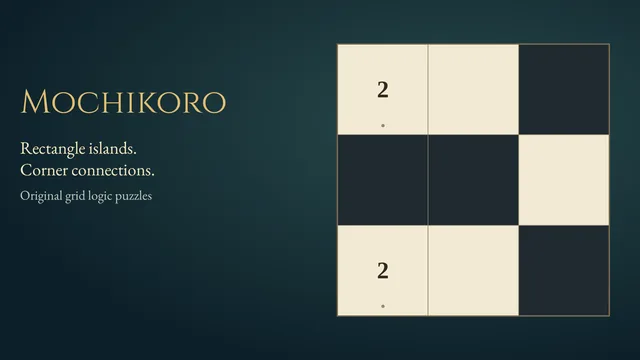
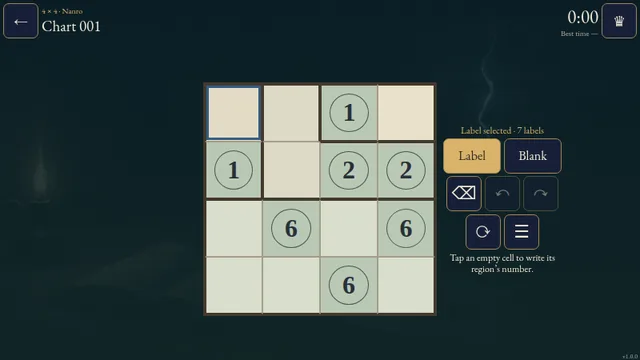
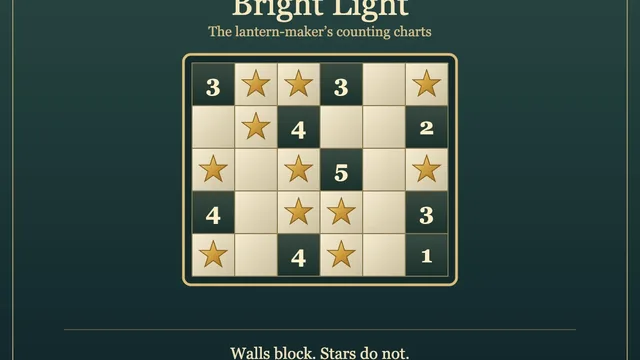
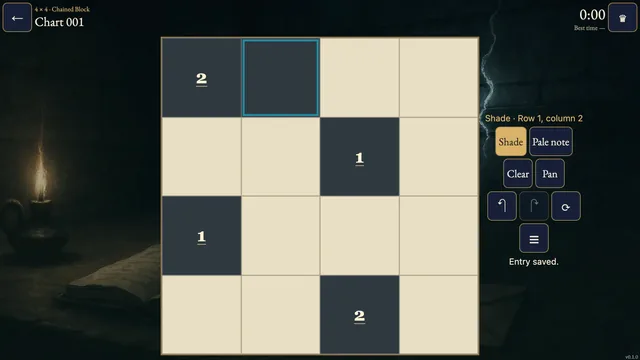
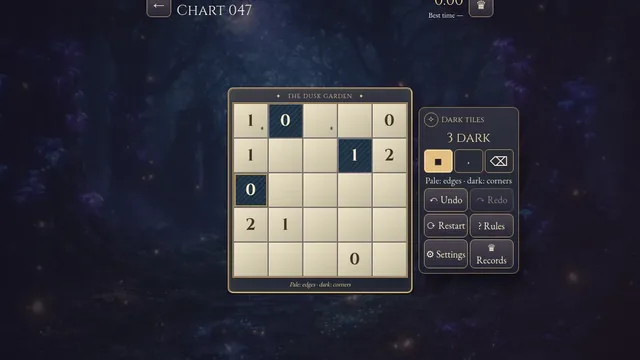
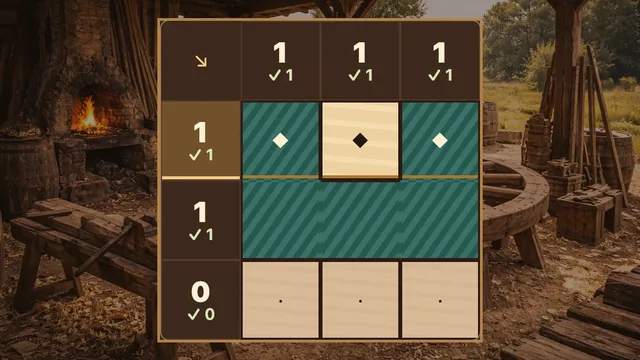
Find separated shaded shapes and their matching corner neighbours. Numbers give block areas; partners may be rotated or reflected.
All 96 original charts are open: twelve 4×4, twenty-four 5×4 and sixty 5×5. Each has exactly one checked shaded pattern.
How to play
- Goal
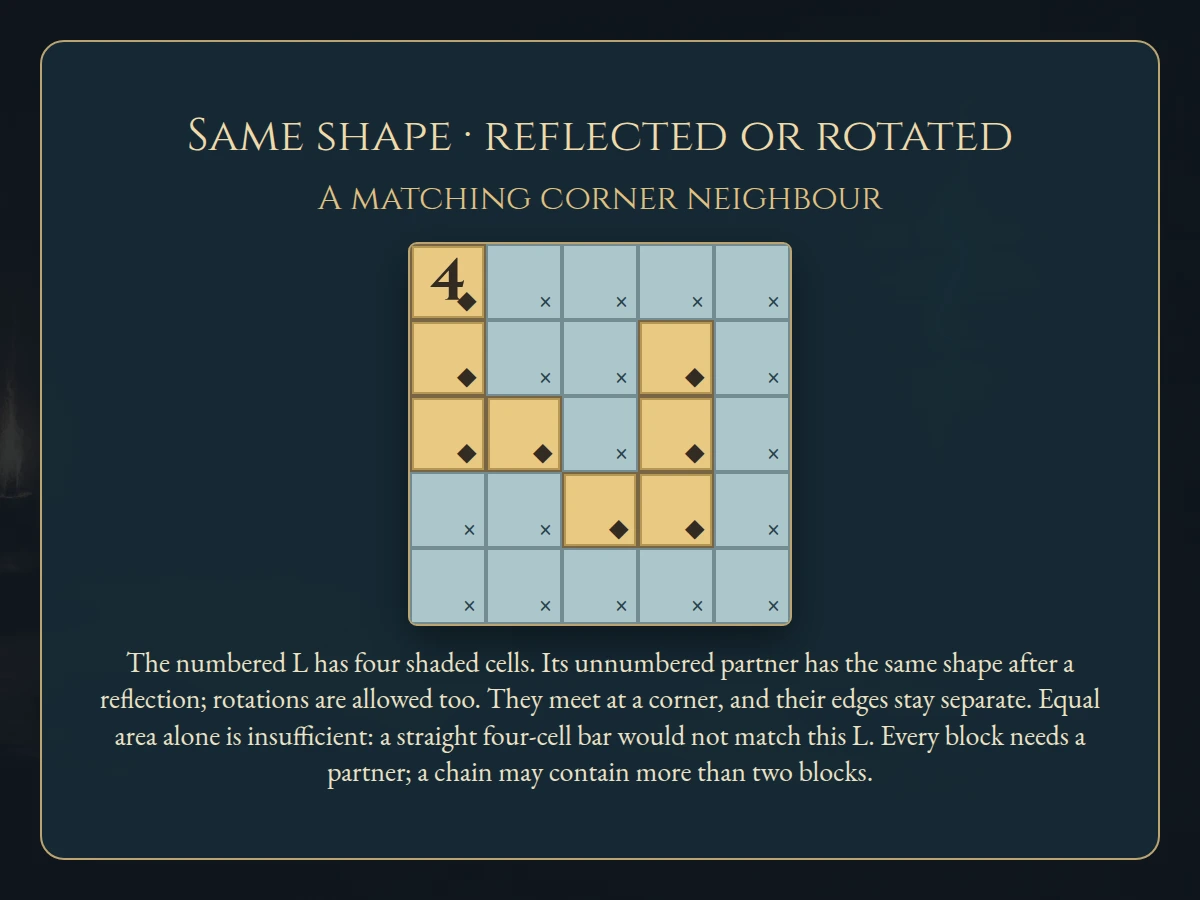
- Shade blocks so every number equals its block’s area and every block touches a same-shaped block at a corner; rotations and reflections count.
- How it ends
- The chart finishes when all numbered cells are shaded, every block has the right area and every block has a matching corner neighbour; marks remain editable before completion, so there is no loss state.
- Record
- Your first unaided solve time is recorded for each chart; Replay is Practice.
- Shade every numbered cell. Its number is the area of its orthogonally connected shaded block; several numbers in one block must all equal that area.
- Every shaded block must touch at least one same-shaped block at a corner. Rotations and reflections count. Unnumbered blocks are allowed and need partners too.
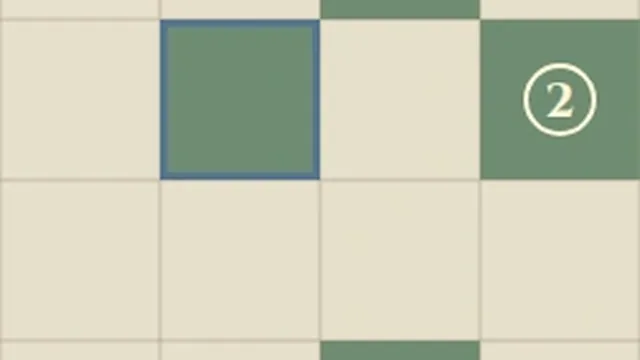
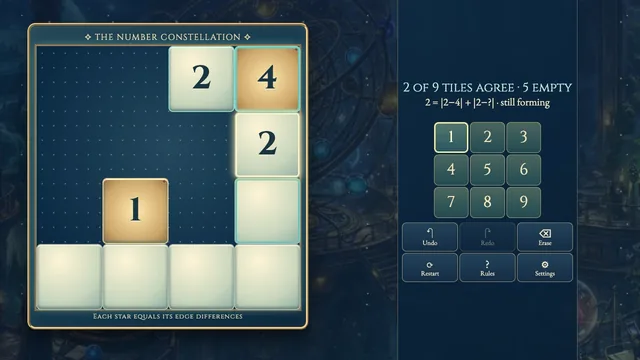
- Choose Shade, Clear or Erase, then tap a cell or drag across cells and release. One released stroke is one Undo. Clear notes are optional; unknown cells count as clear at completion.
- Use Undo and Redo to repair marks. More opens Restart, How to play and Settings. The first-solve clock starts when you open a chart; Restart and reload keep it running.
Controls
| Input | Action |
|---|---|
| Mouse / touch | Select a tool, tap or drag across cells and release |
| Arrows + Enter / Space | Move and apply the selected tool |
| S / W / E | Shade / Clear / Erase |
| Z / Y / R | Undo / Redo / Restart confirmation |
| Escape | Cancel a draft, close a dialog or return to the atlas |
| Gamepad | D-pad moves; A applies; X cycles tools; Y focuses the grid; shoulders Undo/Redo; B returns; Start settings. |
Tips
- Complete the area Once a numbered block has its required area, its edge neighbours must stay clear.
- Compare the whole shape Equal areas alone do not make matching partners. Rotations and reflections preserve the cell arrangement.
- Check each corner A matching partner must meet at a corner without joining the block along an edge.
- Include unnumbered blocks Every block needs a partner, whether or not it contains a number.
Good to know
All charts and examples are original. Reload keeps marks and Undo; resumed first solves stay local. Shelves describe chart dimensions, not difficulty.
Watch how to play
Questions
Must blocks form pairs?
A block needs at least one matching corner neighbour. Chains of matching blocks are allowed.
May partners be reflected?
Yes. Reflections and rotations count as the same shape.
Must every block contain a number?
No. Unnumbered blocks are legal and need matching corner neighbours.
Must I mark every clear cell?
No. Clear notes are optional.
Can Replay replace my first time?
No. Replay is Practice and retains your first result.