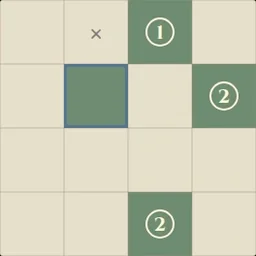
How to play
- Goal
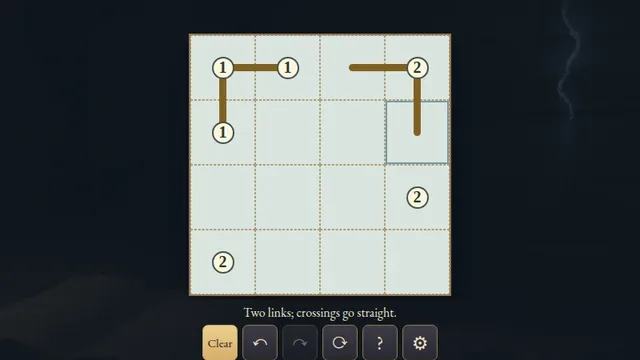
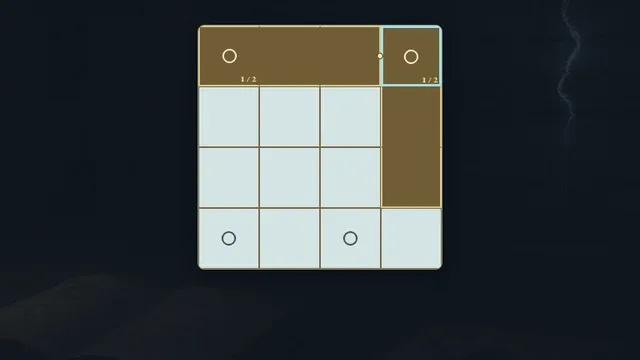
- Shade separate rectangles that meet only at corners in one closed chain, with every circle enclosed and each numbered rectangle matching its area.
- How it ends
- The chart finishes when all rectangles and their single corner chain agree; marks can be changed, so there is no loss state.
- Record
- The fastest uninterrupted first solve of each chart is kept with its holder's name; replay is practice.
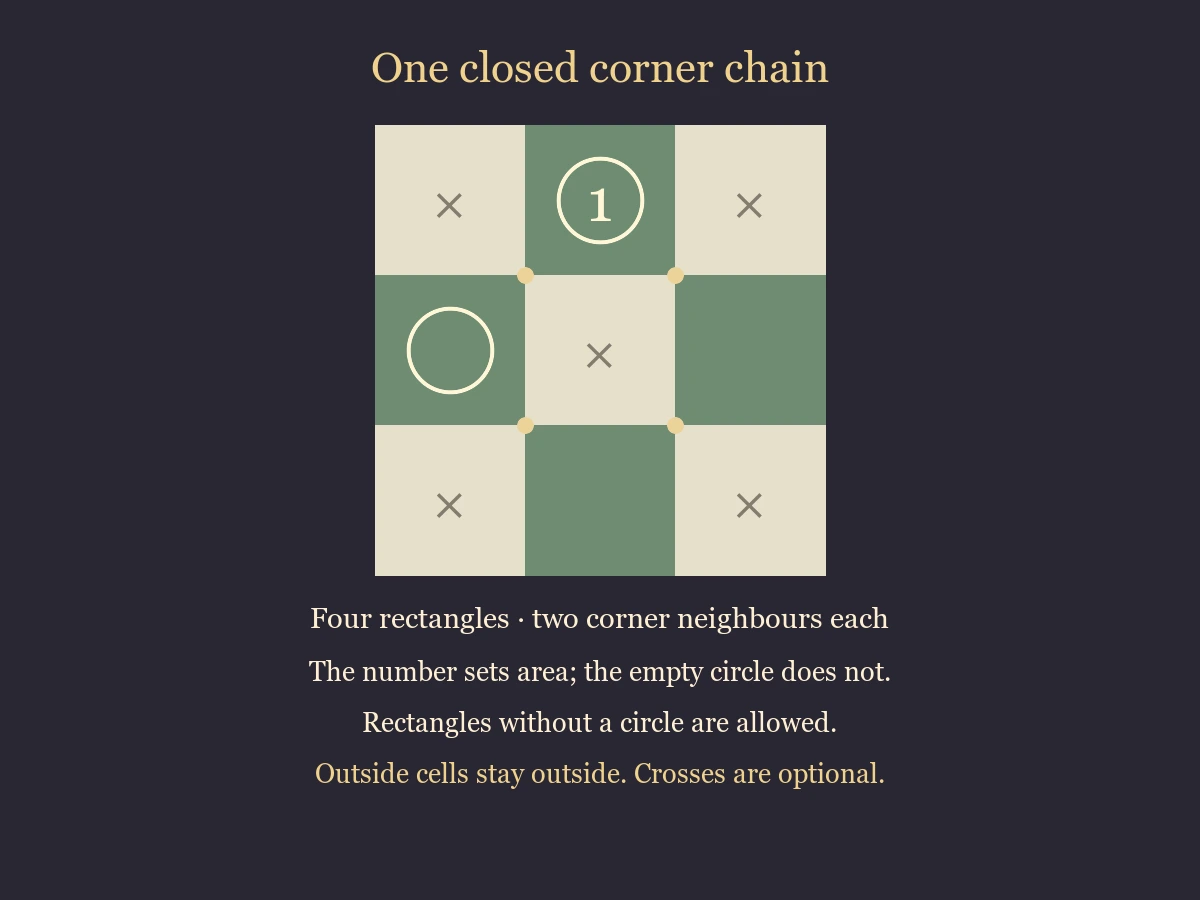
- Shade separate filled rectangles, including squares or strips. Rectangles must not overlap or meet along an edge.
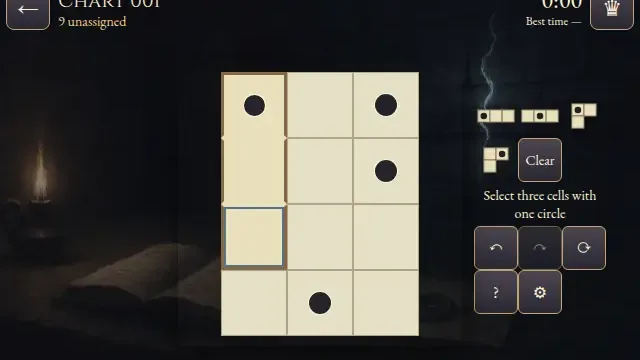
- Every circle lies inside a shaded rectangle, with at most one circle in each rectangle. A numbered circle sets its rectangle area. An empty circle specifies no area. Rectangles without circles are allowed.
- Each rectangle touches exactly two neighbours at corners, and all rectangles must belong to one connected closed chain. Separate loops do not finish the chart.
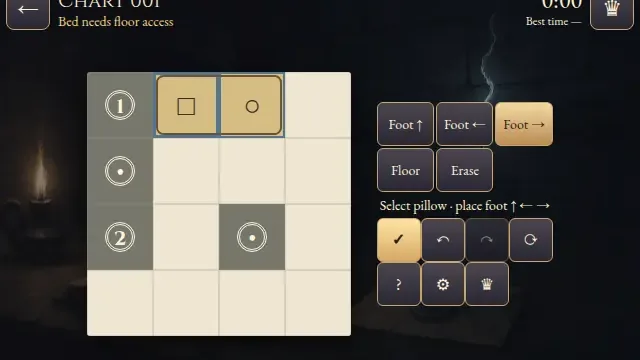
- Select a cell, then press Shade, Cross or Erase to apply that mark. Mark repeats the selected tool. The circled cells are fixed shaded cells.
- Crosses are optional notes for outside cells. Only the shaded rectangles determine completion.
- Undo and Redo repair changes. Restart clears marks but keeps the first clock. Reload retains marks and Undo, with the resumed solve staying local. Replay preserves the first finish.
Controls
| Mouse / touch | Select a cell, then Shade, Cross or Erase; Mark repeats the chosen tool |
|---|---|
| Arrows / Space or Enter | Move the cell cursor / mark the selected cell |
| 1, 2, 3 / Delete | Select Shade, Cross, Erase / erase the selected cell |
| Z / Y / R | Undo / Redo / Restart confirmation |
| Controller | D-pad moves; A marks; X cycles tools; Y undoes; shoulders undo and redo; B returns; Start opens settings. |
Tips for Scrin
- Start with areas A one-cell rectangle cannot grow. A two-cell rectangle must be a horizontal or vertical pair.
- Keep edges apart A proposed extension that meets another rectangle along an edge is unavailable.
- Count corner neighbours Every finished rectangle needs exactly two corner neighbours. A third neighbour cannot be part of a legal chain.
- Leave room to reconnect Do not close a small loop while another rectangle remains outside it. A rectangle without a circle can bridge the missing corners.
Questions about this game
What does an empty circle mean?
Its cell belongs to a rectangle, but it does not specify the rectangle area.
Can a rectangle have no circle?
Yes. Every circle must be enclosed, but rectangles without circles are allowed.
Are crosses required?
No. Outside cells can remain blank.
Do two separate closed chains count?
No. All shaded rectangles must form one connected closed chain.
Can a rectangle be a square or a strip?
Yes, including a single cell.
Can Replay improve my first time?
No. Replay is practice and preserves the first finish.
All charts are open. Empty circles have no area; rectangles without circles are allowed. Outside crosses are optional. Replay preserves your first finish.
Watch how to play
About Scrin
Turn an ivory chart into a chain of green rectangles. Their corners connect, while their edges stay apart. Every numbered circle sets the area of its rectangle; the live selected-area and corner counts help you check your work.
All 96 original charts are open: sixteen 4×4, thirty-two 5×5 and forty-eight 6×6. Each has one independently verified shaded ending and a verified path of forced decisions.