About Kazoku
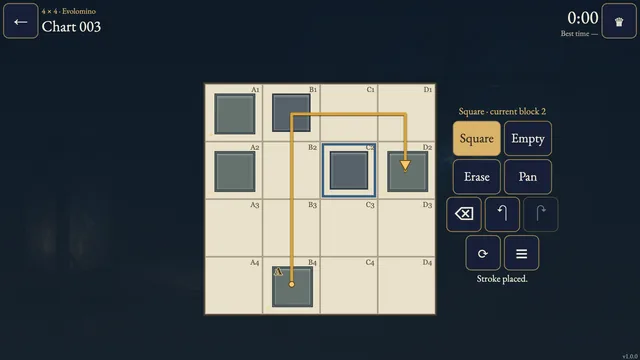
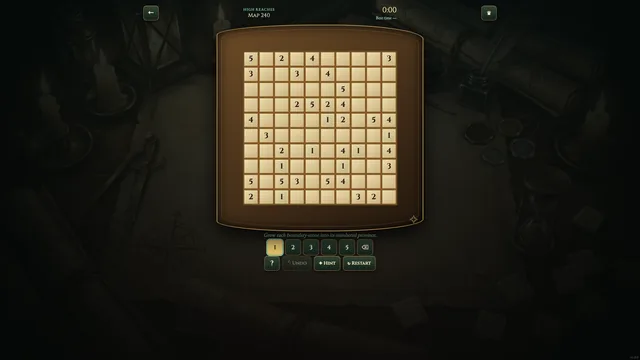
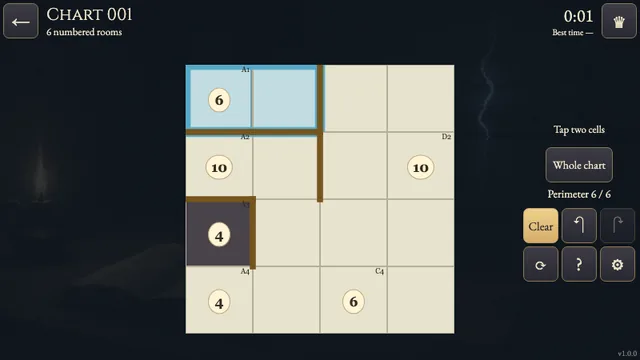
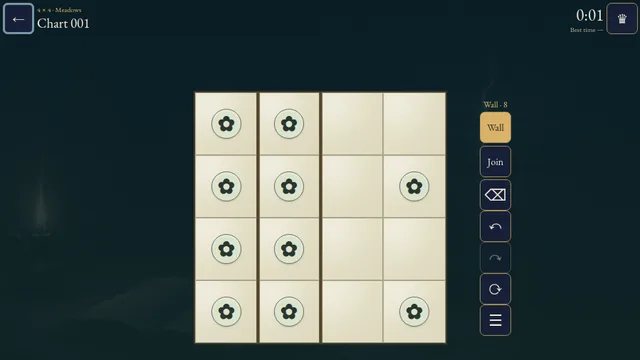
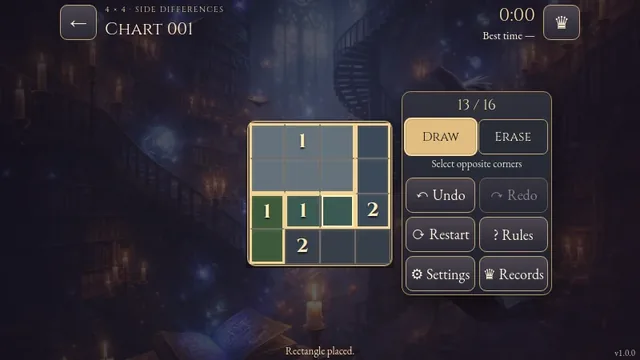
In the Calvendris portrait archive, luminous family spirits gather around numbered brass seals. Draw a rectangular frame around each family so every seal counts the spirits inside.
Explore 180 fixed charts across four folios, from 5×5 to 8×8. Every chart has one checked partition; both the numbers and the rule that side-by-side spirits stay together are needed to pin it down.
The clock starts when you open a chart. Your first solve is saved on this device, and an uninterrupted first session can set the verified best time shown with its holder.
How to play
- Goal
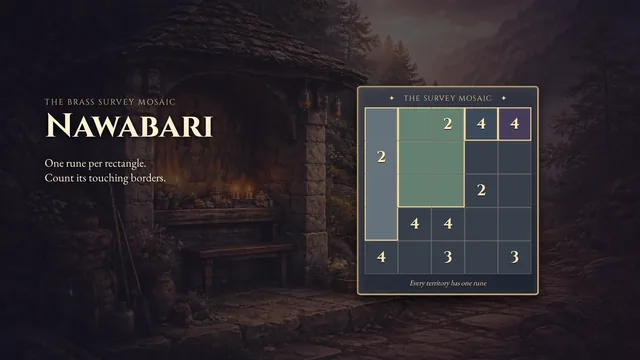
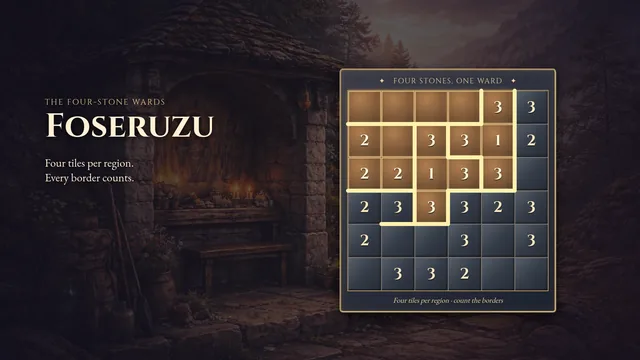
- Divide the grid into rectangles, each with one seal and the shown number of spirits, keeping side-by-side spirits together.
- How it ends
- A chart is complete when the rectangles cover every cell without overlap and obey the seal and spirit rules; there is no loss.
- Record
- Your first solve time is kept per chart, and the fastest verified first solve appears with its holder.
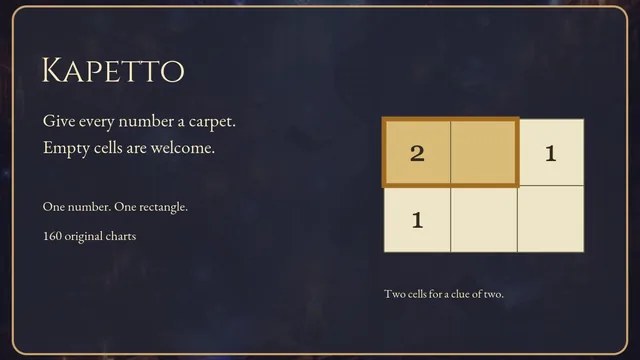
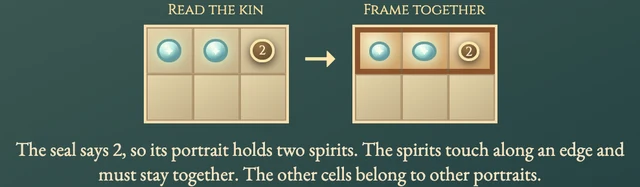
- Divide the whole grid into rectangles. Each rectangle has exactly one numbered seal, and that number counts the glowing spirit circles inside, including a circle under the seal. Spirits touching along an edge must share one rectangle; diagonally touching spirits may separate. The worked picture shows two touching spirits framed with a seal marked 2.
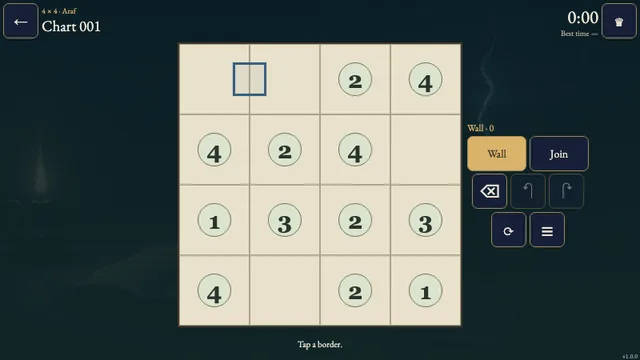
- Drag between opposite corners to draw a frame, or tap the first and last corner. Tap a completed portrait to erase it. Use two fingers to pan a larger chart. Every cell must belong to exactly one portrait.
- Undo reverses the last frame. Check names a broken rule without revealing an answer. Restart clears frames but keeps the original clock running. A chart finishes when every portrait obeys the seal, spirit-count and touching rules; there is no loss.
Controls
| Input | Action |
|---|---|
| Drag corner to corner | Draw a rectangular portrait |
| Tap two corners | Choose opposite corners of a portrait |
| Tap a portrait | Erase it |
| Two-finger drag | Pan a chart larger than the frame |
| Arrow keys | Move focus through chart cells |
| Space / Enter | Start or finish a portrait at the focused cell |
| Delete / Backspace | Erase the focused portrait |
| Z | Undo the last frame |
| R | Restart with confirmation |
| Escape | Cancel a first corner or close a panel |
Good to know
First-solve progress, sound and reduced motion save.