About Douieru
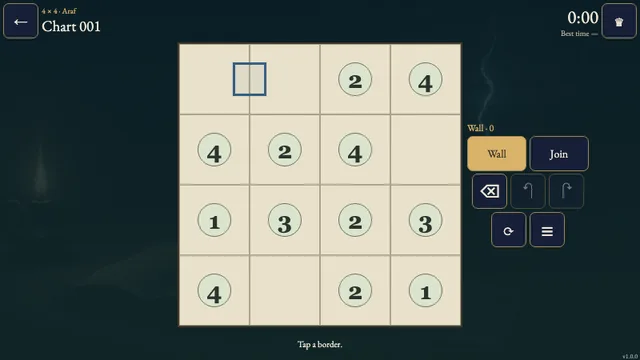
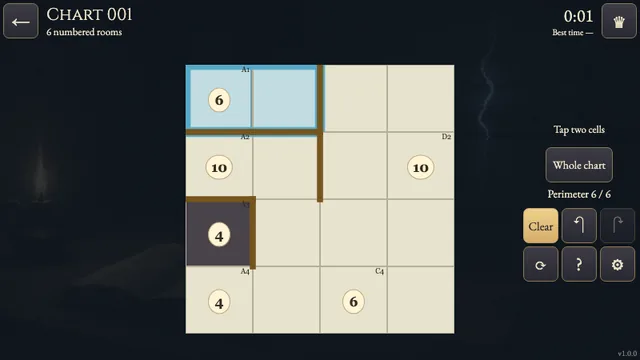
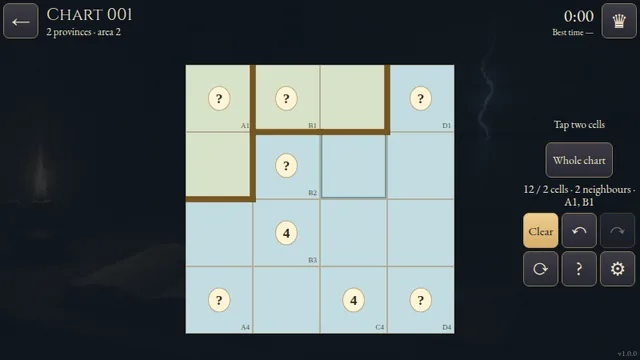
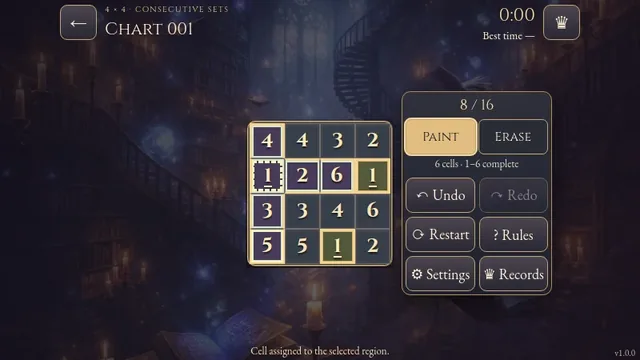
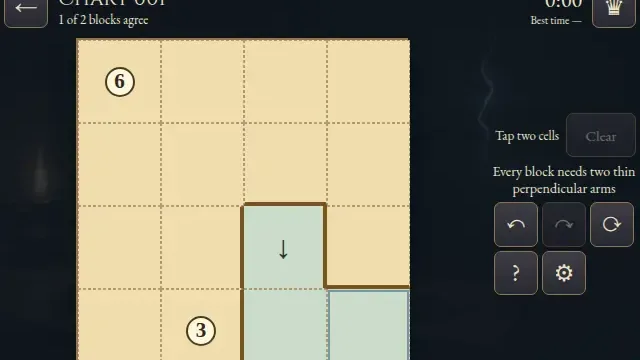
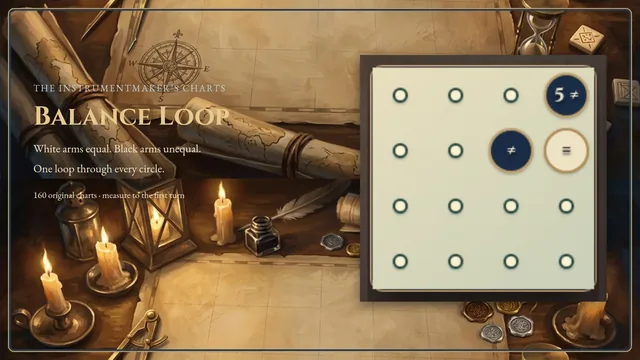
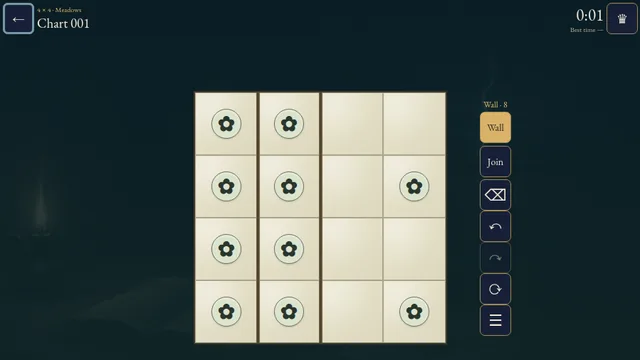
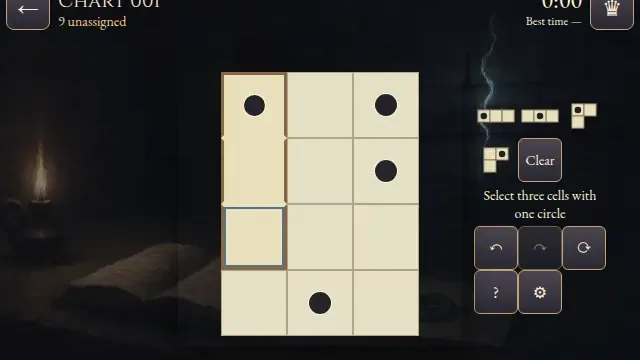
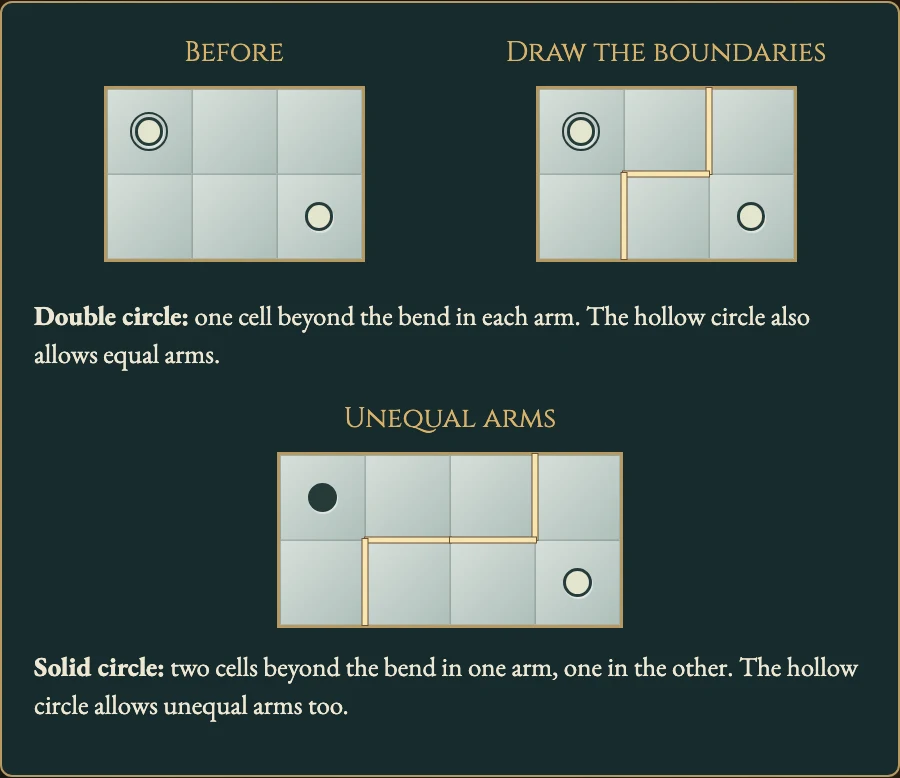
Divide a workshop grid into thin L-shaped regions. Each circle marks an elbow, and its symbol tells you whether the two arms must be equal or unequal.
Explore 160 original charts across eight workshops. Start from corners, reserve the cells each bend needs and trace the boundaries between neighbouring shapes.
How to play
- Goal
- Divide every cell into L-shaped regions with one circle at each bend, matching each circle's arm rule.
- How it ends
- A chart finishes when every region is valid; there is no loss.
- Record
- Your fastest first solve of each chart is kept, and later solves are untimed practice.
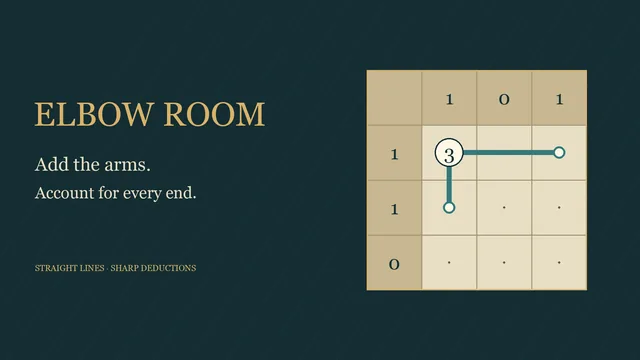
- Every cell belongs to exactly one thin L: two straight perpendicular arms meeting at a bend. Both arms extend at least one cell beyond the bend.
- Each L contains exactly one circle, at its bend. Count each arm beyond the circle; do not count the bend itself.
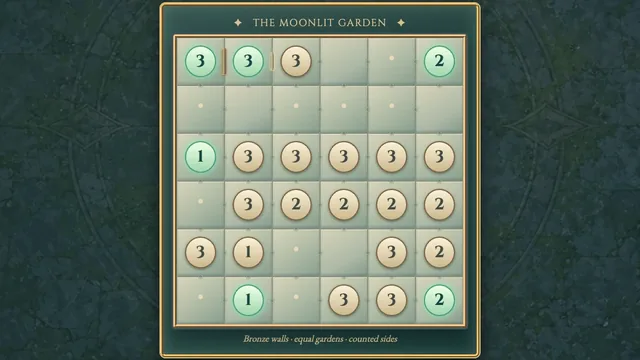
- A double circle requires equal arms. A solid circle requires unequal arms. A hollow circle allows either.
- Choose Draw and tap or drag along interior borders to add boundaries. Start on an existing boundary to erase instead.
- Note marks an optional open border. Notes are not required to finish. Undo, Redo and Restart let you revise the chart.
Controls
| Input | Action |
|---|---|
| Tap / click or drag a border | Draw or erase boundaries with the selected tool |
| Arrow keys; Enter / Space | Move boundary focus; apply the selected tool |
| D / N | Select Draw / Note |
| Z / Y; R | Undo / Redo; open Restart |
| Escape | Close a ready dialog or return to the workshops |
Tips
- Start with corners A circle in a corner has only two possible arm directions. Reserve its neighbouring cells before extending another region.
- Compare arm lengths For a solid circle, a one-cell arm forces the other arm to extend at least two cells.
- Keep each shape thin An L has two straight arms. A filled rectangle or an extra branch cannot belong to one region.
Good to know
Progress and Undo history save in this browser. The first clock starts when a chart opens and continues through menus and Restart. Reloading an unfinished attempt makes its time local only. Later solves are untimed practice. Music and effects have separate switches.
Watch how to play
Questions
Can two L shapes touch?
Yes. Different regions may share sides and corners. Draw a boundary along every shared side.
Must I mark every open border?
No. Notes are optional; the drawn boundaries determine the regions.
Can a hollow circle have equal arms?
Yes. A hollow circle permits equal or unequal arms.