About Kasanmenseki
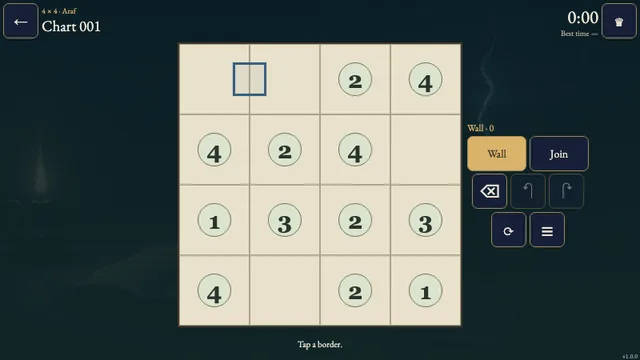
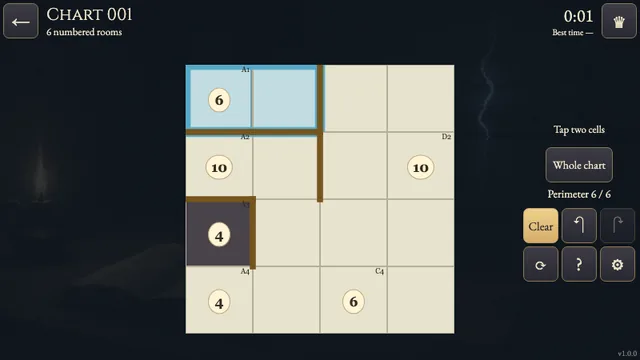
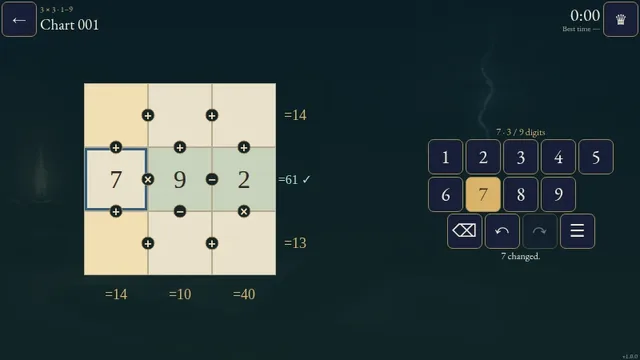
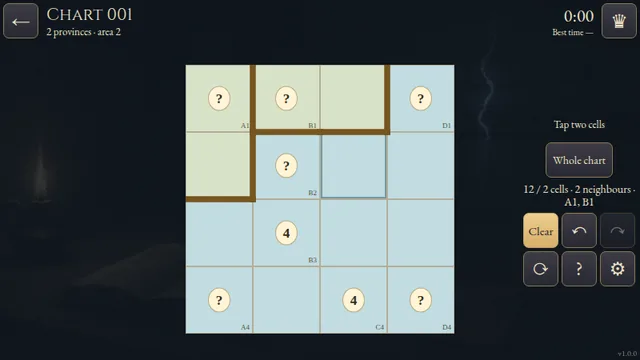
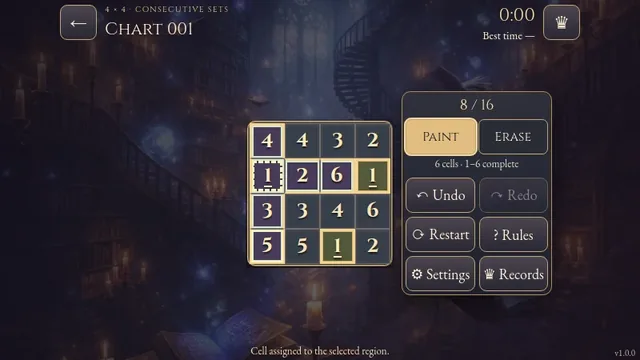
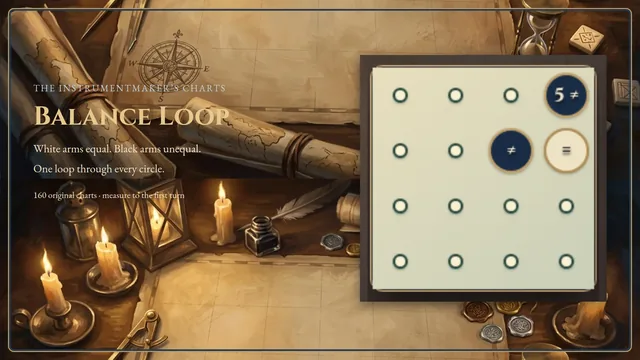
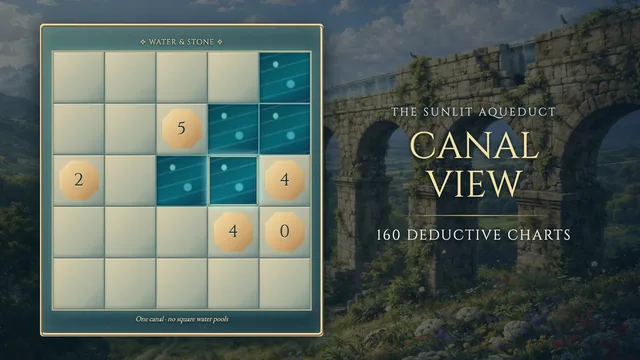
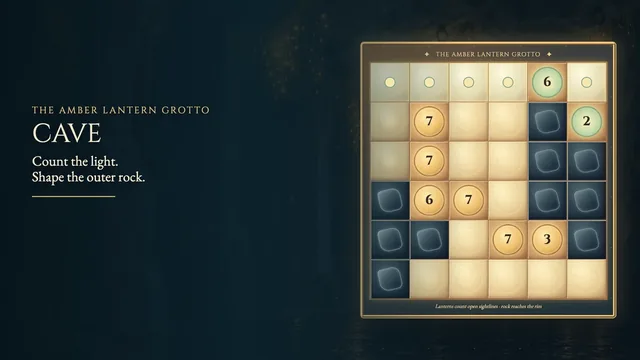
In a lamp-lit cartographer's vault, irregular limestone rooms cover each chart. Every room contributes its area once: seat its engraved brass stone on one square, then balance the sums around the edges.
Explore 160 original fixed charts, forty each from 4×4 through 7×7. Every chart has one checked placement. The larger folios ask you to combine room sizes with crossing row and column sums.
Your first solve time stays in this browser. An uninterrupted first solve can set the verified best, shown with its holder on the chart card and beside the clock.
How to play
- Goal
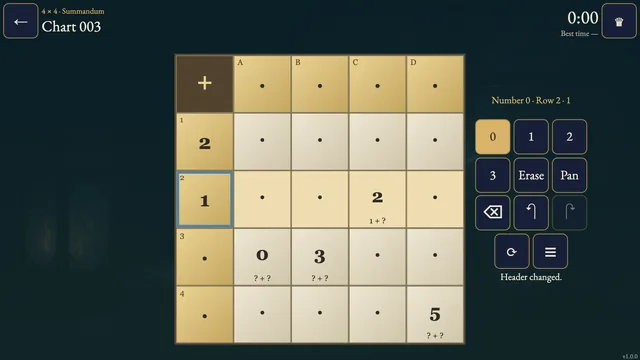
- Place one area stone in each room so every row and column adds up to its edge clue.
- How it ends
- A chart completes when each room has exactly one stone and all edge sums match; there is no loss.
- Record
- Your first solve time is kept per chart, and the fastest verified first solve appears with its holder.
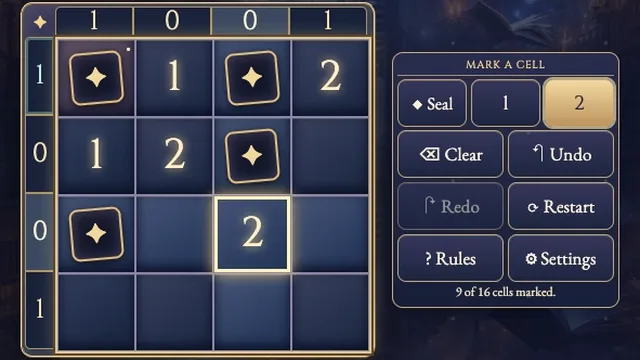
- Each outlined room has exactly one area stone. Count its squares to know the stone's number. Tap one square in that room to place the stone there; tap another square in the same room to move it. A row or column clue adds the numbers on all stones in that line, not the count of marked squares.
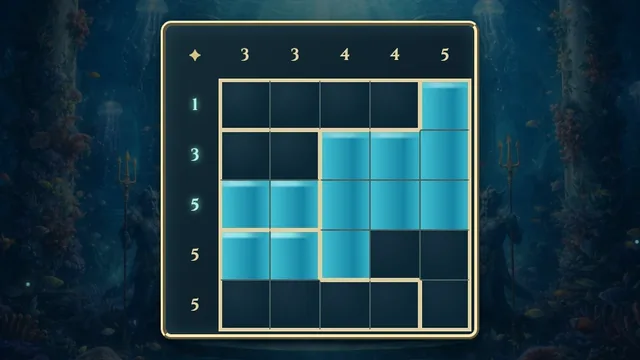
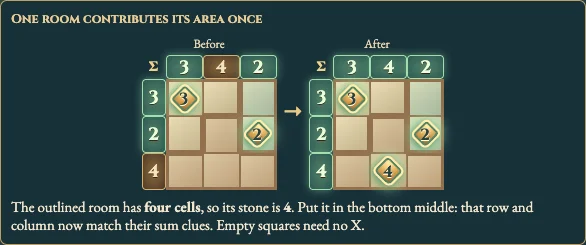
- Use the clues on the top and left edges together. A zero line holds no stone; a line whose sum is a room's area can force where that room's stone goes. The worked survey shows a four-cell room's stone moving into a square that balances both its row and column. Equal stones may touch; empty cells need no X marks.
- Choose Stone or X note. Undo restores one mark; Reset clears the chart but keeps the clock. The chart seals when every room has one stone and every edge sum matches. There is no loss.
Controls
| Input | Action |
|---|---|
| Tap / click a square | Place its room's stone; tap again to clear, or tap another square in the room to move it |
| Stone / X note | Choose a stone or an optional empty-square note |
| Arrow keys | Move focus through the chart |
| Space / Enter | Place or clear the selected room's stone |
| X | Mark the selected square as an optional empty note |
| Backspace / Delete | Clear the selected square |
| Z / R | Undo the last mark / reset marks while the clock continues |
| Escape | Close a rules or settings panel |
Good to know
Empty X marks are optional. Progress saves in this browser, while sound follows the shared site setting.