About Yajilin
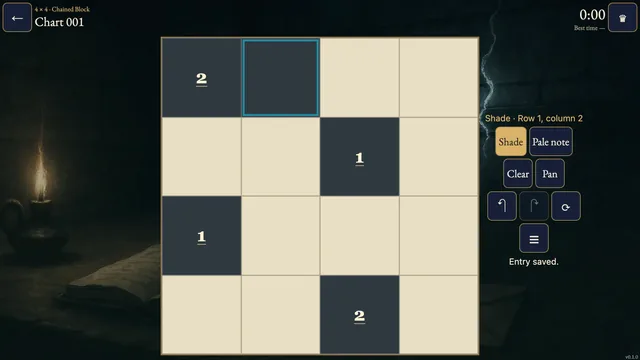
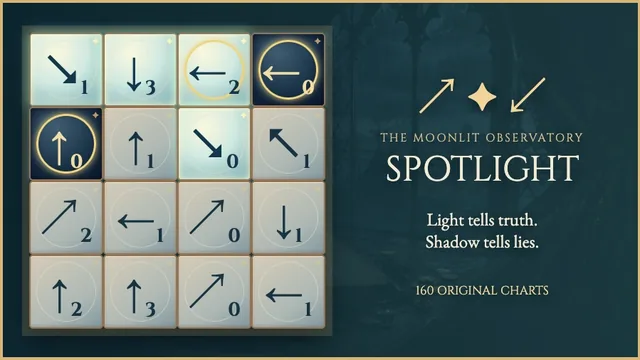
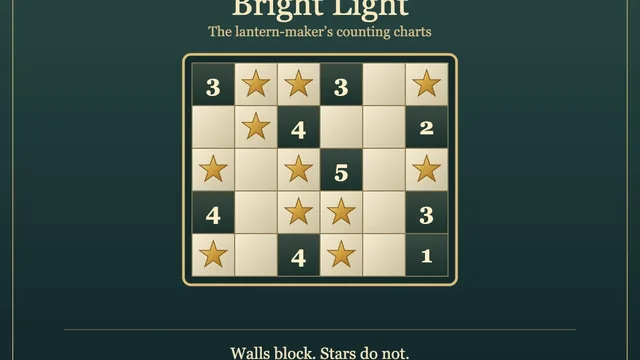
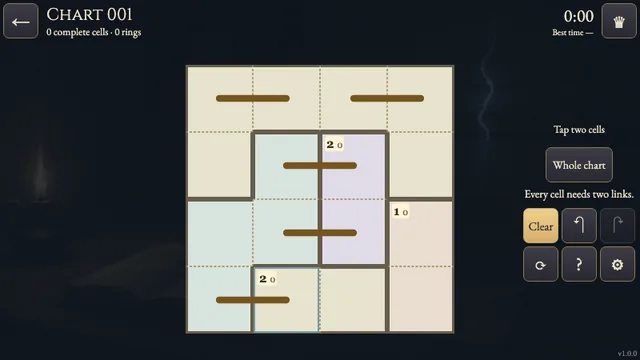
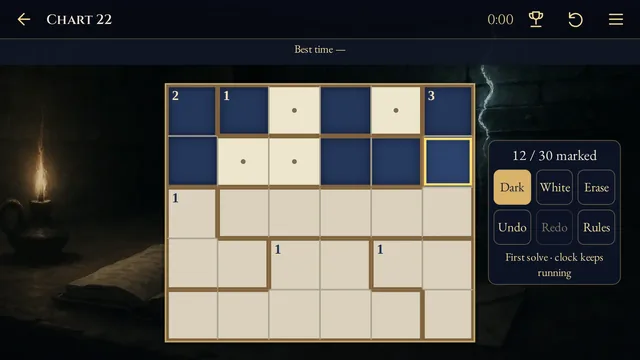
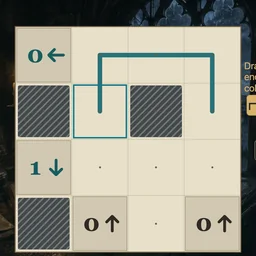
Read directional counts, shade squares that cannot touch along a side, and join the remaining empty squares into one closed loop. Each decision constrains both the shading and the route.
Choose from 96 original puzzles across four open shelves, from 4×4 to 5×6. Every puzzle has one answer and can be completed by deduction.
How to play
- Goal
- Shade squares to match the arrows and draw one loop through every remaining empty square.
- How it ends
- A puzzle finishes when every arrow count agrees, shaded squares never share a side and one unbroken loop visits every other empty square.
- Record
- The fastest first unaided solve of each puzzle is recorded.
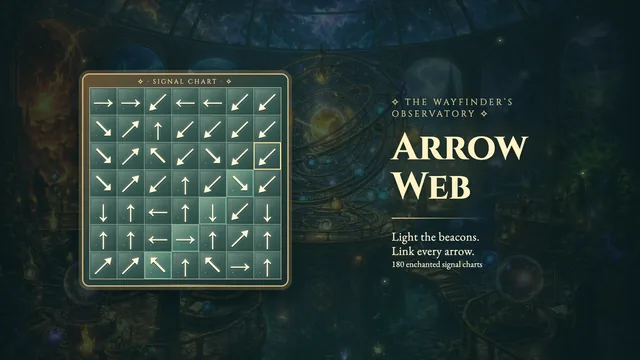
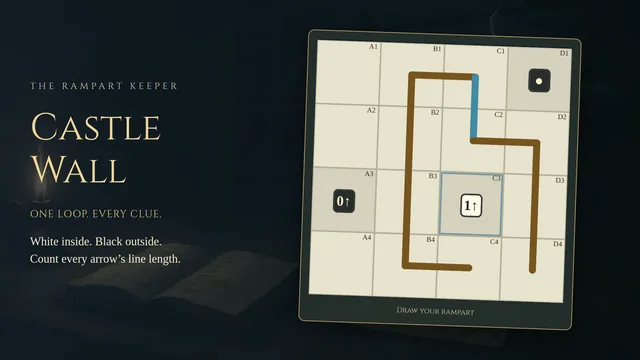
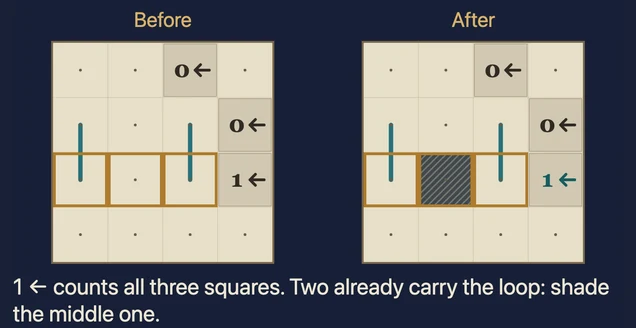
- Each clue shows a number and an arrow. The number counts shaded squares along the arrow’s entire line to the edge, even beyond another clue. Zero means none.
- Clue squares cannot be shaded or visited by the loop. Any other square can be shaded, including one that no arrow points toward.
- Shaded squares cannot share a side. They may touch diagonally.
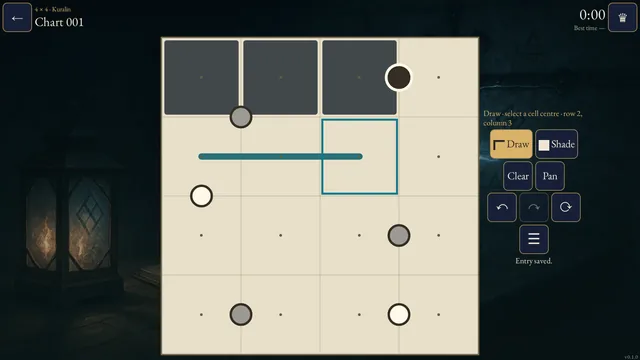
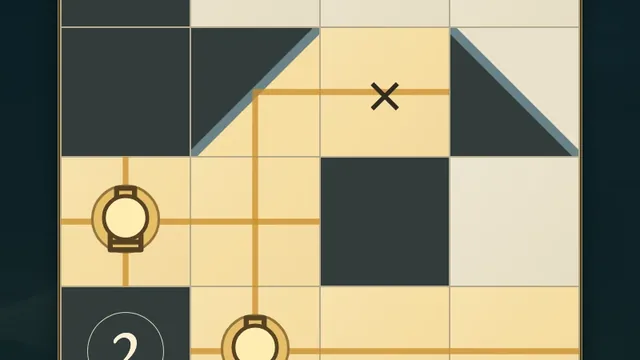
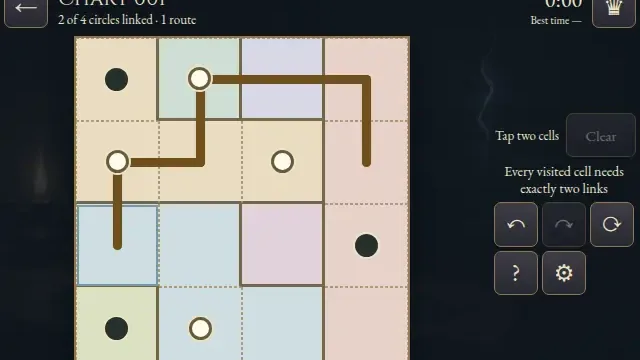
- Draw one closed loop through every remaining empty square. Join neighbouring cell centres horizontally or vertically, with exactly two links at each visited square. Separate loops and branches are not allowed.
- Choose Shade and tap a square to toggle its shading. With Draw, tap both endpoints of each adjacent link, or drag one link. Start a fresh pair for every link, selecting a shared endpoint again. Choose Clear to remove a square’s shading and incident links.
Controls
| Input | Action |
|---|---|
| Draw, then two adjacent taps or a short drag | Add or remove one loop link |
| Shade, then tap | Toggle a shaded square |
| Clear, then tap | Remove shading and incident links |
| Pan, then drag | Move a chart that does not fit the frame |
| Arrows + Enter / Space | Move the cursor and apply the selected tool |
| D / S / C / P | Choose Draw / Shade / Clear / Pan |
| Z / Y / R | Undo / Redo / open Restart confirmation |
| Escape | Cancel a selection, close a dialog or return to the atlas |
| D-pad + A | Move the controller cursor and apply the selected tool |
| Shoulders / Y / X / Start | Cycle tools / Undo / Clear / Settings |
Tips
- Start with zero Every square in a zero arrow’s ray must stay unshaded. The loop must visit all its non-clue squares.
- Leave room for two links Every unshaded square needs two neighbours on the loop. A route cannot end in a dead end.
- Use isolated shading Once a square is shaded, its side neighbours must remain unshaded.
Good to know
Progress saves in this browser. The first clock starts on chart selection and continues through menus and Restart. Reloads, clock changes or browser suspension make an attempt local only. Practice keeps the original finish. Music and Effects have separate switches.
Watch how to play
Questions
Does another clue stop an arrow’s count?
No. Count shaded squares all the way to the boundary, including beyond other clues.
Can shaded squares touch at a corner?
Yes. Only touching along a side is forbidden.
Must every shaded square be seen by an arrow?
No. A square may be shaded even when no arrow points toward it.
Can I draw several small loops?
No. One connected loop must visit every unshaded non-clue square.