About Koburin
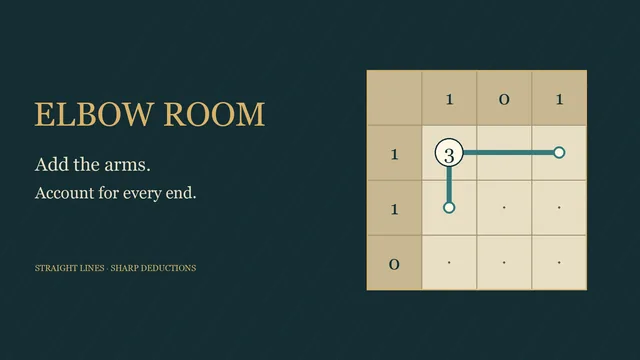
Shade cells beside numbered clues, then draw one loop through every empty unshaded cell. The numbers and shaded cells stay outside the loop.
All 96 charts are original. Four open shelves contain 24 charts each, from five by five to eight by eight cells.
How to play
- Goal
- Shade cells to match the numbers and draw one loop through every empty unshaded cell.
- How it ends
- Complete the shading and loop to finish; mistakes can always be undone.
- Record
- Fastest first unaided solve for each chart; the clock starts when the chart opens and never pauses.
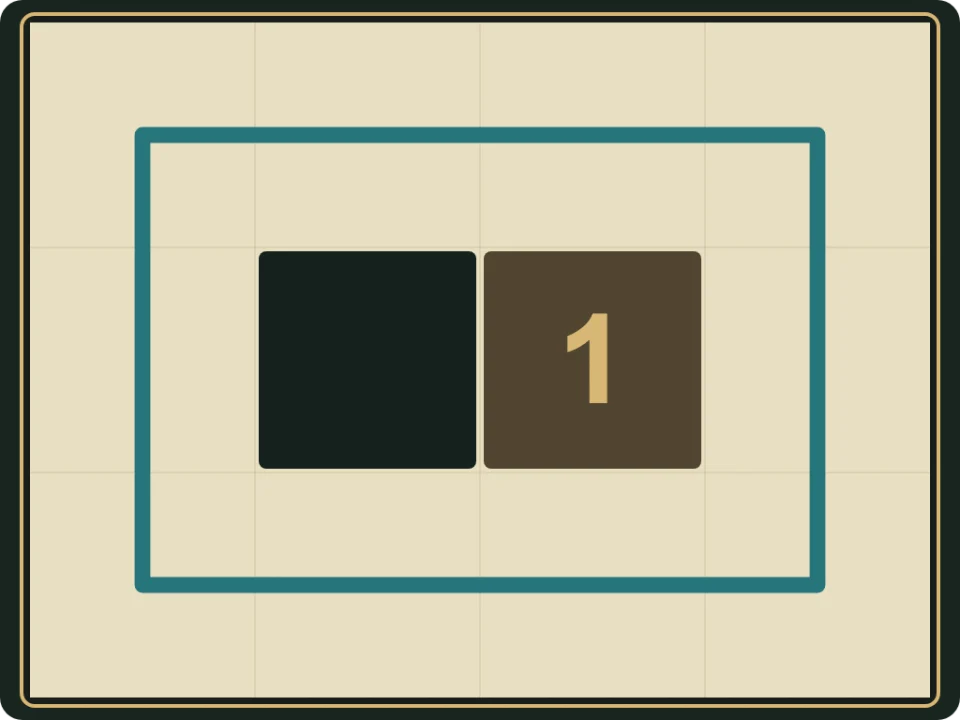
- Each number counts shaded cells directly above, below, left and right. Diagonal cells do not count. A zero forbids shading next to it.
- Shaded cells cannot share a side, but may meet at a corner. A shaded cell need not touch a number. Numbered cells cannot be shaded.
- Draw one closed loop through the centre of every empty unshaded cell exactly once. Numbered and shaded cells cannot carry links. Never branch, cross or split into separate loops.
- Shade toggles a shaded cell; White is an optional safe-cell note. Draw joins adjacent centres with two taps or one unit-link drag. Cross excludes a link.
- Clear removes a cell note with one tap, or a selected link with two taps. Undo and Redo reverse one action. Contradictory marks remain editable.
- Restart keeps the first clock running. A completed chart reopens as Practice and preserves the first finish. The chart menu includes a read-only Whole chart view.
Controls
| Input | Action |
|---|---|
| Shade / White | Toggle shading or an optional safe-cell note |
| Draw | Tap adjacent centres or drag one orthogonal link |
| Cross / Clear | Exclude a link or remove an exact cell/link mark |
| Arrows + Enter / Space | Move and apply the selected tool |
| Delete / Backspace | Choose Clear |
| Z / Y / R | Undo / Redo / open Restart confirmation |
| Pan / P | Move a large chart without changing marks |
| Escape | Cancel a selection, close a dialog or return to the atlas |
| Controller | D-pad move; A apply; X choose Clear; Y Undo; shoulders cycle tools; B back; Start settings |
Tips
- Use zeroes An unnumbered neighbour of a zero must stay white, so it will need two loop links.
- Keep shaded cells apart Shading a cell makes every unnumbered side-neighbour white. A diagonal neighbour may still be shaded.
- Watch the whole loop A locally valid route can close too early and leave another white cell outside.
Good to know
Shading, links, notes and Undo save in this browser. The first clock starts when a chart is selected and never pauses. Reloaded attempts stay local; Practice preserves the first finish.
Watch how to play
Questions
Does the loop pass through numbers?
No. Numbered cells stay outside the loop and cannot be shaded.
Can shaded cells touch diagonally?
Yes. Only side-to-side contact is forbidden.
Must every shaded cell touch a number?
No. A shaded cell can be away from all numbered clues.
Do I need to mark every white cell?
No. White marks are optional notes. Every unnumbered unshaded cell still needs two links in the one loop.
Can I draw the whole loop in one drag?
Use two adjacent centres at a time. A drag places one orthogonal link.
Does Restart reset the clock?
No. It clears your entries while the first clock keeps running. Practice preserves the first finish.