About Hamusando
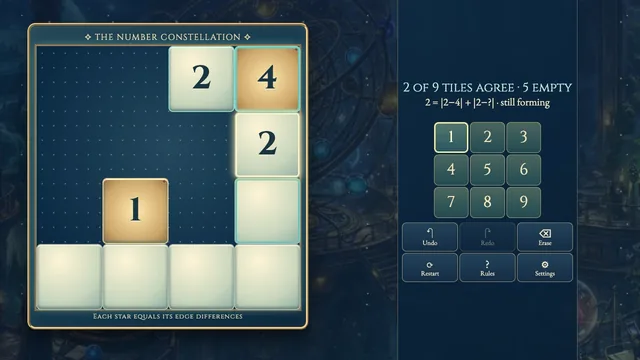
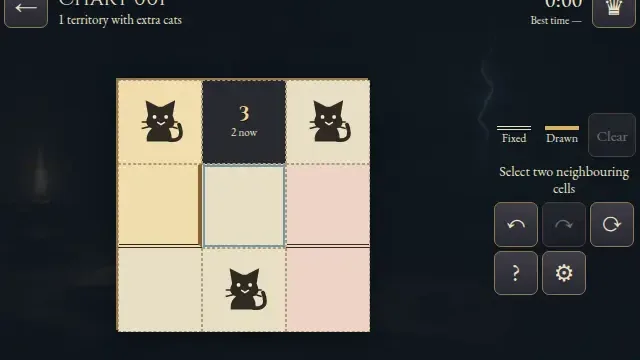
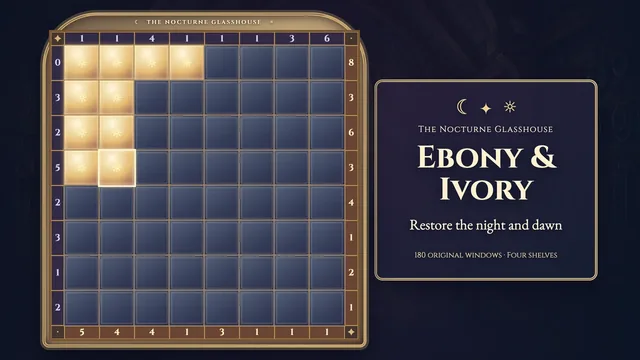
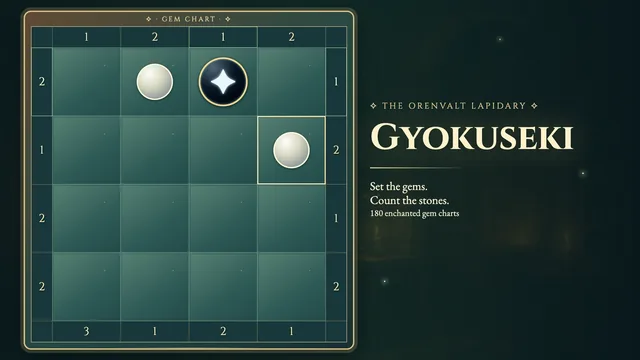
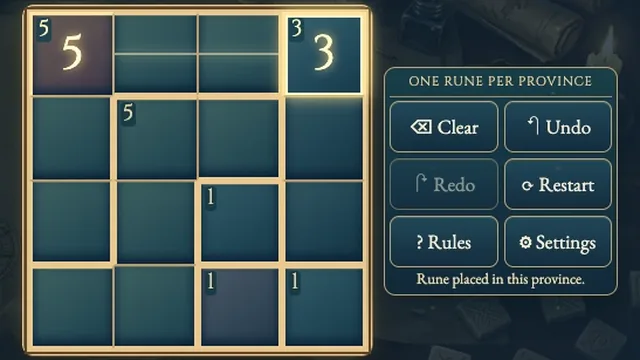
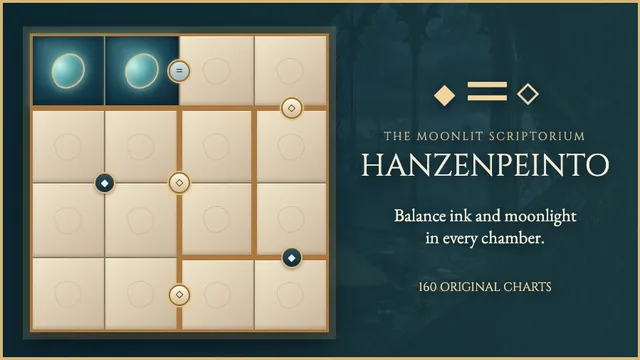
Restore a stone chart with square gates and glowing circles. Each row and column holds exactly two squares and the stated number of circles.
The edge clues count circles strictly between the squares. Circles outside the gates still count toward the line total; the other cells remain clear.
Four open shelves hold 160 original charts, each with one verified answer and a deduction path. Your first solve is kept; replay is untimed practice.
How to play
- Goal
- Place two squares and the stated number of circles in every row and column, matching each clue’s count of circles between the squares.
- How it ends
- A chart is complete when every line and printed clue agrees; there is no loss.
- Record
- Your first unassisted solve of each chart earns one fastest-time record; replays are practice.
- Choose square, circle or clear ground, then tap or drag across tiles. Printed marks stay fixed.
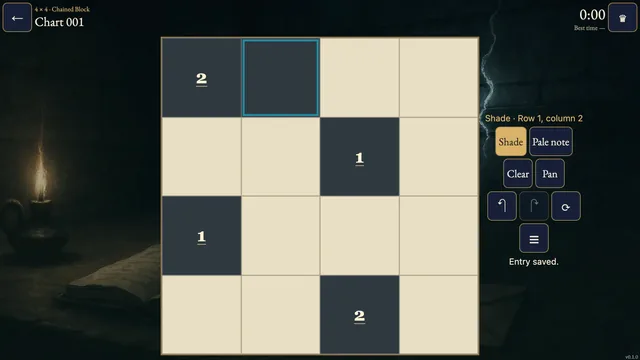
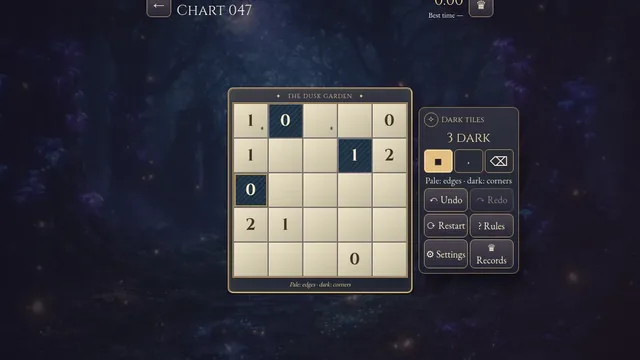
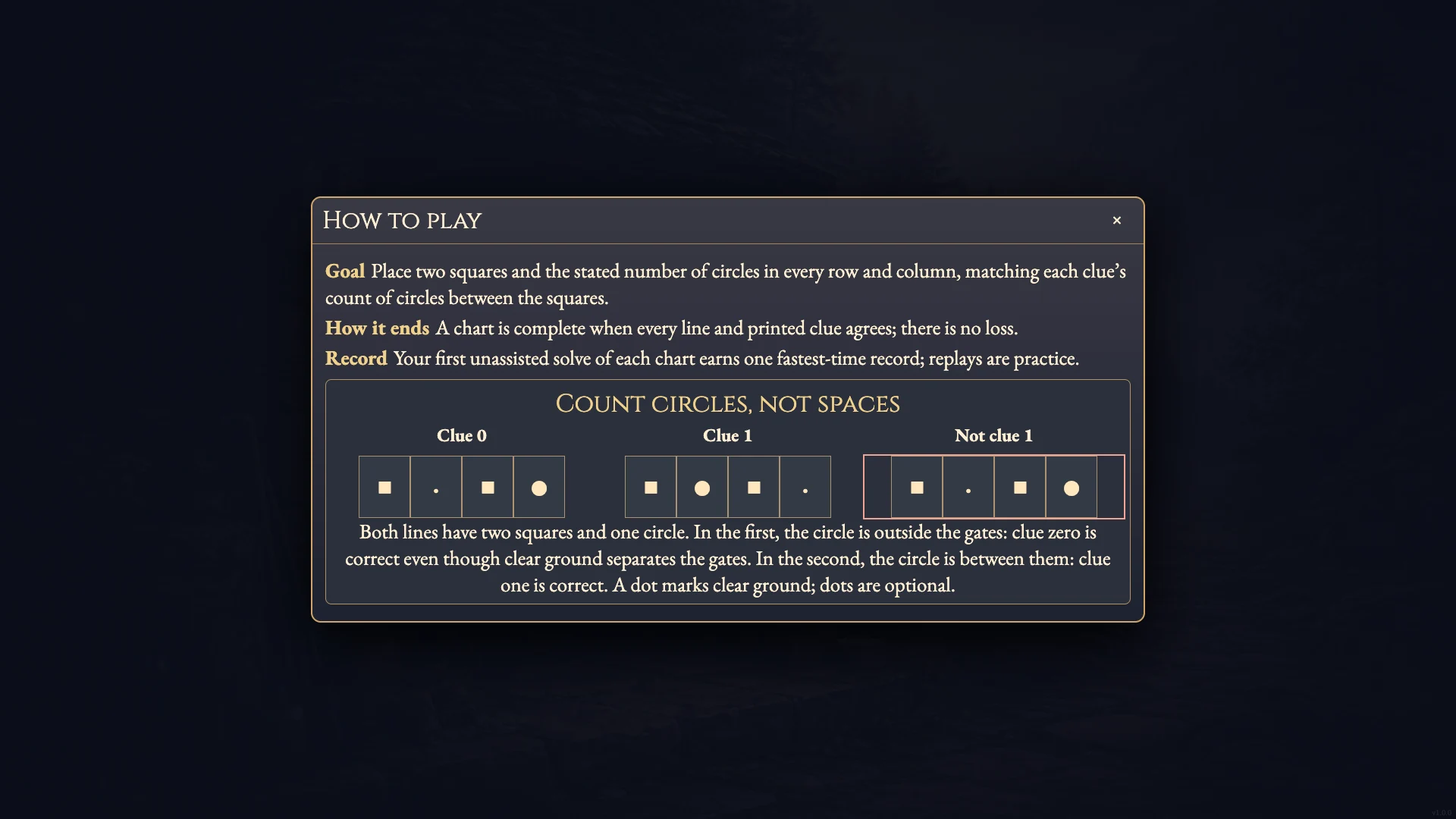
- The worked picture shows a zero clue with its circle outside the gates and a one clue with the circle between them. A zero clue allows clear ground between gates.
- Clear-ground dots are optional. The chart completes when all square and circle totals, edge clues and printed marks agree. Undo or Redo reverses a tap or a complete stroke; Restart keeps the first-opening clock.
Controls
| Input | Action |
|---|---|
| Choose mark; tap / click | Place a square, circle or clear-ground dot |
| Drag across tiles | Paint one stroke; cancellation withdraws it |
| Arrow keys; 1 / 2 / 3 | Move the cursor; square / circle / clear |
| Enter; Delete / Backspace | Use selected mark; erase |
| Z / Y; Undo / Redo | Reverse or restore a tap or full stroke |
| Restart | Clear editable marks after confirmation; keep the first clock |
| Escape | Close a dialog or return to the atlas |
| Gamepad | D-pad moves, A marks, X erases, shoulders choose, Y undoes, B returns and Start opens Settings |
Tips
- Read the circle total The chart states whether every line needs one or two circles.
- Count only circles Clear ground between squares does not contribute to the edge count.
- Cross the lines A square or circle placed for one row also contributes to its column.
Good to know
All charts are open. Progress saves in this browser; a reloaded attempt finishes locally on its original clock.
Watch how to play
Questions
Does zero mean the squares touch?
No. Clear ground may separate the squares; zero means no circle lies between them.
Must I mark every clear cell?
No. Dots are optional. Unmarked cells count as clear once all line rules agree.
Can replay improve my first time?
No. The first completed time stays saved; replay is untimed practice.