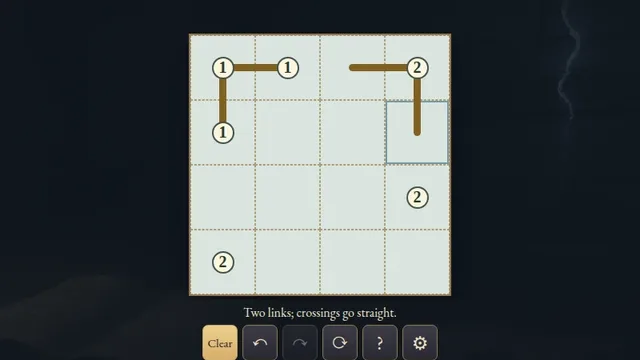
About Double Back
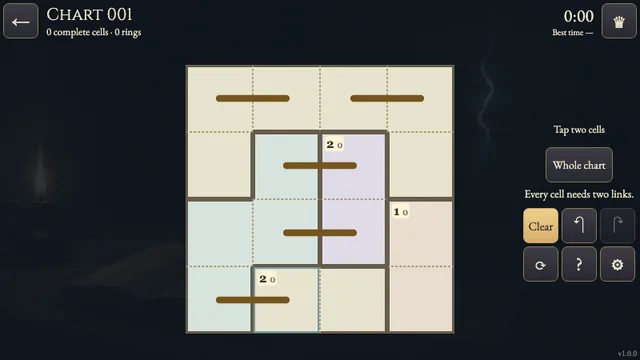
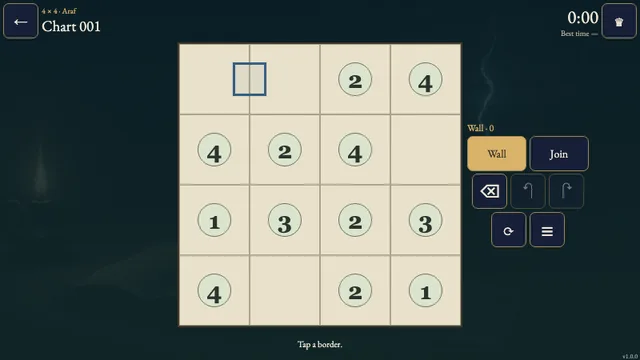
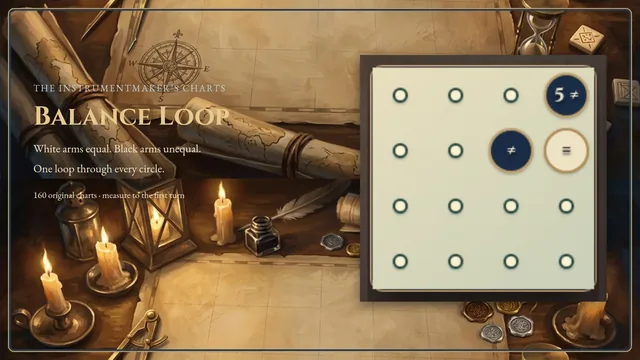
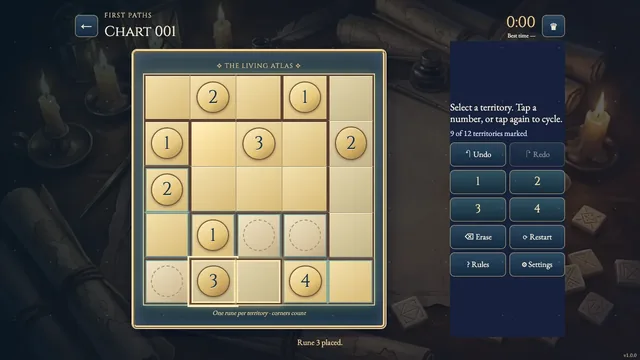
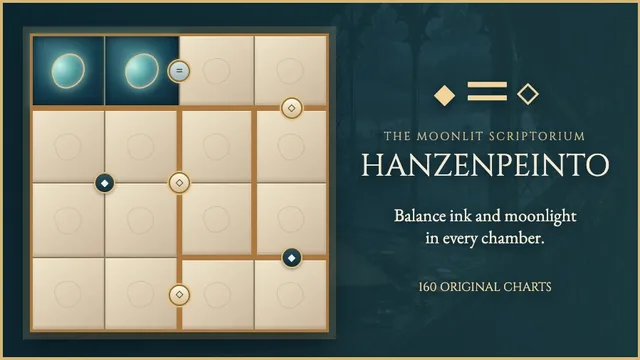
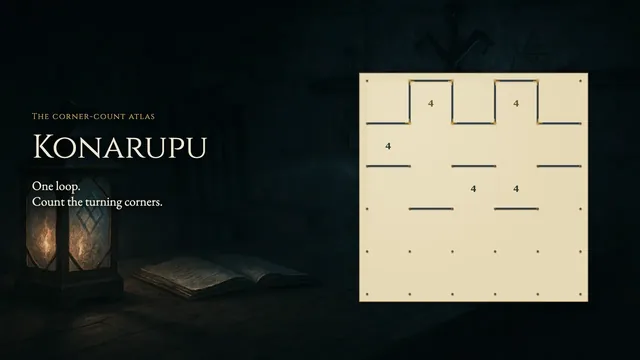
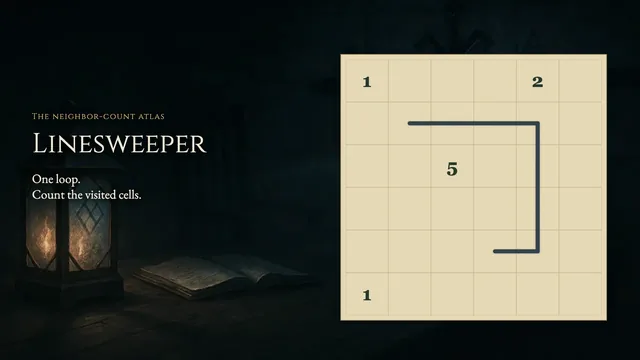
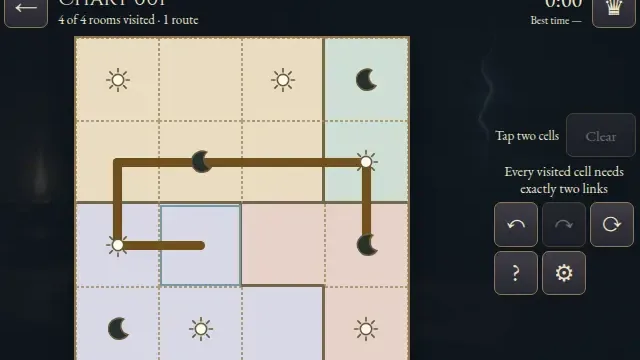
Draw a single loop across a parchment grid of outlined rooms. Each tile belongs to the loop, and each room must be entered and left twice.
Explore 160 original puzzles across four board shapes. Count boundary crossings, avoid branches and bring separated strokes together into one complete loop.
How to play
- Goal
- Draw one loop through every open tile, entering and leaving every room twice.
- How it ends
- You win when the complete loop obeys every room; mistakes can be erased and cannot end the puzzle.
- Record
- Your first unaided solve time is kept for each chart; later solves are untimed practice.
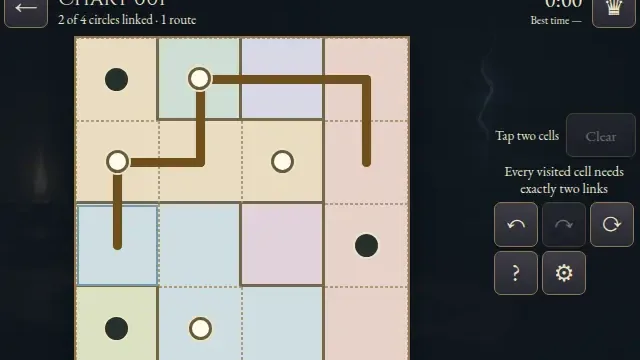
- Join orthogonally adjacent tile centres. Every tile needs exactly two links, and the finished route must be one connected loop.
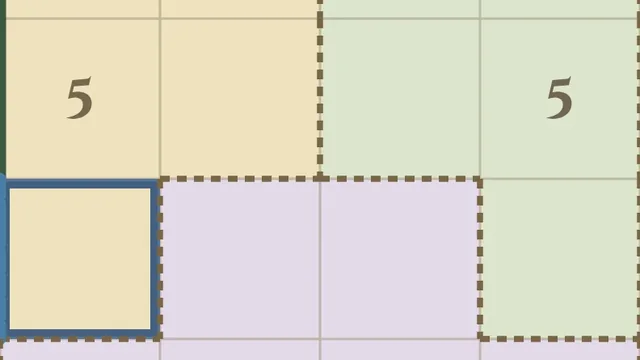
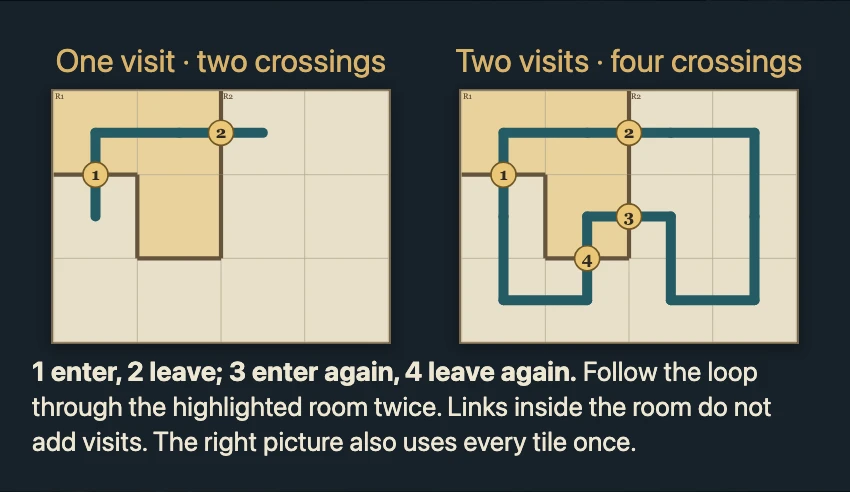
- Each room needs four links crossing its thick boundary: two entries and two exits. Moving within a room does not add a visit.
- You may draw separate strokes while solving. A small closed loop cannot be the ending unless it includes every tile.
- Choose Erase to remove links or Mark for optional crossed-out links. Undo and Redo restore whole strokes.
- On tall charts, choose Pan or use the scroll controls to reach the remaining rows. Return to Draw before adding links.
Controls
| Input | Action |
|---|---|
| Drag between tile centres / tap two neighbours | Use the selected Draw, Erase or Mark tool |
| Arrow keys; Space | Move the cursor; select an endpoint, then extend with arrows |
| Z / Y; R | Undo / Redo; open Restart |
| Escape | Cancel an endpoint or return to the atlas |
Tips
- Start at a corner A corner tile has only two neighbours, so both links are needed.
- Count crossings, not tiles A long stroke within one room is still one visit. Count only links crossing its thick boundary.
- Keep the loop open Closing a small cycle leaves the other tiles disconnected.
Good to know
Progress and Undo history save in this browser. The first clock starts when a chart opens and continues through menus and Restart. Reloaded attempts continue locally; later solves are untimed practice.
Watch how to play
Questions
Does every room need two separate loops?
No. There is one loop for the entire chart. Follow it through each room twice.
Do crossed-out links matter for the ending?
No. Marks are optional notes. Only the drawn loop determines completion.