About 3D Nonogram
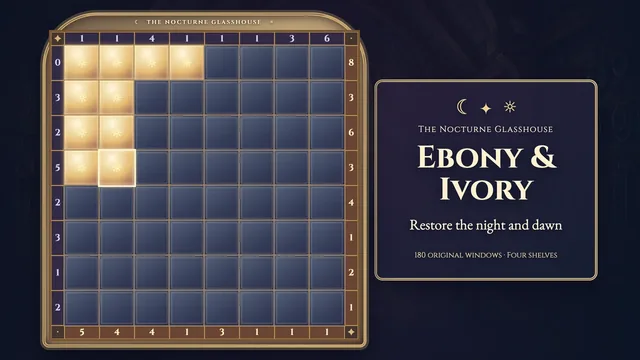
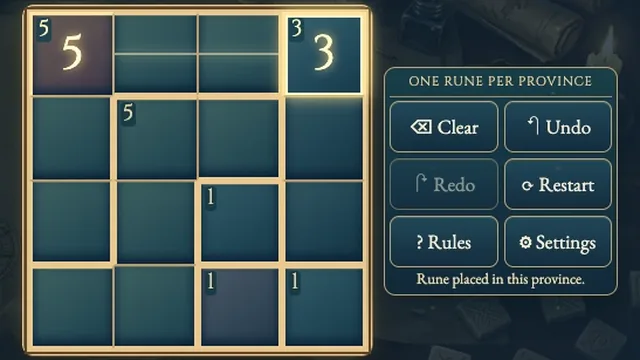
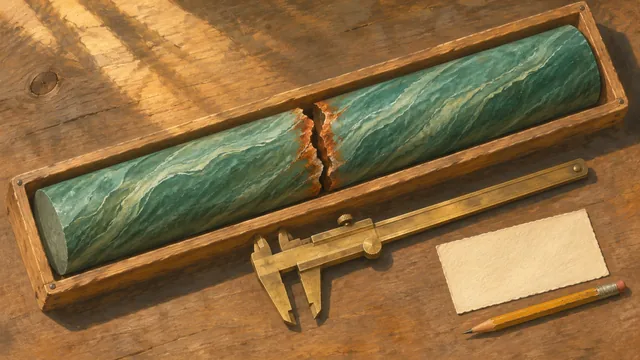
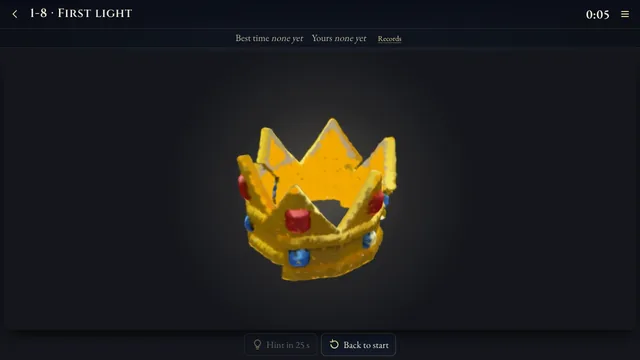
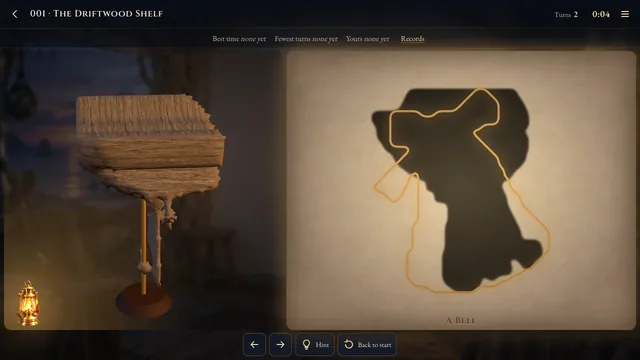
Keep or chip cubes in a stone block to uncover a creature. Each slice shows number clues, and changing axes reveals how your deductions cross through the same volume. Finish all 4 sculptures to collect their coloured forms.
How to play
- Goal
- Carve the block into a creature using the clues.
- How it ends
- Decide every cube and match every printed clue through X, Y and Z.
- Record
- Your first-attempt clock starts when you open a sculpture and keeps running in menus. Restart keeps an unfinished clock. Reopening after a close is practice. Corrections count changes to decided cubes and Undo; initial decisions are free. Your first solve keeps its time; practice can improve corrections. Records require a saved result. Runs longer than 24 hours do not enter records.
- Choose an axis and slice. Use Keep for cubes that belong to the creature and Chip for empty space. Every cube must be decided.
- A plain number counts kept cubes in one consecutive group. A circled number means exactly 2 groups; a squared number means at least 3 groups. Groups may have different lengths.
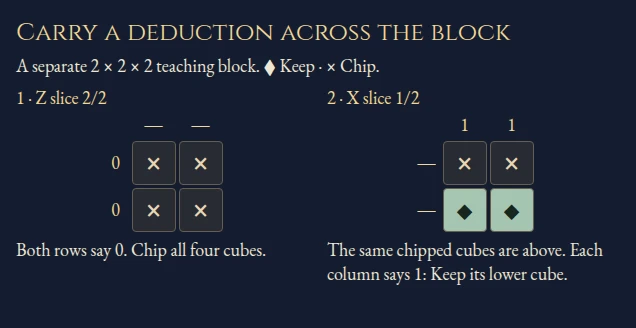
- Zero means every cube in that line is empty. A dash means no clue; use crossing lines to decide those cubes.
- Clues above the slice describe vertical lines; clues to the left describe horizontal lines. Choose Inspect and select a cube to read its Through clue into the block.
- Switch axes and slices to carry deductions across the block. Drag to preview a whole stroke, then release inside the slice to commit it. Undo reverses that stroke; Clear returns cubes to undecided.
- Complete every printed clue to reveal the creature. There is no loss or correction limit.
Controls
| Input | Action |
|---|---|
| Tap / click / drag | Apply Keep, Chip, Clear or Inspect to slice cubes |
| Axis / slice buttons | Change the editing plane |
| Arrow keys | Move between cubes |
| Space / X / Delete | Keep / Chip / clear the focused cube |
| Enter | Apply the selected tool |
| Ctrl / Cmd + Z | Undo the last stroke |
| Escape during a stroke | Cancel the preview |
| D-pad / A | Move the cursor / activate |
| X / Y | Cycle tools / turn the preview |
| LB / RB; LT / RT | Change slice; change axis |
| B / Start / Back | Go back / open the menu / show rules |
Tips
- Start with zero. Chip an empty line, then change axes to see what that removes from crossing clues.
- A dash leaves the choice open. It never means zero. Find a printed crossing clue before deciding its cubes.
Good to know
Progress stays in this browser. Reopening an unfinished sculpture is practice and cannot set its first-solve time. Practice can improve corrections. Solves lasting more than 24 hours do not enter records.