About Putteria
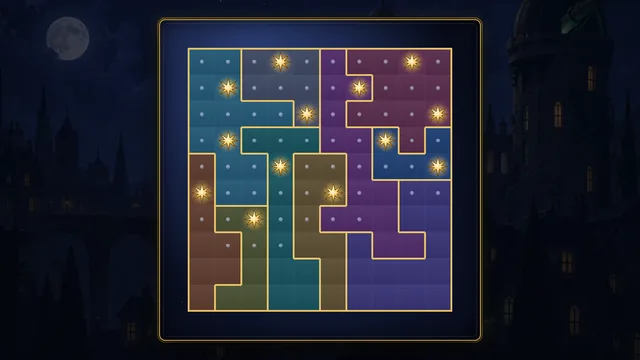
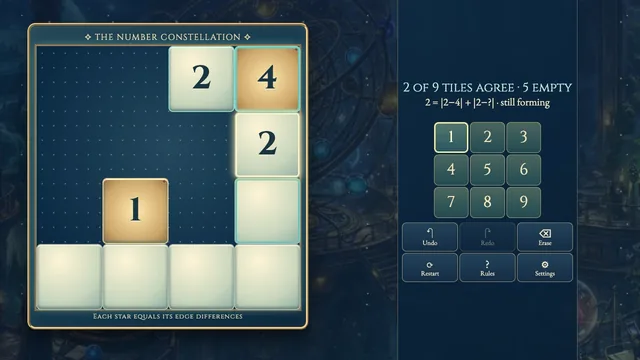
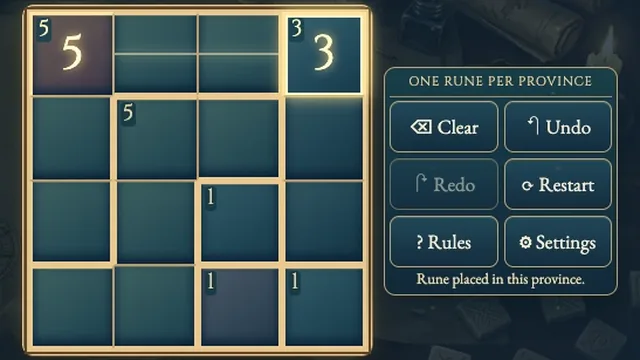
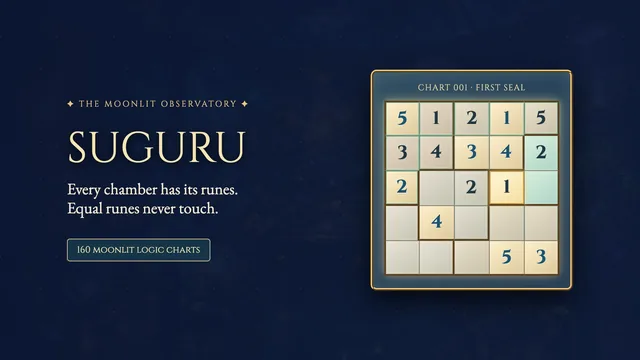
On a moonlit observatory floor, each outlined chamber holds one silver-and-brass area rune. Count the chamber’s cells to know its number, then choose the square where it belongs.
Equal numbers cannot share a row or column, and no two runes can share an edge. Diagonal neighbors are allowed. Each puzzle has one solution.
Your first solve time stays in this browser. An uninterrupted first finish can claim the named best for its chart.
How to play
- Goal
- Place one area rune in each chamber, keeping equal numbers out of the same row or column and keeping runes apart along their edges.
- How it ends
- A chart completes when every chamber has one rune and all placements obey those rules; there is no loss.
- Record
- Your first solve time is kept per chart, and the fastest verified first solve appears with its holder.
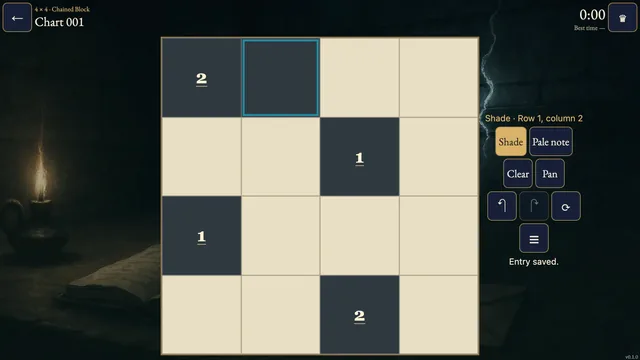
- Every outlined chamber gets exactly one rune. Its number is the number of cells in that chamber. Tap a square to place the rune; tap it again to clear it, or tap another square in the chamber to move it. Printed stars are blocked squares.
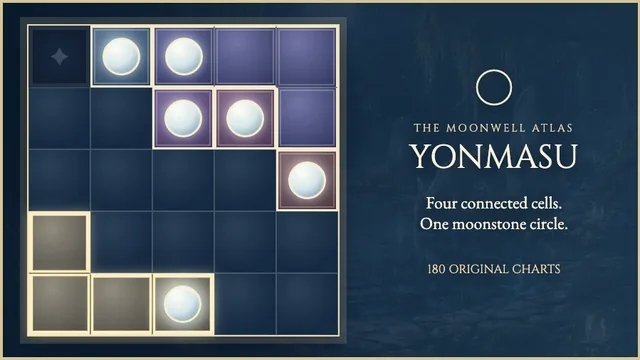
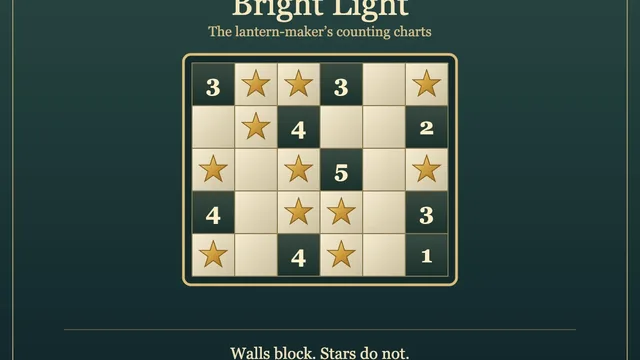
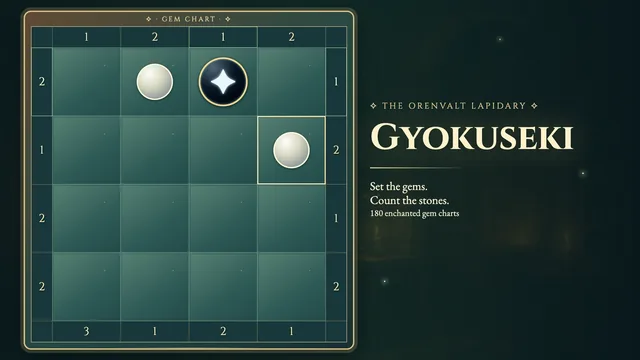
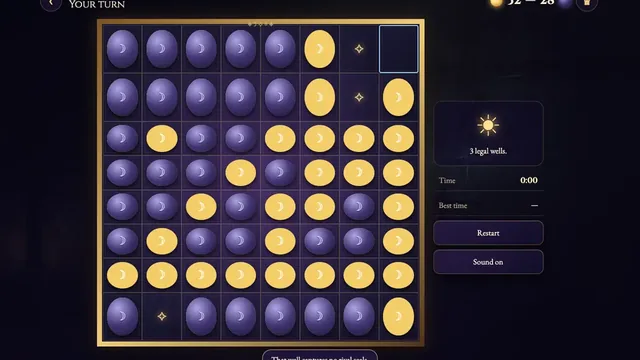
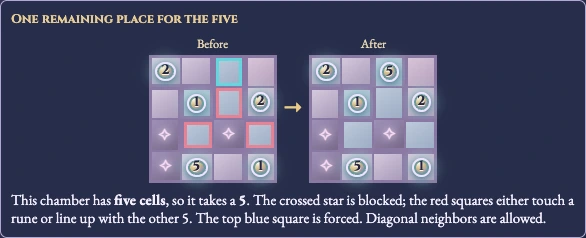
- Two runes with the same number cannot share a row or column. No two runes can share an edge, even when their numbers differ; touching at a corner is fine. In the worked picture, the five-cell chamber has only one legal square after the blocked star, equal-size line and touching squares are ruled out.
- X notes are optional. Undo restores one gesture; Reset clears your marks while the clock keeps running. A chart completes when every chamber holds one rune and the line and edge rules hold. There is no loss. An unfinished chart reopened after a reload stays local practice; replaying a solved chart does not improve its first time.
Controls
| Input | Action |
|---|---|
| Tap / click a square | Place, move or clear its chamber rune |
| Rune / X note | Choose a rune or an optional empty-square note |
| Arrow keys | Move focus through the chart |
| Space / Enter | Use the selected rune or note tool on the focused square |
| X | Mark the focused square as an optional empty note |
| Backspace / Delete | Clear the focused square |
| Z / R | Undo the last mark / reset marks while the clock continues |
| Escape | Close a rules or settings panel |
Good to know
Printed blocked stars are part of each chart; player X notes are optional. Progress saves in this browser; sound follows the shared arcade setting.