About Marquetry Echo
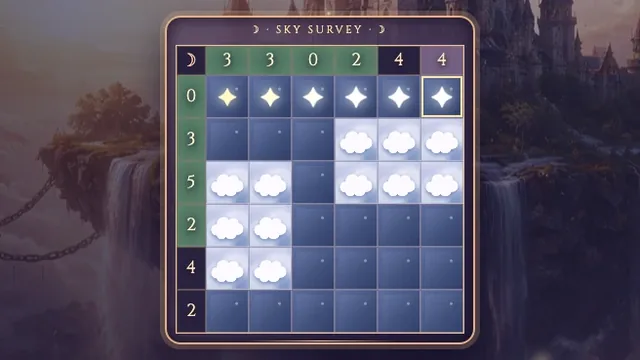
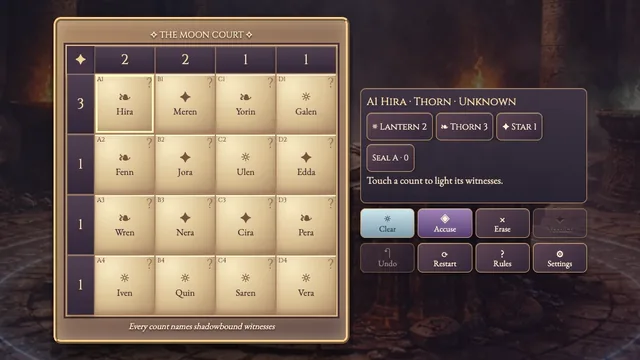
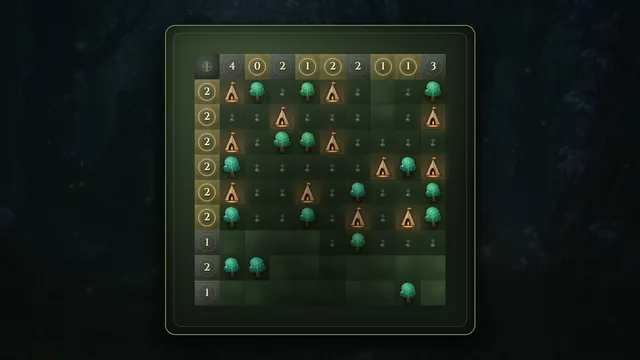
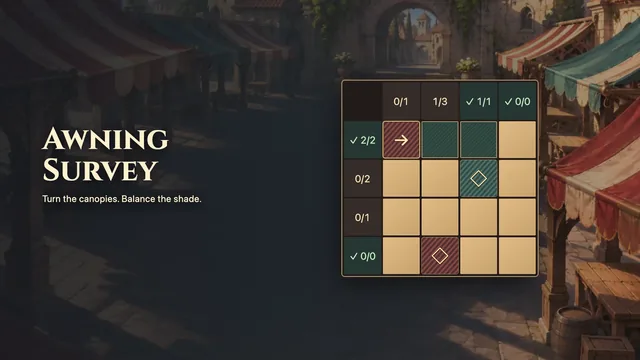
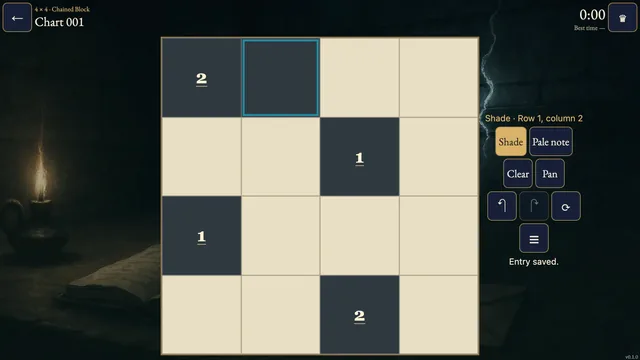
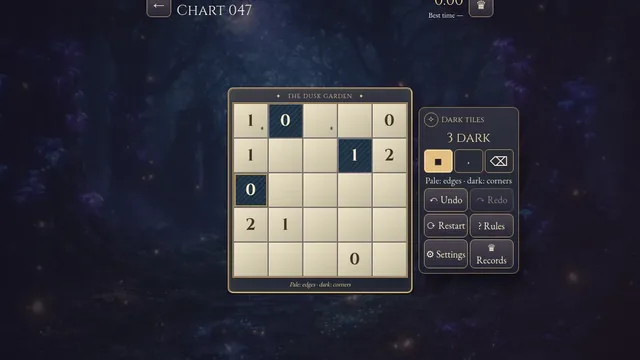
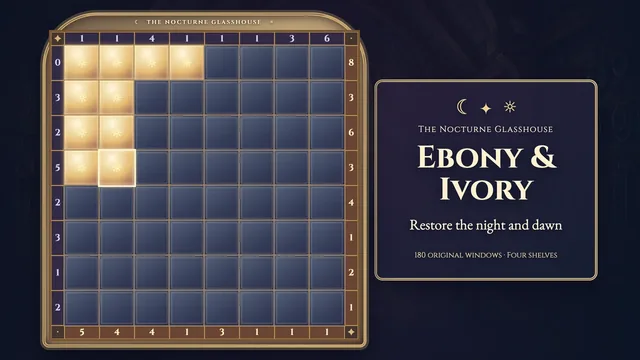
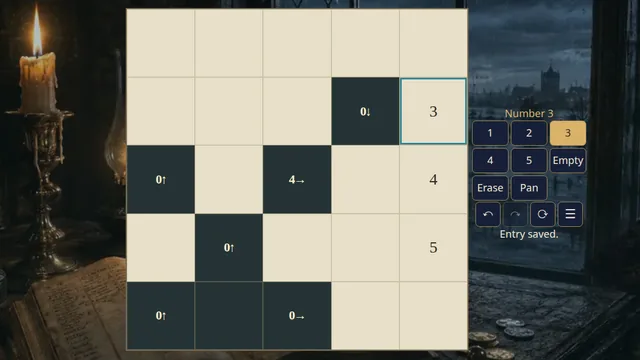
Fit walnut and maple tiles into twelve marquetry panels, starting with Maple Bridge. Each number counts the separate pieces of dark veneer that reach its row or column.
Two dark tiles on one line can belong to the same piece by connecting through other rows or columns. Tap a clue to trace the pieces as you work.
How to play
- Goal
- Choose dark tiles so every row and column meets the printed number of connected pieces.
- How it ends
- Set every tile to dark or pale and finish when all the counts match.
- Record
- Each panel keeps your first-clear time and shows the fastest recorded clear.
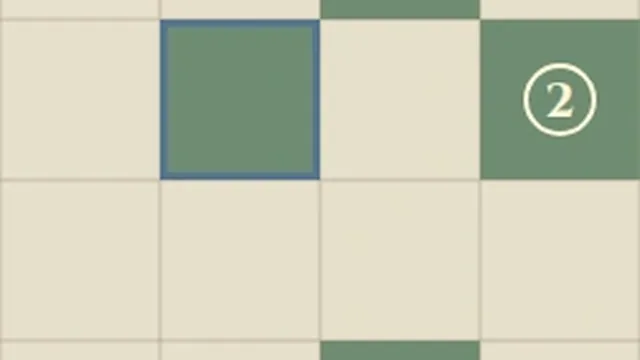
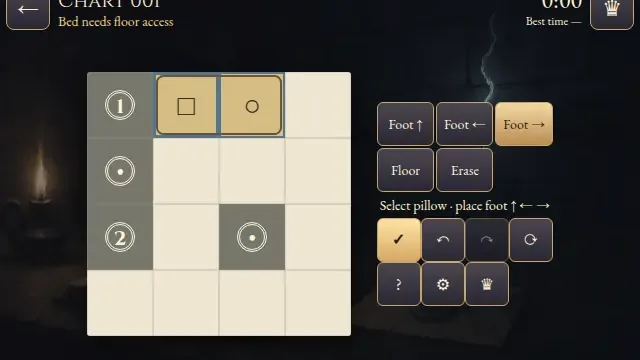
- Choose Dark or Pale and apply it to a tile. A diamond means the tile's material is fixed.
- Dark tiles that share an edge belong to the same piece. Corner contact alone leaves separate pieces. Compare the small current count with the large target.
- Tap a clue to trace the full dark pieces touching its line. Undo reverses your last placement. Restart preserves the original timer and any first clear.

Controls
| Input | Action |
|---|---|
| Mouse or touch | Choose Dark or Pale, then tap a tile. Tap a clue to trace its pieces. |
| Keyboard | Move focus with Tab or an arrow key. Activate with Enter or Space. Press Z to undo. |
| Gamepad | Use the directional pad to move focus, A to activate, B to go back and Start to open Panels. |
Tips
- Fill zero lines with pale tiles Every dark tile would bring a piece onto a row or column whose target is zero.
- Trace a connection outside the line If two fixed dark tiles touch a line whose target is one, a path of dark tiles must join them somewhere on the panel.
Good to know
A first clear can rank in one sitting on the game page. Reopened panels are practice.