About Bend Ledger
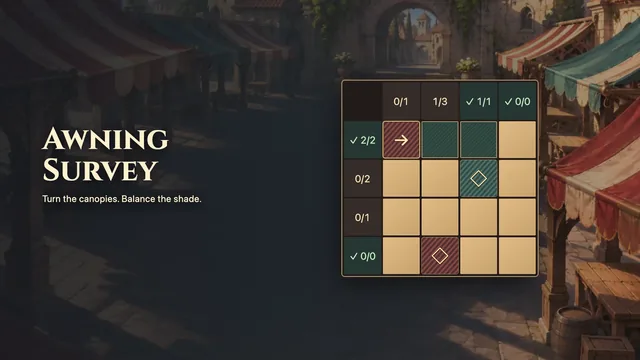
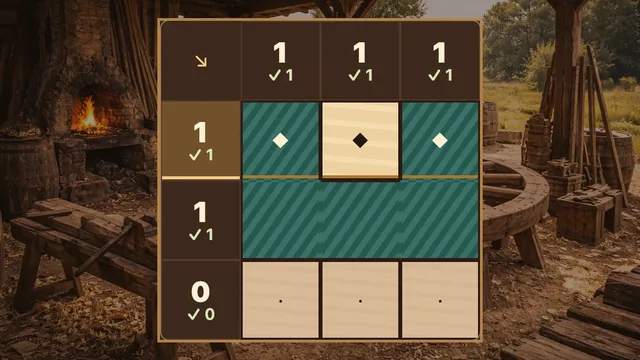
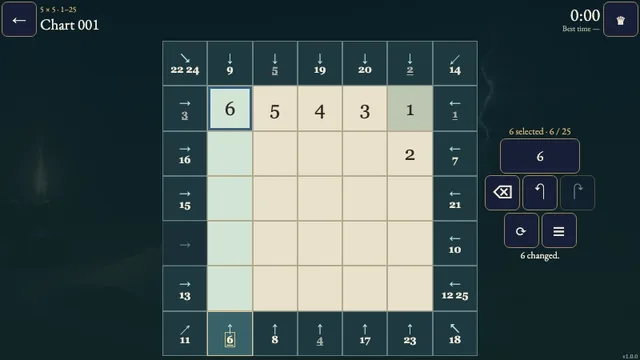
A survey chart marks a starting direction and a string of numbered waypoints. The ledger gives separate left and right turn counts for each stretch of the track.
Trace a route from Start to Finish without using a square twice. On the later charts, a path can meet the current counts and still occupy a square needed for the next stretch.
How to play
- Goal
- Draw one track from Start through the numbered waypoints to Finish.
- How it ends
- Reach Finish with both counts exact on every stretch.
- Record
- Your first clear on each chart is timed.
- Tap a square next to the tip. Take the first step in the direction of the Start arrow. Walls block edges, and each square can be used once.
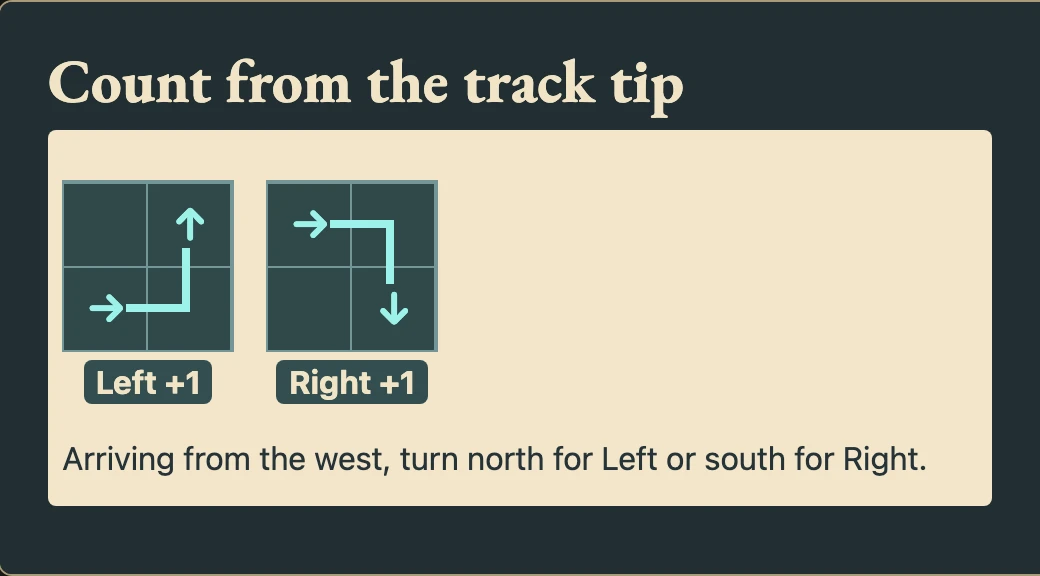
- Match the printed left and right totals before arriving at the next waypoint. The corner made when leaving that waypoint counts on the next row.
- Tap a ledger row to highlight its stretch. Undo takes back one step. Restart returns the track to Start while the clock keeps running.
Controls
| Input | Action |
|---|---|
| Mouse or touch | Tap an adjacent square to extend the track or a ledger row to inspect it. |
| Keyboard | Use Tab or the arrow keys to move focus. Press Enter or Space to activate. |
| Gamepad | Use the directional pad to move focus, A to activate and B to go back. |
Tips
- Work backward from a waypoint If you start east and need two right turns with no left turns, you must reach the next waypoint facing west. You can look for the entrance from its east side.
- Keep later stretches in mind If two routes match the same row, see whether either leaves the next stretch room to use its own corners.
Good to know
A first clear can rank in one sitting on the game page. Reopened charts are practice.