About Kropki
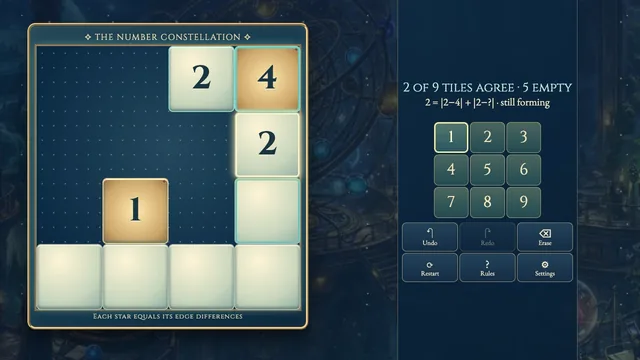
Inside a moonlit observatory, fill a Latin number chart by reading the pearl signs between neighbouring squares. White pearls join consecutive digits; black pearls join a number and its double. An edge with no pearl forbids both.
Choose freely among 160 original charts. Each puzzle has one solution. The larger shelves use six digits; every chart keeps its own progress.
Your first solve time stays in this browser. An uninterrupted first finish can claim the named best shown beside the clock and on every chart card.
How to play
- Goal
- Fill every row and column with each digit once, obeying every dot and every blank edge.
- How it ends
- A chart is won when the filled grid satisfies all its rules; there is no loss.
- Record
- Each chart keeps your fastest first solve and the overall fastest first solve.
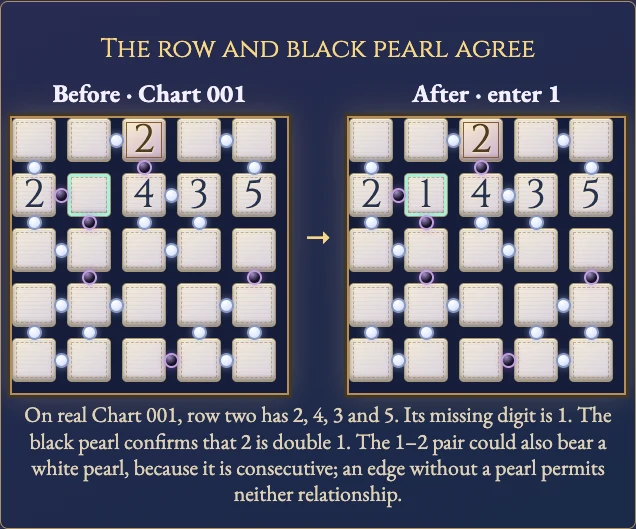
- Fill each row and column with the digits from 1 to the grid size, once per line. There are no Sudoku boxes. A white pearl joins consecutive digits; a black pearl joins one digit and its double. The 1–2 pair qualifies for either colour. Where no pearl is drawn, neither relationship is allowed.
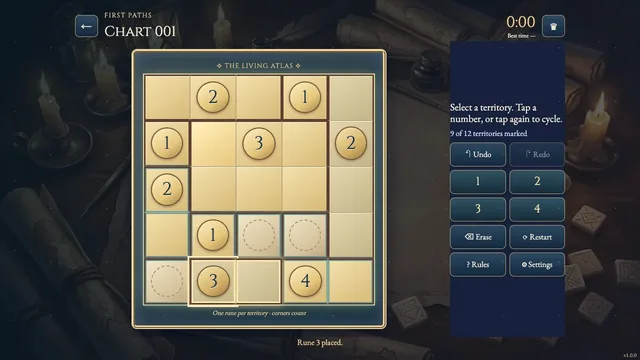
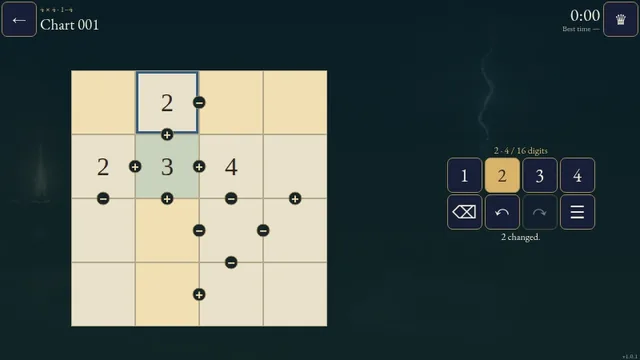
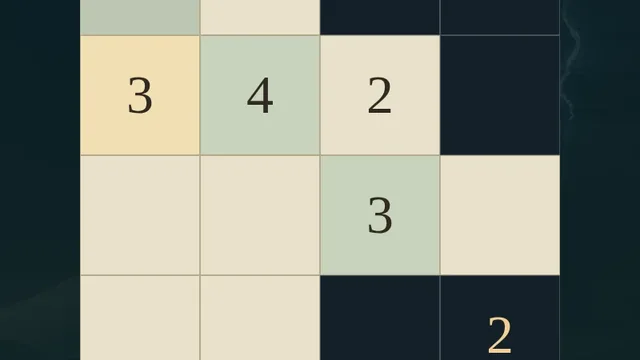
- The worked example comes from real Chart 001. In its second row, 2, 4, 3 and 5 are already placed, so 1 is missing. A black pearl between the 2 and the gap confirms that 2 is double 1. Use the other rows and columns the same way to narrow each placement.
- Choose an empty square, then tap a digit below the chart or type it on the keyboard. Notes pencil possible digits; Undo takes back the previous mark. Restart clears the same chart but keeps its first clock running. A chart completes automatically when every rule agrees. There is no loss. Returning from the atlas in the same page keeps the first record chance; reloading an unfinished chart makes that solve local only. A completed chart replays as untimed practice.
Controls
| Input | Action |
|---|---|
| Tap / click a square, then a digit | Enter or clear a digit in the selected square |
| Notes | Pencil possible digits without filling the square |
| Arrow keys | Move among editable squares |
| 1–6 / Backspace | Enter a digit or clear the focused square |
| N / Z | Toggle Notes or Undo |
| Restart / R | Clear entries and notes on this chart without resetting its first clock |
| Escape | Close a panel or return to the atlas |
| Gamepad | Move the cursor, choose digits and reach every panel |
Good to know
Empty edges are constraints, and 1–2 can satisfy either dot colour. Progress saves in this browser; sound follows the shared site setting.