About Ink Blot Census
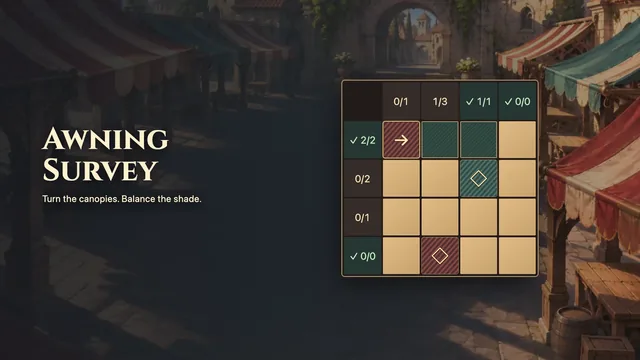
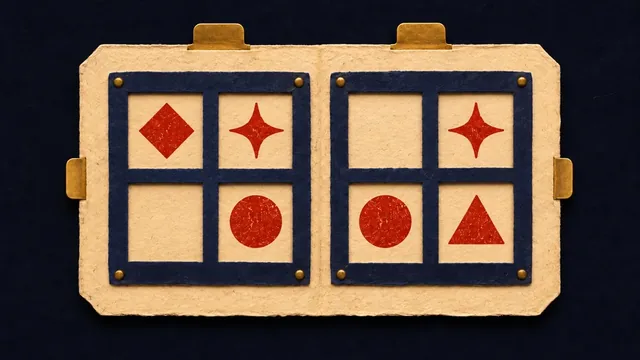
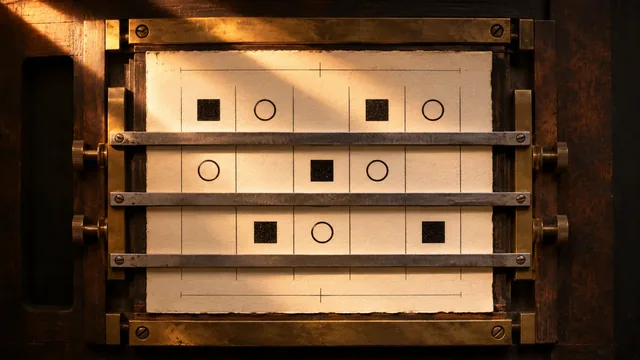
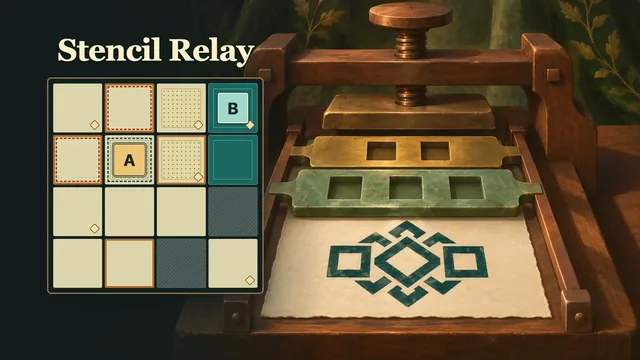
Turn a set of two-sided stamps until their overlapping print matches the counts on every inspection window.
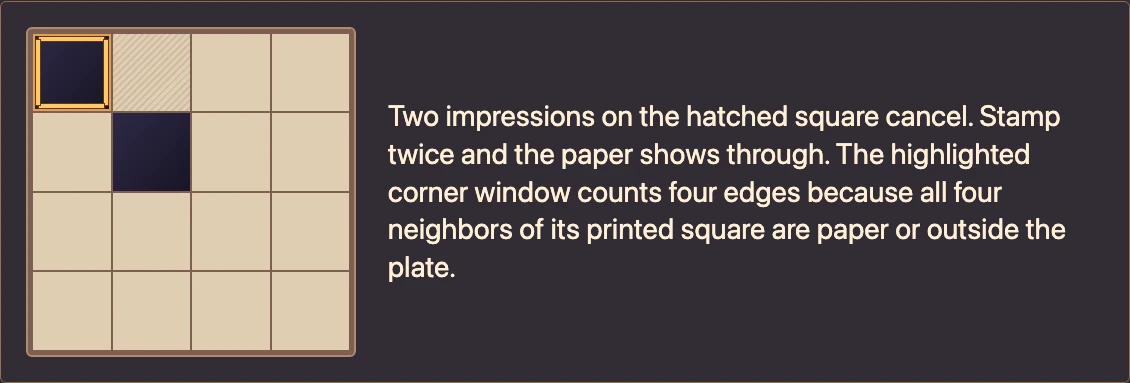
Two impressions on the same square cancel. The brass marks trace the exposed ink edges counted in the selected window.
How to play
- Goal
- Turn the stamps until every window counts its required number of exposed ink edges.
- How it ends
- The plate clears when all windows match.
- Record
- Your first solve time is kept for each plate.
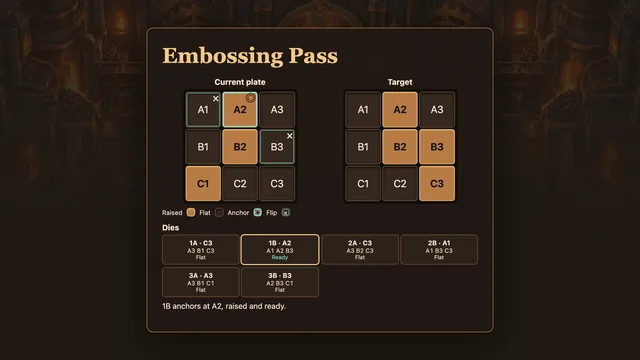
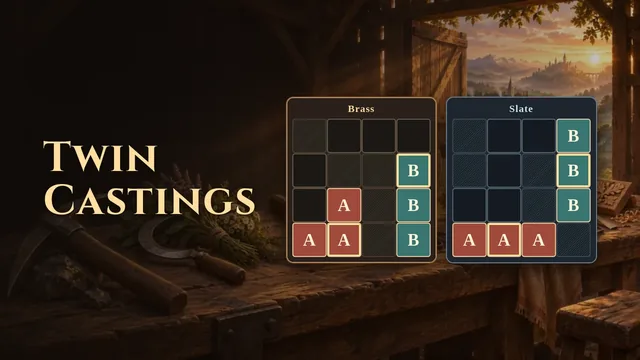
- Tap a numbered stamp to turn it. Its two diagrams show the squares printed by each face. The gold face is active.
- Tap a window to highlight the edges it counts. A printed neighbor blocks the shared edge even when that neighbor is outside the window.
- Compare the current edge count with the target on each window. Use Undo to reverse a turn or Restart to restore the issued faces.
Controls
| Input | Action |
|---|---|
| Mouse or touch | Tap a stamp to turn it and a window to trace its edges. |
| Keyboard | Use Tab or the arrow keys to move focus. Enter and Space activate the selected control. |
| Controller | Use the D-pad to move focus, A to activate, and B to go back. |
Tips
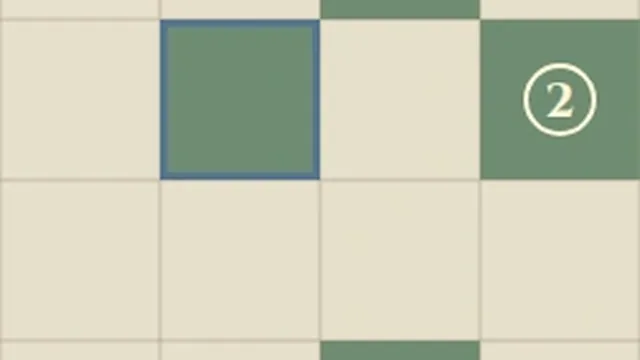
- Follow the hatch A hatched square received an even number of impressions, so the paper shows through.
- Check the neighbors One turn can change an edge in a window even when the affected square is just outside it.
Good to know
Reopening preserves the stamps, Undo history and original start time. Reopened attempts stay local.