About Carbon Order
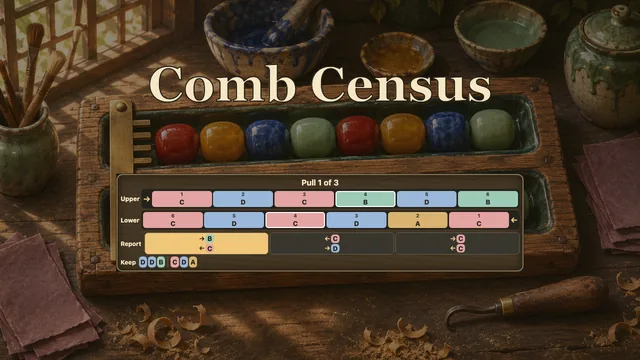
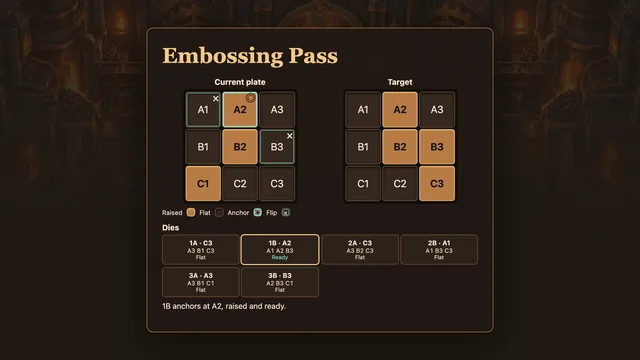
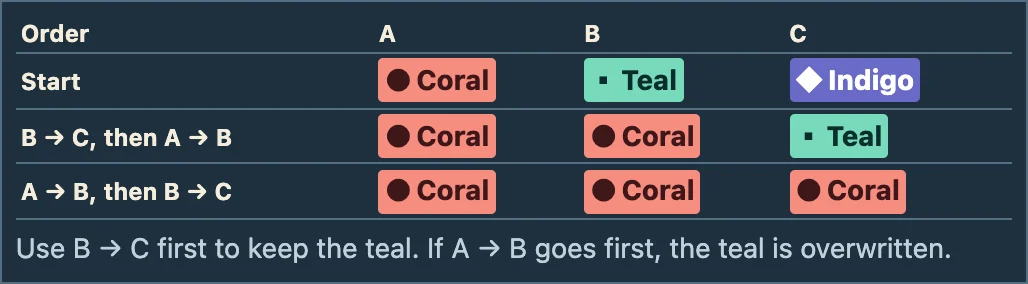
Every arrow copies its source swatch’s current color onto a different swatch. Use all the arrows in an order that reproduces the target colors.
Across twelve printing plates, decide which colors to preserve and which copies need to happen last. An early overwrite can change the color a later transfer picks up.
How to play
- Goal
- Use every transfer once to reproduce the target colors on the swatches.
- How it ends
- The plate clears when the final colors match, and Undo or Restart lets you change your sequence.
- Record
- Each plate records the fastest first clear.
- Compare each Current swatch with its Target. Tap an arrow once to carry out its transfer.
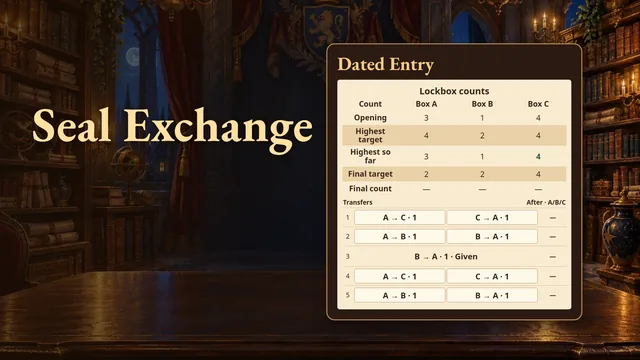
- Read the arrow from left to right: A → B copies A’s current color onto B.
- Use every arrow. If any swatch differs from its target at the end, undo a transfer or restart the plate.
Controls
| Input | Action |
|---|---|
| Touch or mouse | Tap or click a transfer. |
| Keyboard | Use Tab to focus a button and Enter or Space to activate it. |
| Gamepad | Move focus with the D-pad and activate with the south button. |
Tips
- Save the ink you need Make an outgoing copy before another transfer overwrites its source.
- Work back from the target If two arrows write to one swatch, only the last one sets its final color.
Good to know
The timer starts when you open a plate and keeps running while you are away. Restart keeps the same clock. Only first clears rank.