About Digital Battleships
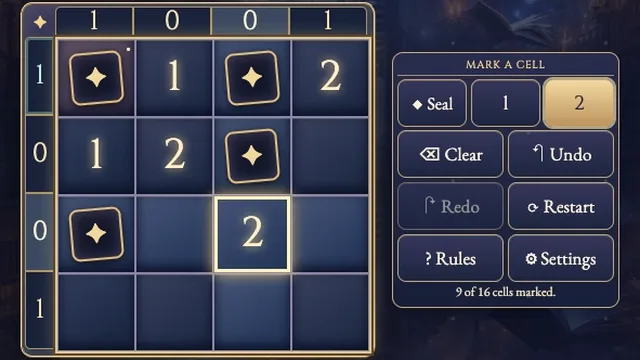
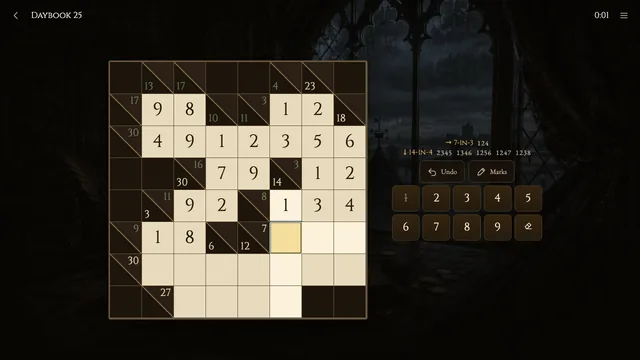
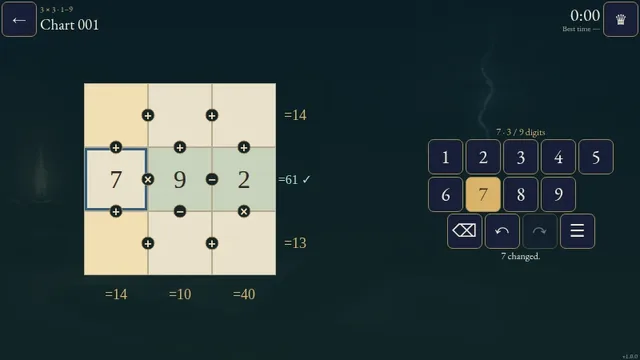
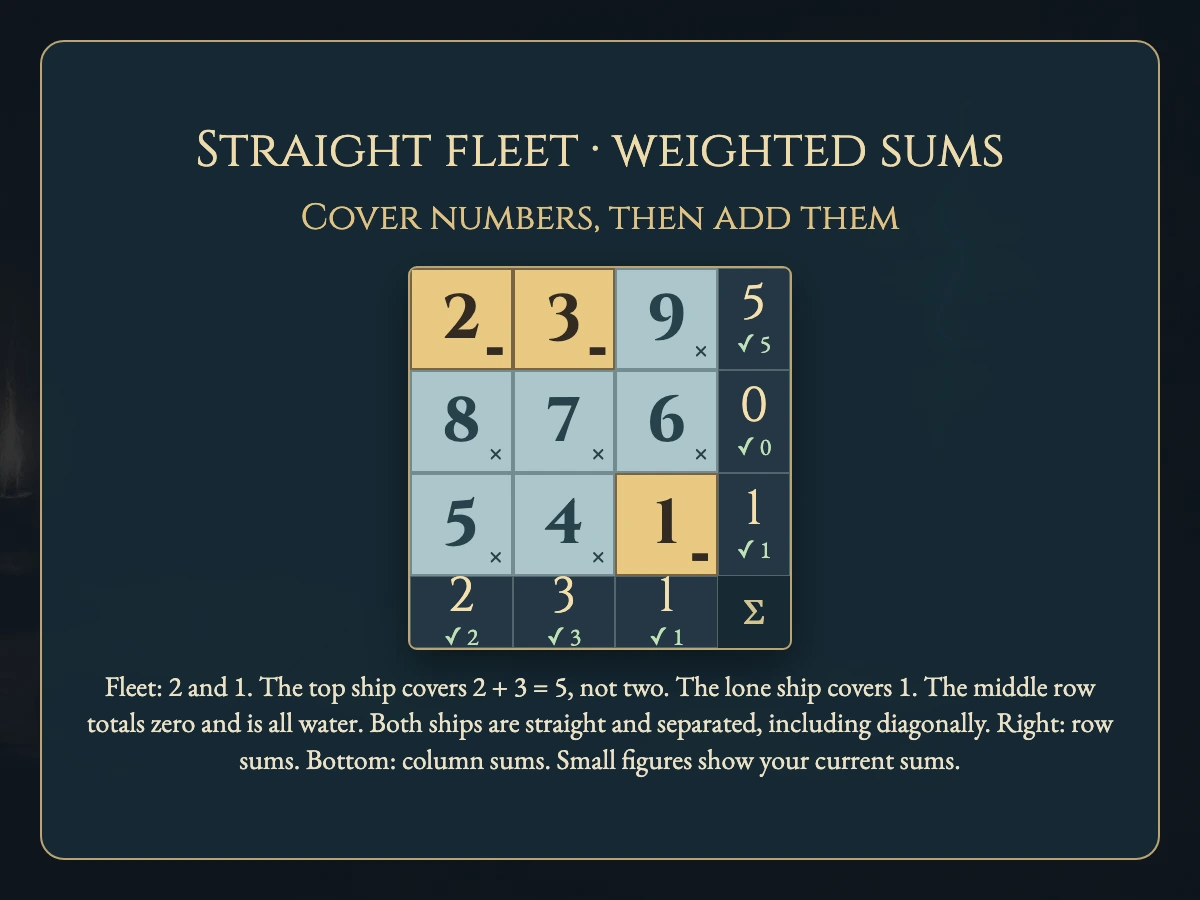
Search a numbered sea for a separated fleet. The edge totals measure the numbers covered by ships, rather than the number of occupied squares.
All 96 original charts are open: twelve 4×4, twenty-four 5×5 and sixty 6×6. Each has exactly one checked fleet.
How to play
- Goal
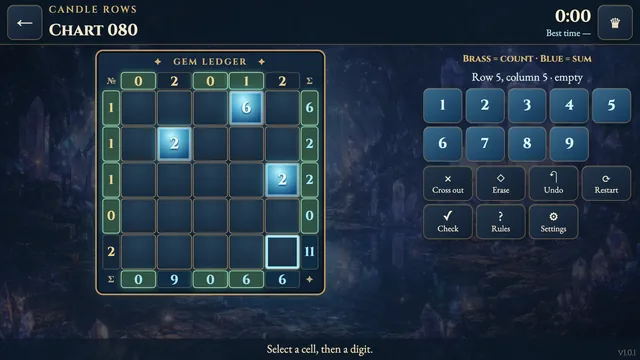
- Find the displayed fleet of straight ships so the numbers covered by ship cells sum to every row and column total; different ships never touch, even diagonally.
- How it ends
- The chart finishes when the exact fleet, separation and all weighted totals agree; marks remain editable before completion, so there is no loss state.
- Record
- Your first unaided solve time is recorded for each chart; Replay is Practice.
- Find exactly the displayed fleet of straight horizontal or vertical ships. Different ships never touch on an edge or corner. Ships cannot bend or branch.
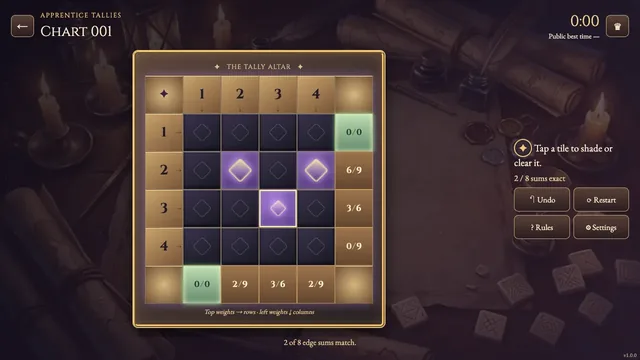
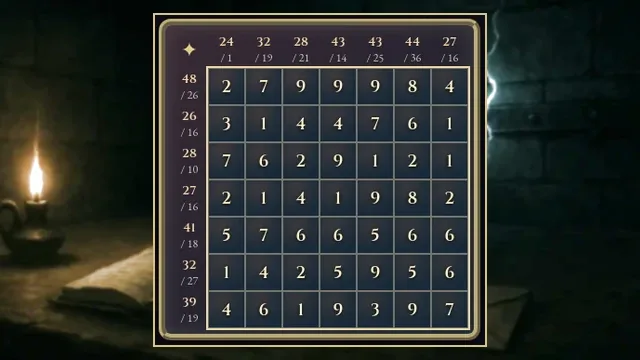
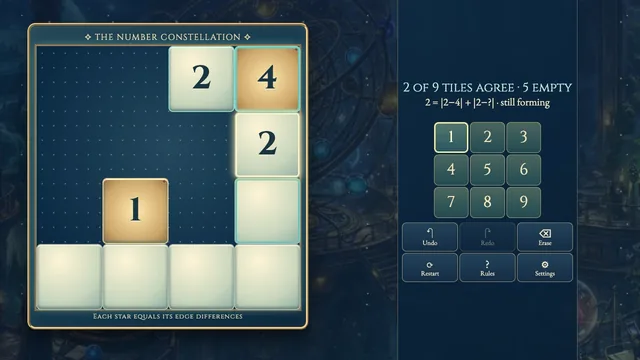
- Every occupied square contributes its printed number to its row and column. Match the large totals at the right and bottom; small figures show your current sums.
- Choose Ship, Water or Erase, then tap a square or drag across squares and release. One released stroke is one Undo. Water notes are optional; unknown squares count as water at completion.
- Use Undo and Redo to repair marks. More opens Restart, How to play and Settings. Restart keeps the original first-solve clock.
Controls
| Input | Action |
|---|---|
| Mouse / touch | Select a tool, tap or drag across squares and release |
| Arrows + Enter / Space | Move and apply the selected tool |
| S / W / E | Ship / Water / Erase |
| Z / Y / R | Undo / Redo / Restart confirmation |
| Escape | Cancel a draft, close a dialog or return to the atlas |
| Gamepad | D-pad moves; A applies; X cycles tools; Y focuses the sea; shoulders Undo/Redo; B returns; Start settings. |
Tips
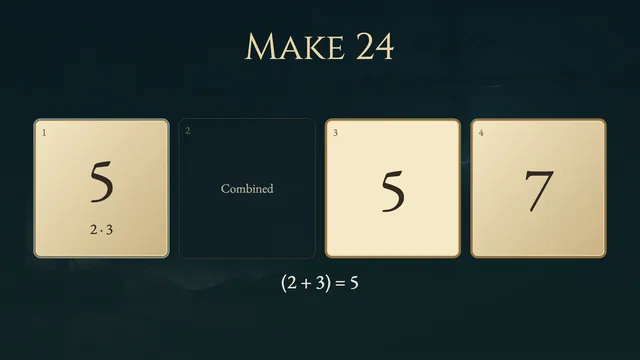
- Add the values A ship covering two and three contributes five, not two.
- Start with zero All numbers in this edition are positive, so a zero-total line is entirely water.
- Try line subsets An individual number exceeding its line total cannot be covered. Compare the remaining possible sums.
- Check the whole fleet Matching sums alone is insufficient: straight lengths and separation must also agree.
Good to know
This compact edition uses positive digits from one to nine and the exact fleet displayed on each chart. All charts and examples are original. Reload keeps marks and Undo; resumed first solves stay local.
Watch how to play
Questions
Do totals count ship squares?
No. They add the printed numbers covered by ships.
May different ships touch diagonally?
No. Separate ships cannot touch at a corner or an edge.
Must I mark every water square?
No. Water notes are optional.
Can Replay replace my first time?
No. Replay is Practice and retains your first result.