About Contour Press
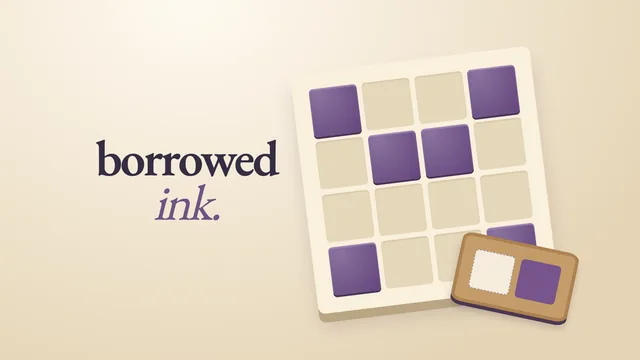
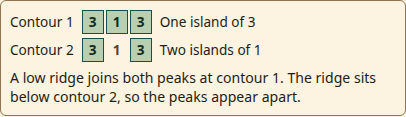
Set the heights on a relief map, then compare its three contour prints. Each print inks the squares at its height or higher. Side-by-side inked squares form islands.
A low ridge can connect peaks in one print and disappear in the next. Use all three views to restore ten maps.
How to play
- Goal
- Set the missing heights so each contour has the required number and sizes of islands.
- How it ends
- Clear the map by matching every contour.
- Record
- Your first unaided clear sets your time for that map.
- Select a blank square and set a height from zero to three. Underlined heights are already fixed.
- Select a contour to see the squares at its height or higher. Count each island using squares that share a side.
- Compare Now with Need for all three contours, then select Check once every square has a height.
Controls
| Input | Action |
|---|---|
| Mouse or touch | Select a square, then a height. Select a contour to change the print. |
| Keyboard | Use the arrow keys on the map and press 0–3 to set a height. Use Tab and Enter for the other controls. |
| Gamepad | Use the directional pad to move focus, A to activate, B to go back, Y for rules and Start to pause. |
Tips
- Compare neighboring prints A square inked at contour one and dry at contour two must be height one.
- Look for bridges One square can join two islands. Check whether the target asks for one large island or two small ones.
Good to know
Reopened maps keep your progress. Paused and reopened attempts continue in practice mode.