About Lantern Bearings
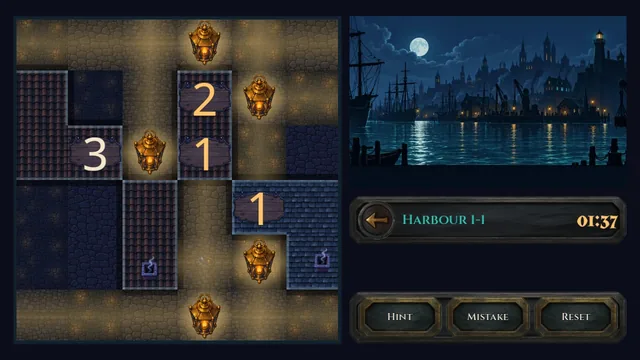
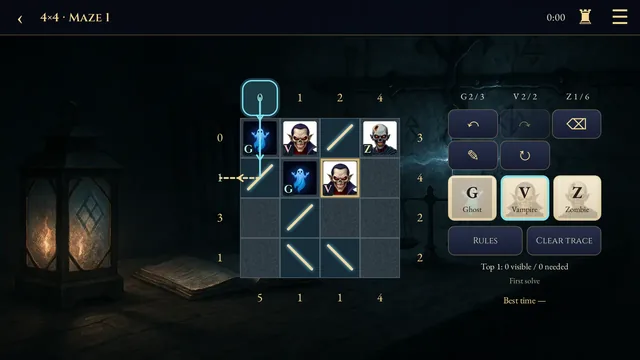
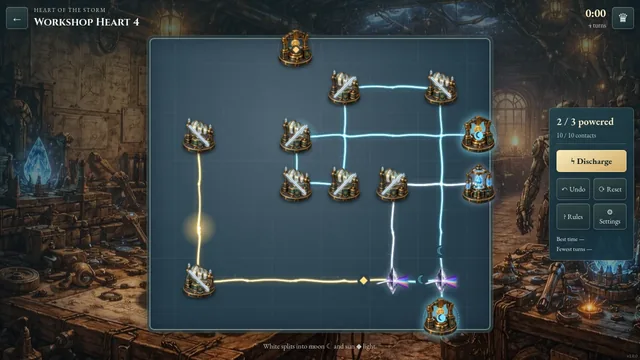
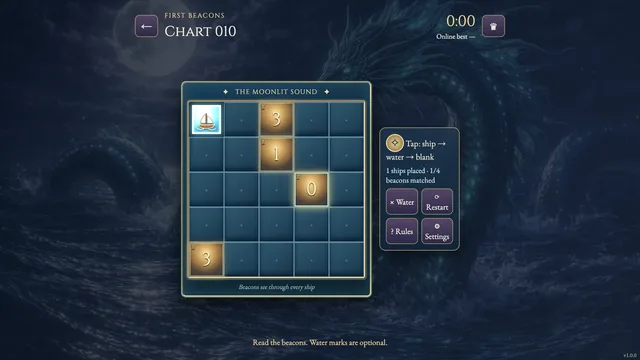
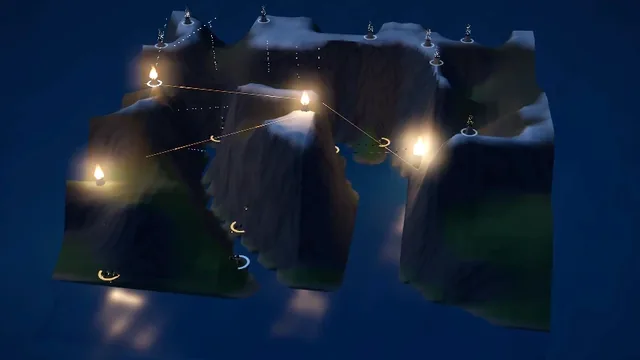
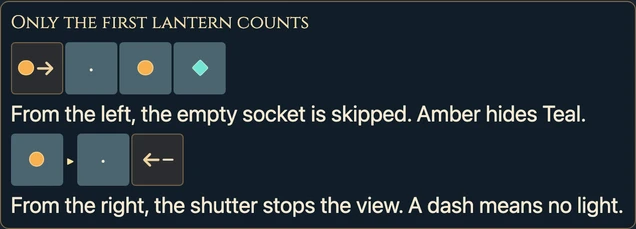
Place the exact supply of amber, teal, and rose lanterns across twelve harbor charts. A lookout sees only the first lantern along its line of sight. A lantern farther down the line can stay hidden.
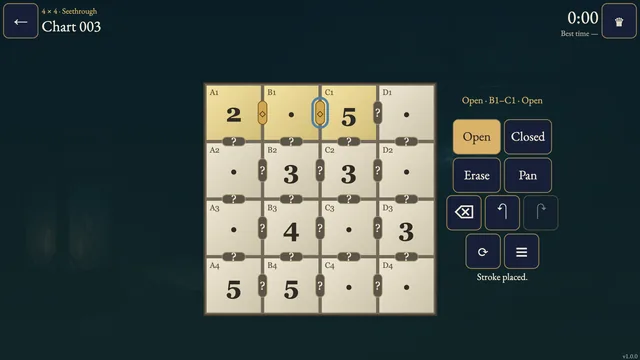
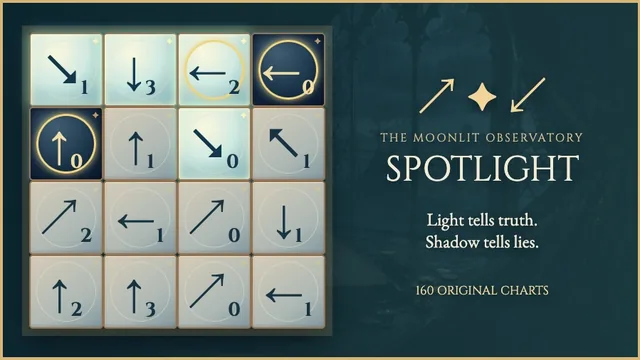
Some charts add directional shutters. A shutter passes a view in the direction of its arrow and blocks a view coming the opposite way. Use the same row from both ends to work out which sockets can hold a light.
How to play
- Goal
- Place the lanterns so every lookout sees the right first light and the supply is used exactly.
- How it ends
- A chart clears when all reports agree and every lantern is placed.
- Record
- Each chart keeps your first clear time. The ranking compares uninterrupted first clears.
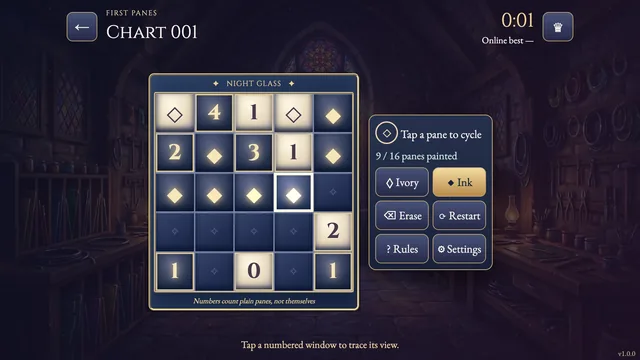
- Select a lantern, then tap a socket. Use Empty to mark a socket you have ruled out and Erase to clear a socket.
- Tap a lookout to trace where it can see. Empty sockets and plain ground let sight through. Stone blocks sight from either side.
- A shutter acts at the edge between two cells. Its arrow shows which way sight may cross that edge.
Controls
| Input | Action |
|---|---|
| Tap or click | Choose a tool or place it in a socket. Tap a lookout to trace its view. |
| Keyboard | Use Tab or arrows to move focus. Press Enter or Space to activate. Keys 1–3 choose a lantern, X marks empty, and Backspace erases the focused socket. |
| Controller | Move focus with the directional pad. Press A to activate, B to go back, or Y to open the rules. |
Tips
- Count separate views If two lookouts want amber along different rows, each row needs its own amber lantern.
- Look from both ends One lantern may block a look from one side while leaving the opposite report satisfied.