About Notch Register
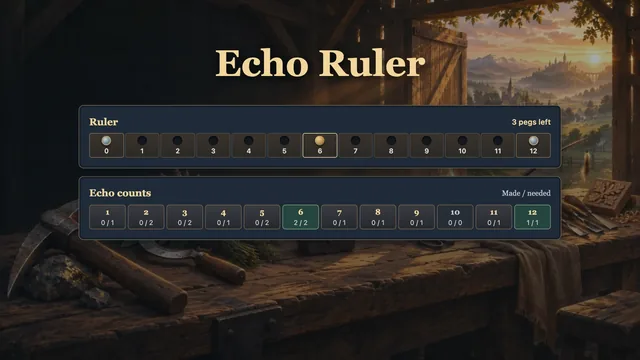
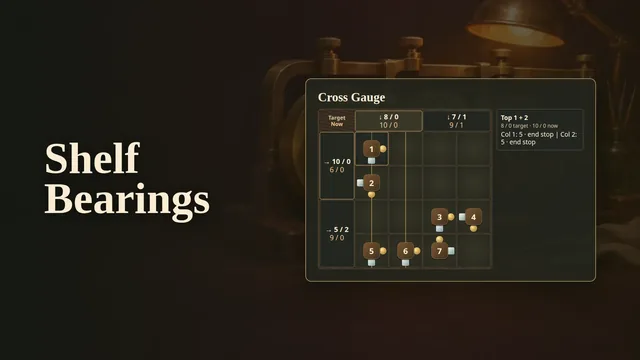
An instrument maker has marked where a gauge caught on each sweep. Use those receipts to restore the height of every slat.
Start with short sweeps, then compare overlapping spans. Later registers mark the highest and lowest slats without telling you which is which.
How to play
- Goal
- Set each slat to a different notch height so every sweep meets its marked catch or catches.
- How it ends
- The register clears when you check a complete matching arrangement, and wrong checks leave the arrangement in place.
- Record
- Each register keeps your fastest local clear and records an eligible first clear for the Top 10.
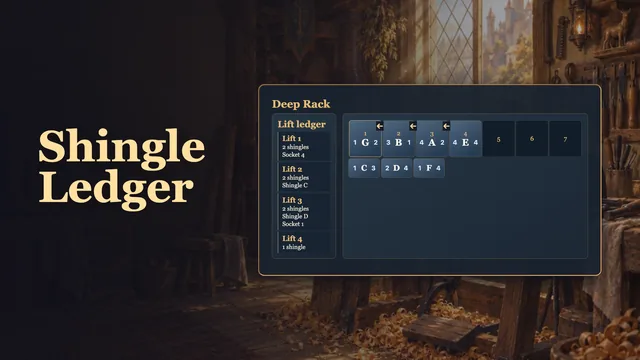
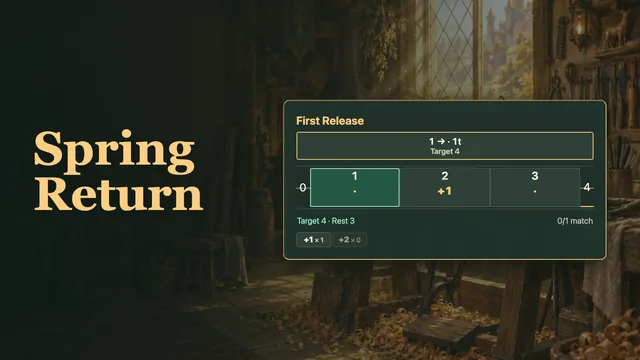
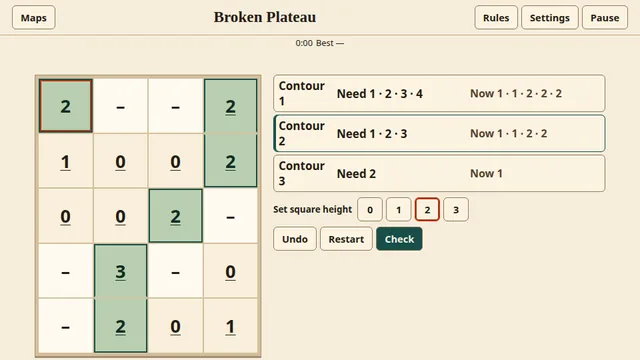
- Select a receipt to see its span and catch. A downward sweep catches the highest notch in its span. An upward sweep catches the lowest.
- A double pass marks the highest and lowest slats in one span. Use the other receipts to tell which is which.
- Select a slat, then choose a height from the stock. Using a placed height moves it from its previous slat.
- Use Check once every slat has a height. Use Undo to take back an edit.

Controls
| Input | Action |
|---|---|
| Mouse or touch | Select a slat, then a height. Tap a receipt to inspect its span. |
| Keyboard | Use Tab or arrow keys to move between slats. Use a number key to place a height, Delete to clear, and Z to undo. |
| Gamepad | Use the D-pad to move focus, South to select, East to go back, and Start to pause. |
Tips
- Combine sweeps When two spans overlap, compare what each catch implies about the shared slats.