About Slack Gauge
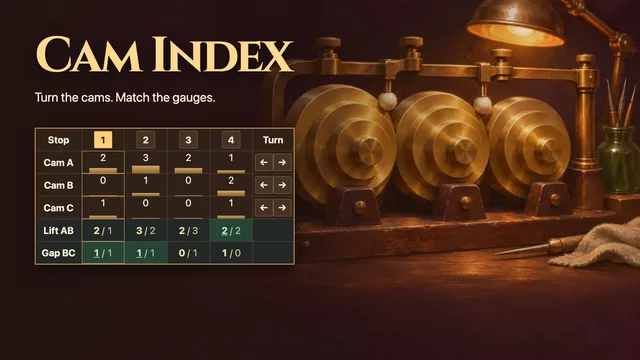
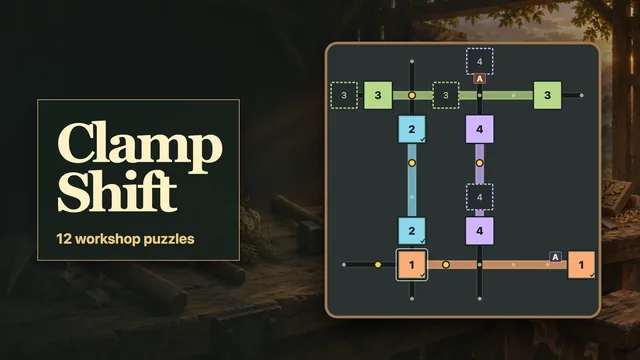
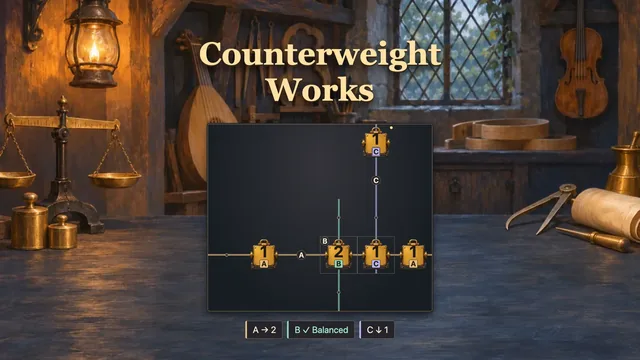
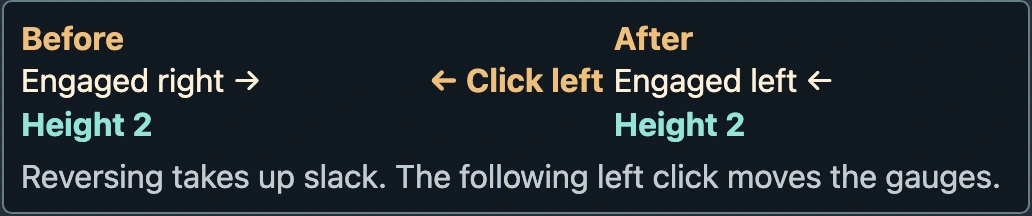
Calibrate a workshop lift by lining up three height gauges. Every screw is engaged in one direction. When you reverse it, the first click changes the direction and leaves the gauges in place.
Later charts link the screws. A working click can engage another screw in either direction and save a turn. Sometimes you need to move a gauge off its mark to make room for another.
How to play
- Goal
- Bring each height gauge to its marked notch.
- How it ends
- A chart clears when all three gauges match, and Undo lets you recover from an unhelpful turn.
- Record
- Your first clear sets your time. Replays can lower your click count.
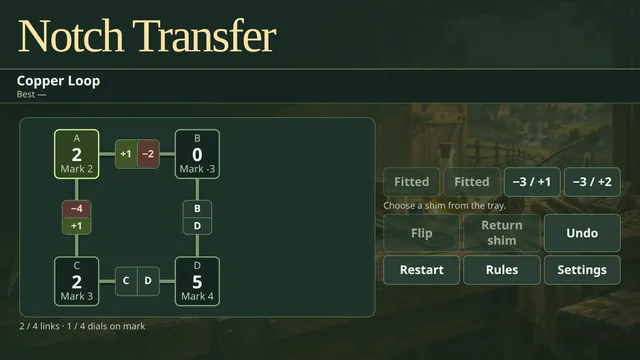
- Read the arrow on each screw and the preview on each button. Reversing a screw takes one click and moves no gauges. A click in the engaged direction applies the changes shown on the button.
- A linked click can change multiple heights and set the engaged direction of another screw. If any linked gauge would go beyond its limit, the whole move stops and costs no click.
- Match all three heights to their marks. Undo restores the previous heights and directions. Restart returns to the starting chart and keeps the first-clear clock.
Controls
| Input | Action |
|---|---|
| Touch or mouse | Press Left or Right for the screw you want to turn. |
| Keyboard | Use Tab or the arrow keys to move focus and Enter to select. |
| Gamepad | Use the D-pad to move focus, A to select and B to go back. |