About Imprint Orders
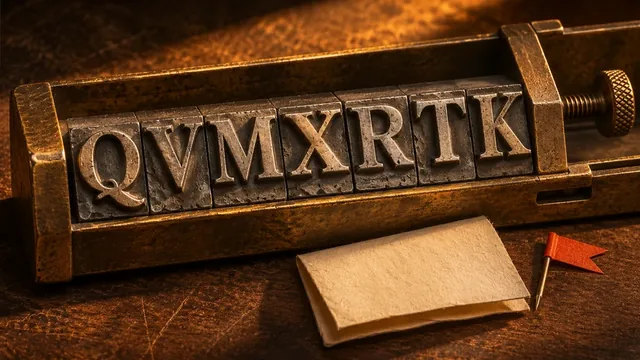
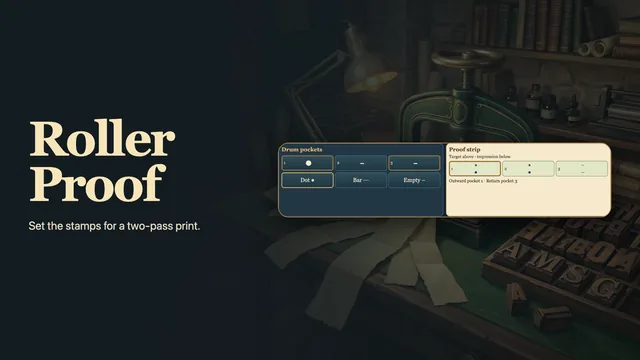
Work through ten pairs of proofs at the print bench. Each block shows two marks to find and two marks to print in their place.
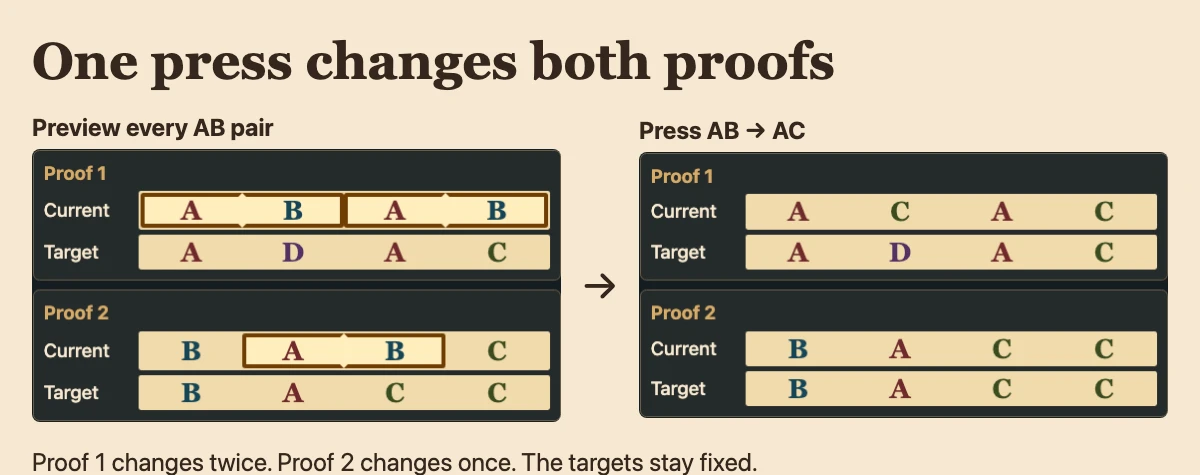
One press rewrites every matching pair across both proofs. Fresh ink can create the pair you need for a block that could not print a moment ago.
How to play
- Goal
- Use the blocks in an order that makes both proofs match their targets.
- How it ends
- A job is complete when every block has been applied once and both proofs match.
- Record
- Your first solve time is saved for each job.
- Select a block to see its matching pairs bracketed on both current proofs.
- Press Block to replace all those pairs at once. A block with no matches waits in the tray. A used block shows the step at which it printed.
- Use each block once. Check both current strips against their targets. Undo restores the last press, and Restart returns all blocks to the tray.
Controls
| Input | Action |
|---|---|
| Mouse or touch | Select a block, then use Press Block to print. |
| Keyboard | Use Tab to move between tools and Enter or Space to activate. |
| Controller | Use the D-pad to move focus, A to activate and B to go back. |
Tips
- Look at what a press creates A new pair can cross from fresh ink into an adjacent mark. Check both proofs before the next press.
- Keep checking both targets A proof that already matches can change again if another block finds a pair on it.
Good to know
Reopened jobs keep their order and original start time. Reopened attempts stay local.