About Shelf Bearings
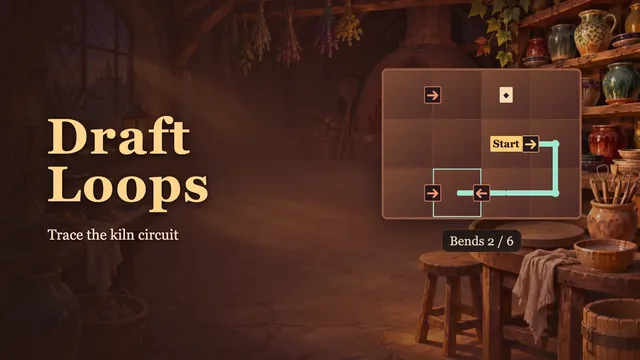
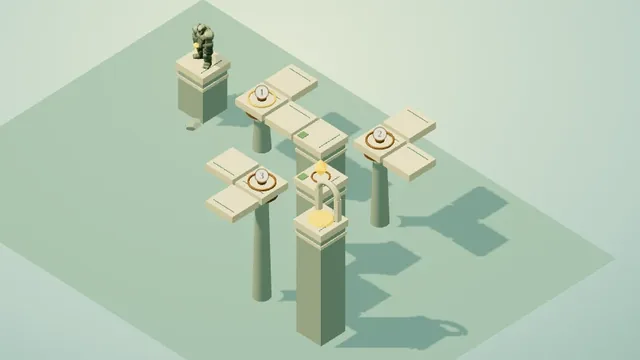
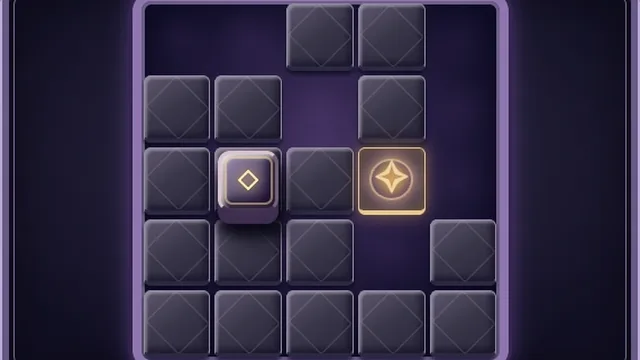
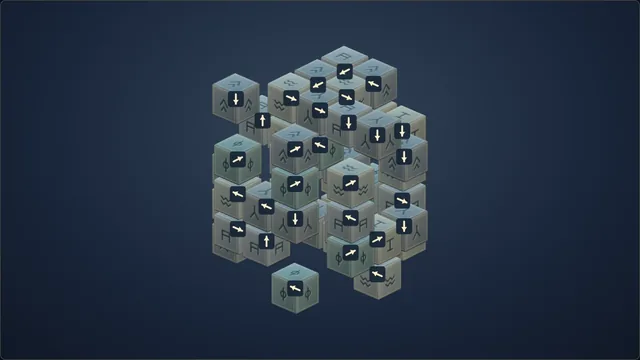
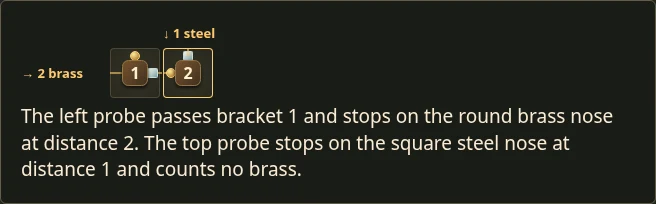
Each bracket has a round brass nose and a square steel nose. Turn the brackets to change where probes from the left and top make contact.
Work through twelve shelves from single probes to paired gauges. A pair gives you the sum of the two stop distances and the count of brass stops.
How to play
- Goal
- Rotate the brackets until every gauge matches its target.
- How it ends
- A shelf is complete when all gauges agree, and you can undo or restart any time.
- Record
- The game keeps your first clear time for each shelf and shows the fastest verified first clear.
- Select a bracket, then turn it left or right. A probe from the left can hit a nose pointing left. A probe from the top can hit a nose pointing up.
- Count cells from 1 to the first nose the probe hits. If the probe makes it through the shelf, it stops one cell after the far edge.
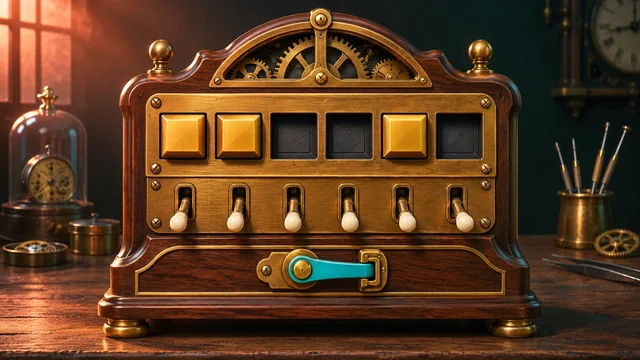
- Read each gauge as distance / brass. The target is above the current reading. Select a gauge to trace the probes it measures.
Controls
| Input | Action |
|---|---|
| Mouse or touch | Choose a bracket and use the turn buttons. Select a gauge to inspect its probes. |
| Keyboard | Use Tab or the arrow keys to move focus and Enter or Space to act. |
| Controller | Use the D-pad to move focus, A to act, B to go back, and Start to open the pause menu. |
Tips
- Look for an open side A probe can pass through a bracket if neither nose points toward the probe.
- Split the distance total List the two distances a paired gauge could be adding, then check which stops could be brass.
Good to know
The shelf clock keeps running through Undo, Restart, Pause and menus.