About Tide Datum
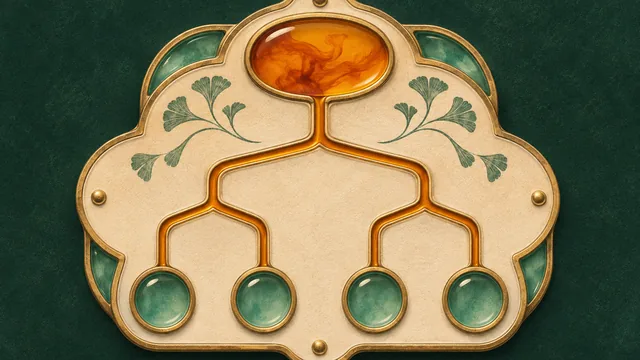
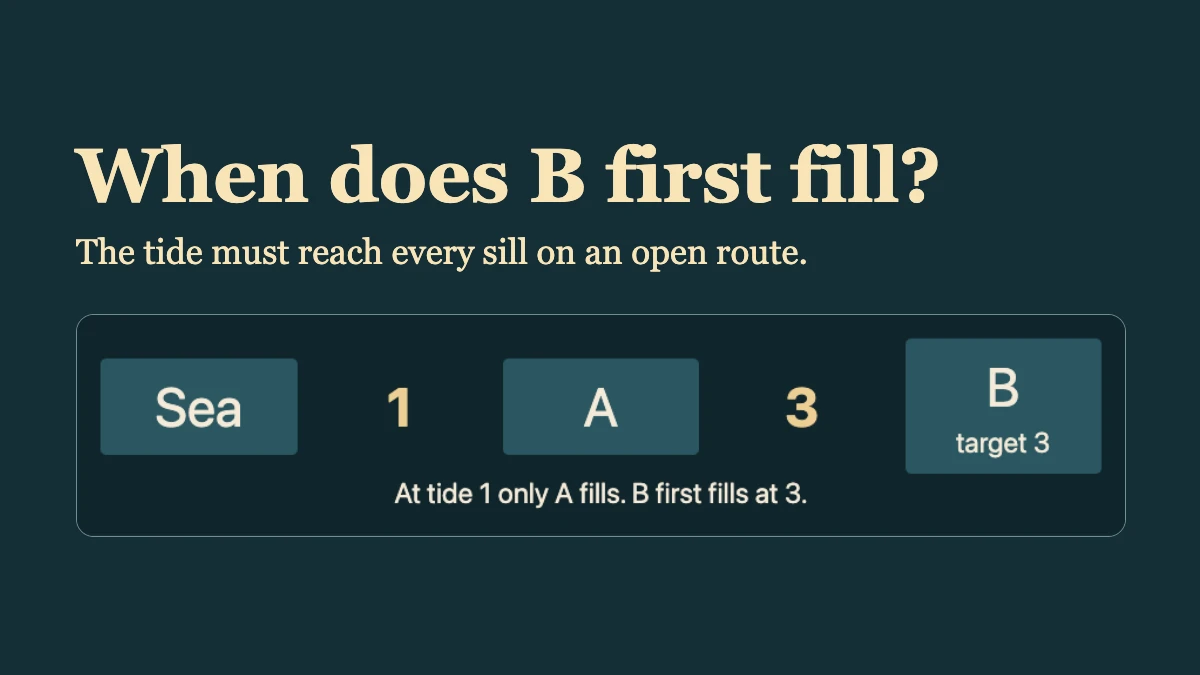
Water enters from the sea and crosses between linked chambers when the tide reaches the sill height. Tap a brass sill to change it. Stone sills stay fixed.
A chamber can get water through any open route. A low shortcut can make a gauge fill too early, even if the route you planned would reach it on time.
How to play
- Goal
- Set the sills so each marked chamber first gets water at its target tide.
- How it ends
- Check the plan to finish when every gauge matches.
- Record
- Your first clear time is kept for each chart.
- The big number on a brass sill is its current height. The small arrow shows its next height. Water can cross the channel in either direction once the tide reaches the current number.
- Use the numbered tide buttons to see which chambers would be wet. Chart shows the dry plan. Check plan compares every gauge’s first wet level against its marked target.
Controls
| Input | Action |
|---|---|
| Mouse or touch | Tap a brass sill to cycle its height. Use Chart or a tide button to change the preview. |
| Keyboard | Tab between controls. Enter or Space activates them. Ctrl+Z or Command+Z undoes a sill change. |
| Gamepad | Use the directional pad to move and A to activate. B goes back, Start opens Break, and the left bumper undoes a sill change. |
Tips
- Read the highest sill On a single route, the highest sill decides when the far chamber can fill.
- Look for a shortcut At a tide below the target, the chamber should still be dry. Trace any other channel with a lower sill.
Good to know
The first-clear clock starts when a chart opens and keeps running through breaks, reloads and restarts. Later clears are practice.