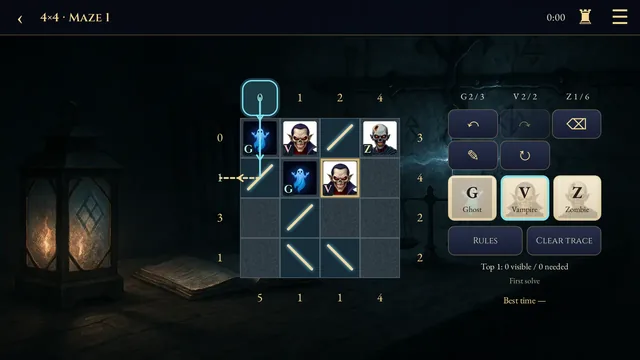
About Scale Ledger
Restore a dockside cargo ledger by assigning the spare weights to fixed hooks.
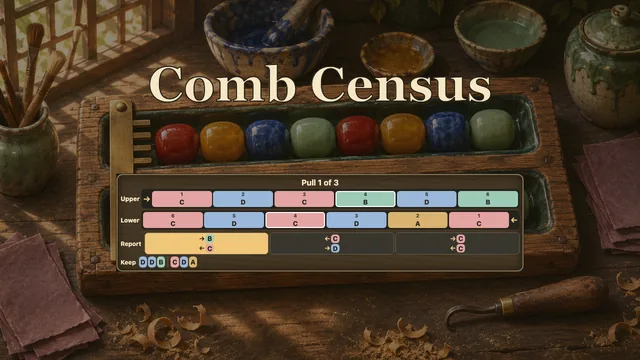
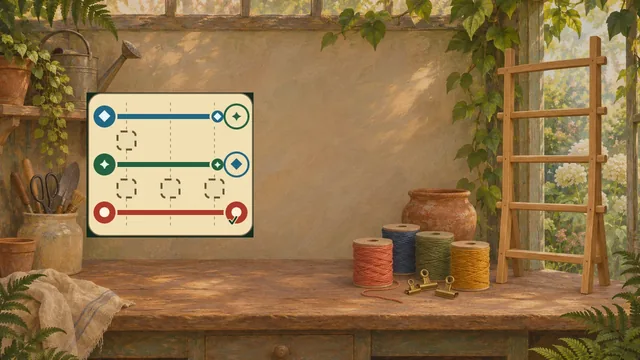
Each slip reports the net pull across its own pivot. On overlapping slips, the same weight pulls from different distances. Read both directions and account for every copy in the tray.
How to play
- Goal
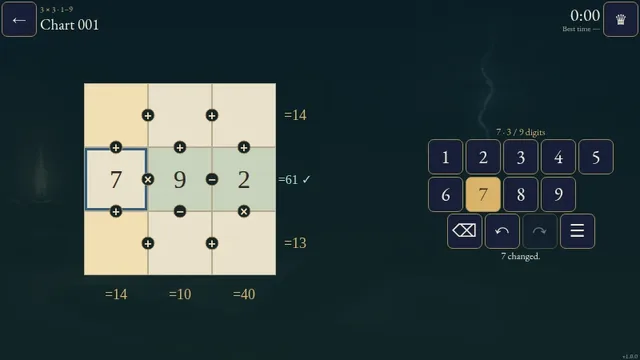
- Match the scale readings by assigning each spare weight to a blank cargo hook.
- How it ends
- The board clears when every hook is filled and every reading matches, and you can undo or keep adjusting until it does.
- Record
- Each board records the fastest first clear.
- Select a scale slip to see the measured hooks and the distance of each from its pivot.
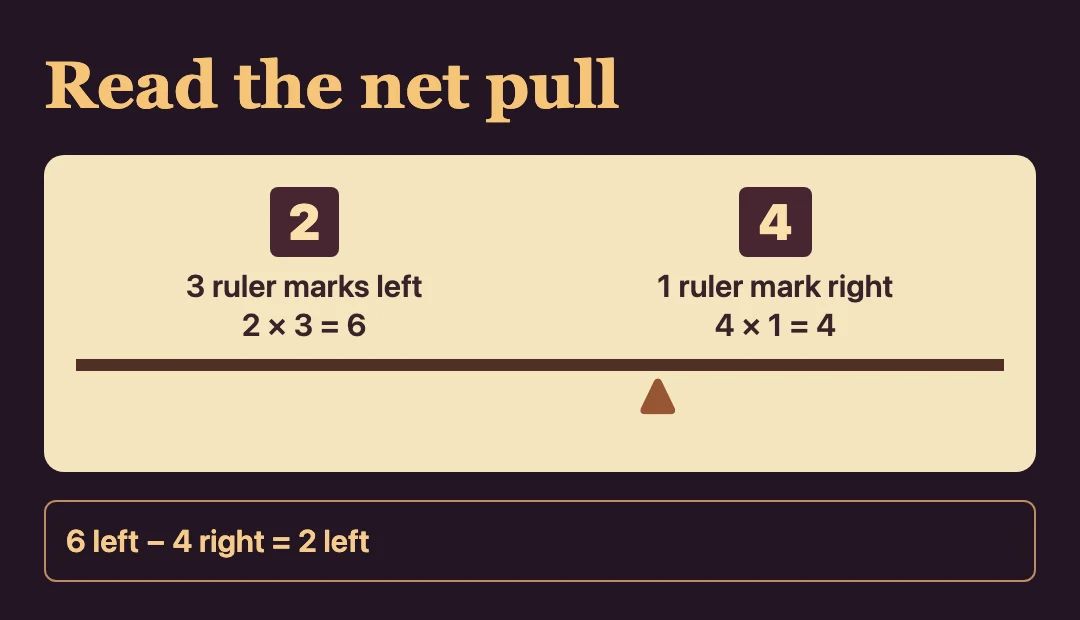
- Multiply each load by its distance, then subtract the smaller pull from the larger. The slip shows the difference and which side pulls more.
- Assign the spare weights to the blank hooks. Match every reading to clear the manifest. Undo reverses the last edit and Restart returns the weights to the tray while the first-clear clock keeps running.
Controls
| Input | Action |
|---|---|
| Touch or mouse | Select a hook, then tap or click a weight in the tray. |
| Keyboard | Use Tab or arrow keys to move focus and Enter or Space to select. Number keys enter a weight. |
| Gamepad | Use directions to move focus, A to select, B to back out and Start to open the manifests. |