About Wind Pennants
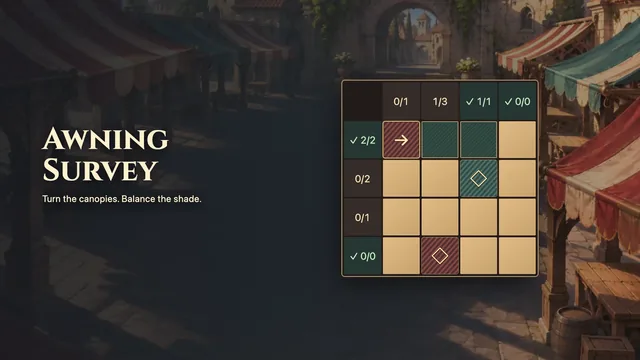
Each pennant adds a step of wind in the direction it points. The same step counts at every mast linked to that pennant.
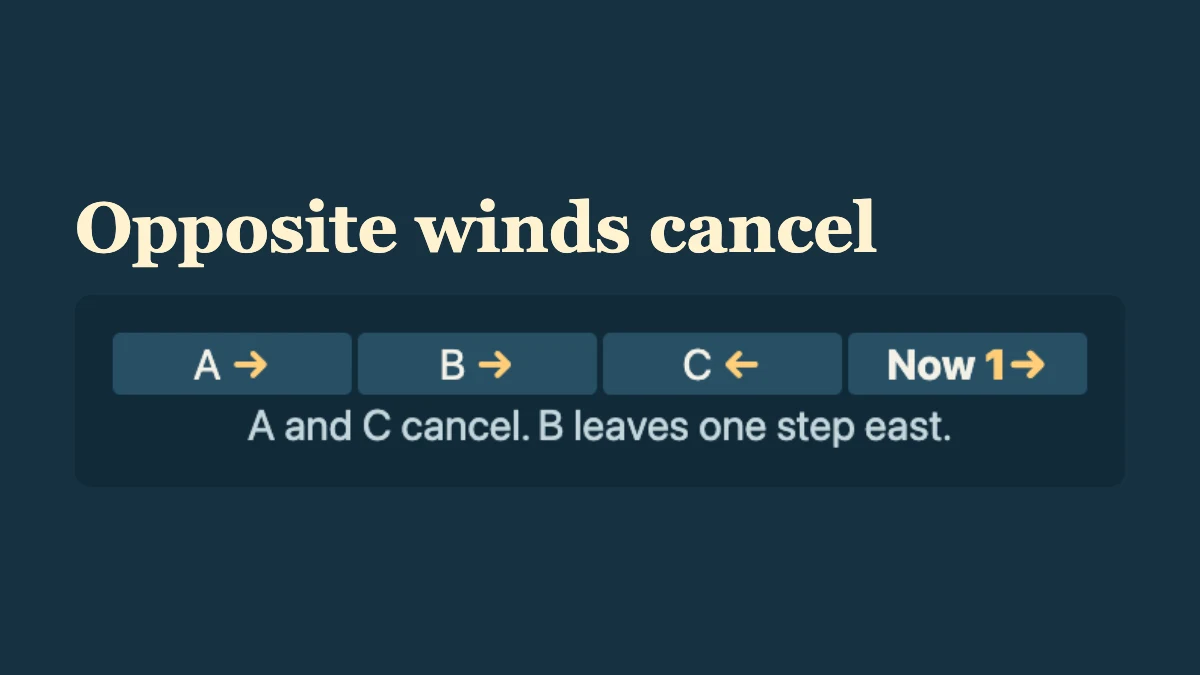
Opposite arrows cancel. A mast can have wind along both axes. Calm means neither axis has any wind.
How to play
- Goal
- Turn the pennants until each mast receives its exact target wind.
- How it ends
- Check the finished array to clear the chart once every mast matches.
- Record
- The game records your first-clear time for each chart.
- Tap a brass pennant to cycle through its small arrows. The large arrow is the direction it points now.
- Tap a mast to highlight its linked pennants. Compare Now against Target. Check chart marks any masts that differ.
Controls
| Input | Action |
|---|---|
| Mouse or touch | Tap a pennant to turn it or a mast to see its links. |
| Keyboard | Tab between controls. Enter or Space activates them. Ctrl+Z or Command+Z undoes a turn. |
| Gamepad | Use the directional pad to move and A to activate. B goes back, Start opens the menu, and the left bumper undoes a turn. |
Tips
- Pair opposites One east step and one west step cancel. They can contribute to a calm mast.
- Follow shared pennants If two masts link to one pennant, turning it changes both readings.
Good to know
The first-clear clock starts when you open a chart and keeps running through menus, reloads and restarts. Later clears are practice.