About Gauge Window
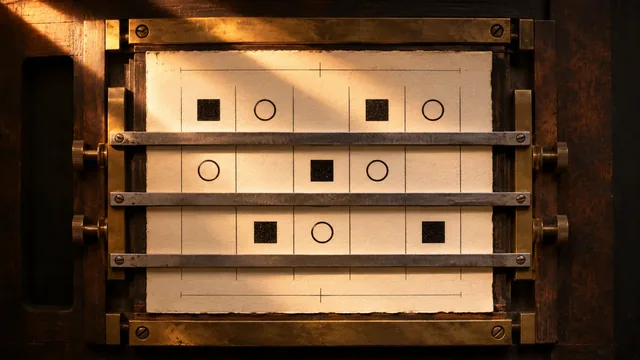
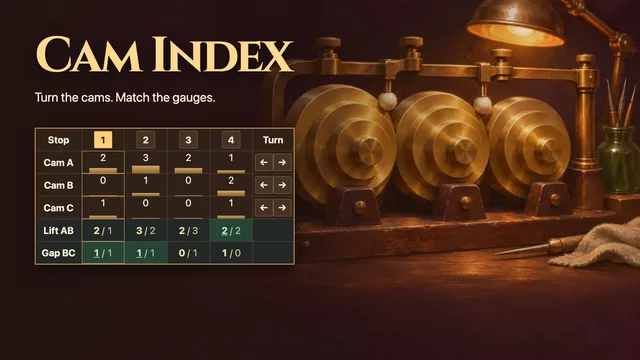
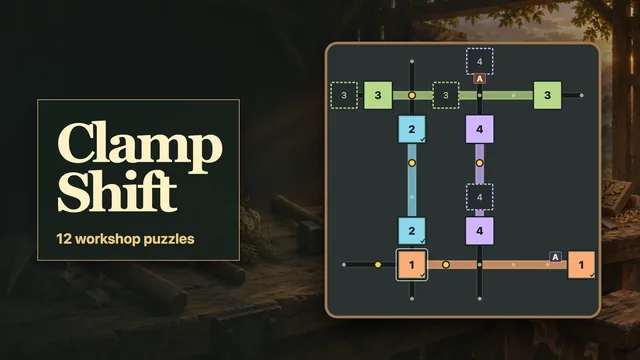
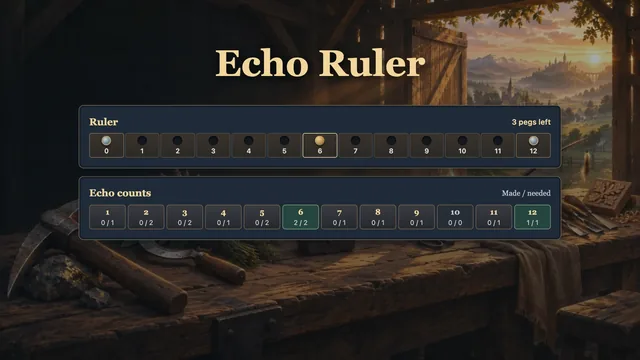
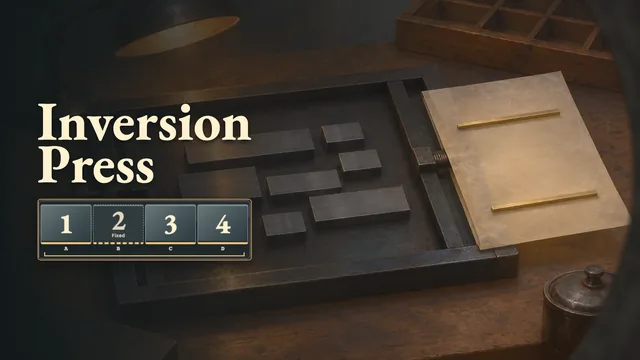
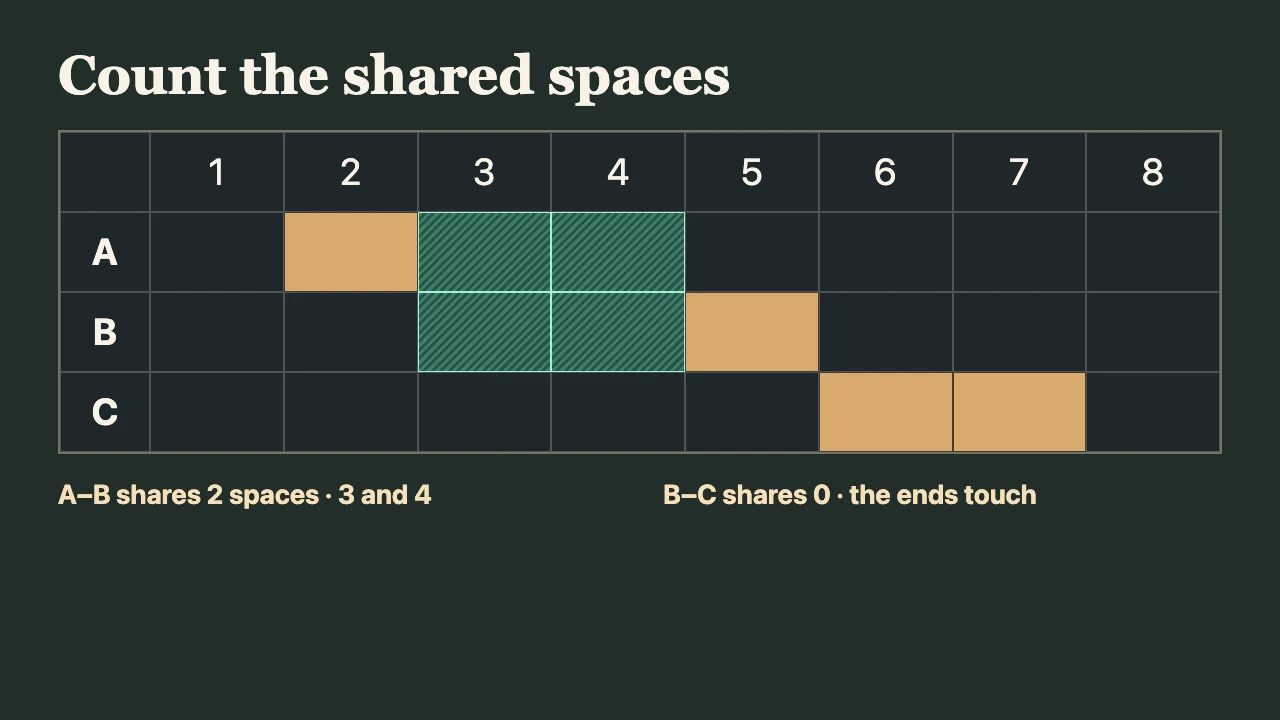
Adjust fixed-length brass strips along one ruler. The readings name pairs of strips and give the exact number of spaces they must share.
Eight benches build from a single matching stop to several linked readings. A move can fix one pair while changing another. Each bench has one layout that makes every reading agree.
How to play
- Goal
- Slide the strips so every marked pair shares exactly the stated number of ruler spaces.
- How it ends
- A bench clears when every reading matches, and you can keep adjusting until it does.
- Record
- Each bench records your first-clear time and shows the fastest recorded clear.
- Each strip has its own lane on a shared ruler. Select a lane and press Left or Right to move its strip to the next marked stop. Strip A is riveted in place.
- Each reading shows the overlap now and the target. Select a reading to highlight the ruler spaces shared by its two strips. Ends that touch without covering a common space give a reading of zero. Use Undo to return to the previous layout.
Controls
| Input | Action |
|---|---|
| Mouse or touch | Select a strip and use Left or Right to move it. Select a reading to inspect its overlap. |
| Keyboard | Use Tab to focus a control and Enter or Space to activate it. When a strip has focus, use the left and right arrow keys to move it. Escape goes back. |
| Gamepad | Use the directional pad to move focus, A to activate, B to go back and the left bumper to undo. |
Tips
- Start at the rivet A reading that includes strip A compares a moving strip to a fixed one. Find its possible stops first.
- Compare two pairs When a strip has two possible stops, inspect a reading it shares with another strip to see which position will work for both.
Good to know
The first-clear clock starts when a bench opens and keeps running through breaks, reloads and restarts. Later clears are practice.