About Twinweight Trays
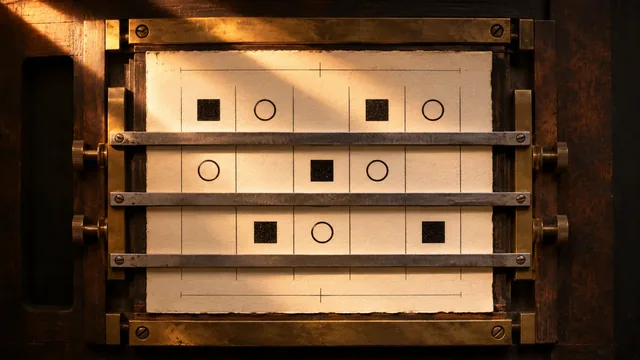
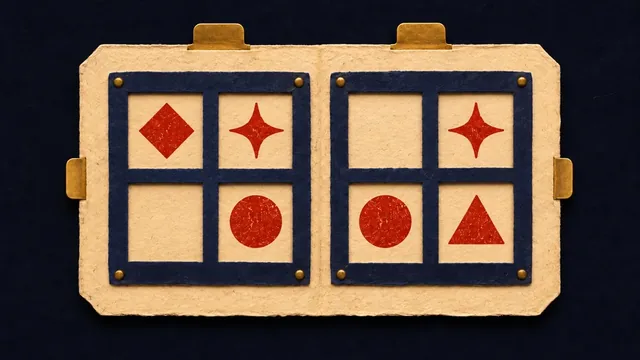
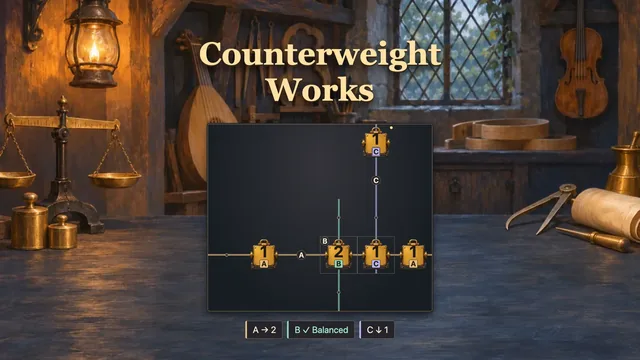
Each shelf holds a tray with two different weights. Slide the pair together or flip the tray to swap their positions without moving it to another shelf.
Start with three teaching boards, then work through stacks of up to six shelves. A target at the edge can tell you what has to move in the middle.
How to play
- Goal
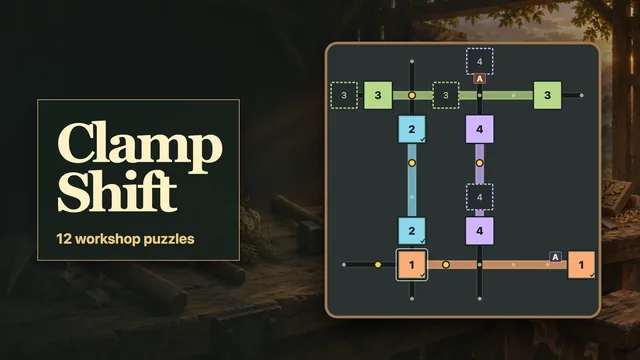
- Slide and flip each tray until every column weighs exactly its printed total.
- How it ends
- Check a layout with every total matched to clear the board, or keep adjusting until it fits.
- Record
- Each board keeps its fastest unaided first solve and the record holder’s name.
- Select a shelf. Use the arrows to slide its linked weights together, or tap an empty seat on that shelf to move there.
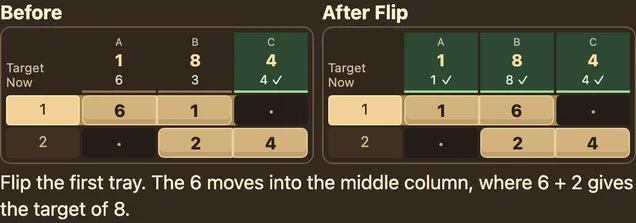
- Use Flip to swap the positions of the weights on the selected tray. Empty seats contribute zero.
- Compare the current weight under each column with the gold target above it. When every column has a check mark, press Check.
Controls
| Input | Action |
|---|---|
| Mouse or touch | Select a shelf and use the arrows or Flip. Tap an empty seat on the selected shelf to move the tray. |
| Keyboard | Tab to a shelf, then use Left and Right to slide or F to flip. Enter and Space activate buttons. |
| Gamepad | Move focus with the D-pad, activate with A, go back with B, and open settings with Start. |
Tips
- Start at the edge A small target may be possible only with the lightest available weight. Its partner moves with it.
- Recheck neighboring columns A flip changes how much two columns weigh. One may reach its target while the other still needs a change.