About Stencil Press
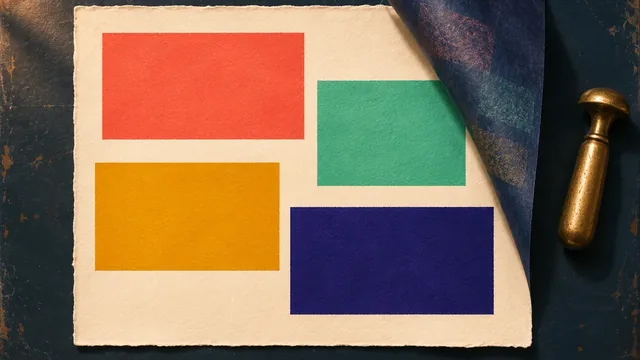
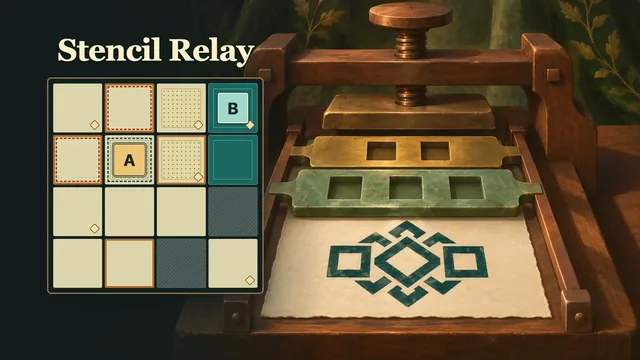
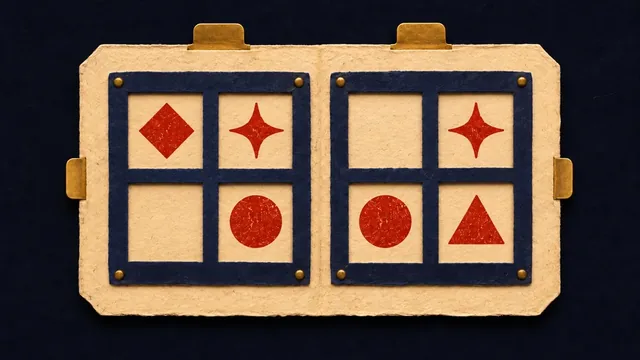
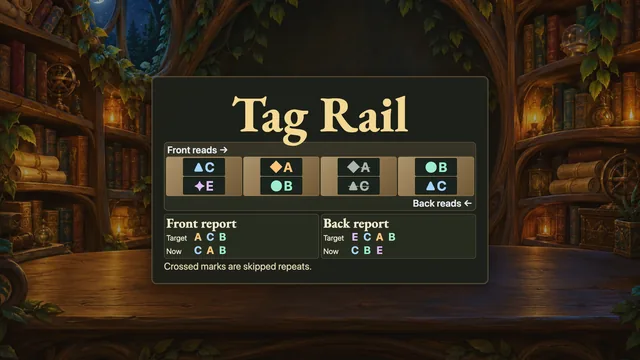
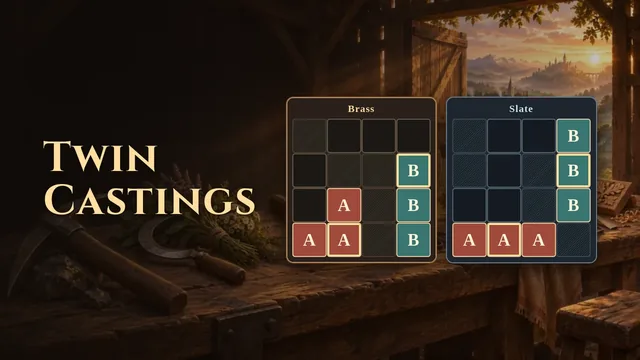
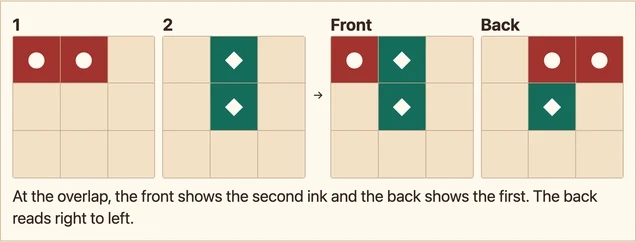
Make a two-sided print by layering ink through a stack of stencils. The front shows the last ink laid down at each spot. Flip the sheet and the back shows the first ink.
Match both faces across ten plates. Some stencils can rotate, and on the later plates a stencil can disappear under other inks.
How to play
- Goal
- Arrange the stencils so the front and back of the print match their targets.
- How it ends
- The print clears when both sides match, and you can revise the stack until they do.
- Record
- Each plate records the fastest first clear.
- Choose a stencil, then choose a spot in the order to move it there. The leftmost stencil prints first.
- Use Turn to rotate the selected stencil by a quarter turn. Some stencils are fixed.
- Check your front and back prints against their targets. Turning the sheet over swaps left and right, while the top stays up.
Controls
| Input | Action |
|---|---|
| Tap or click | Choose a stencil, then a slot. Use the arrows to shift it one slot, Turn to rotate, and Undo to take back an edit. |
| Keyboard | Move focus with Tab or the arrow keys. Use Enter or Space to select, R to turn, and Z to undo. |
| Controller | Move with the directional pad. Use A to select, X to turn, Y to undo, and B to go back. |
Tips
- Read the overlap The front tells you which ink goes last where stencils overlap. The mirrored back tells you which goes first.
- Start with exposed ink Use cells that only one stencil can reach to constrain its turn, then use the overlaps to settle its order.