About Press Register
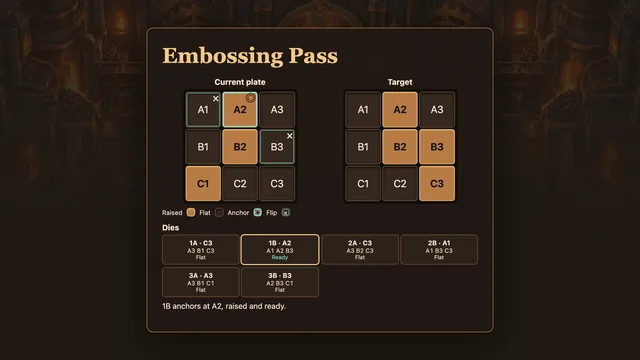
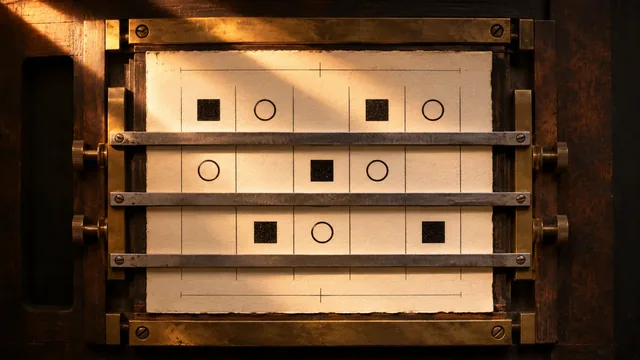
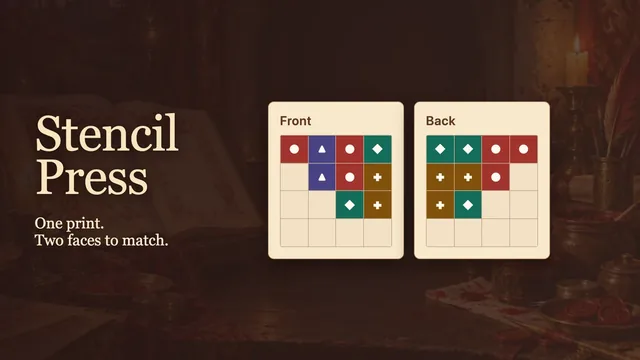
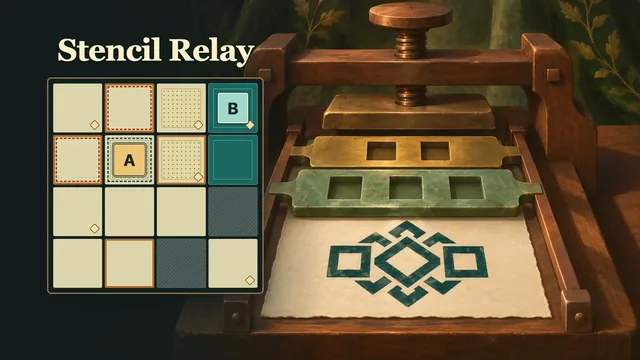
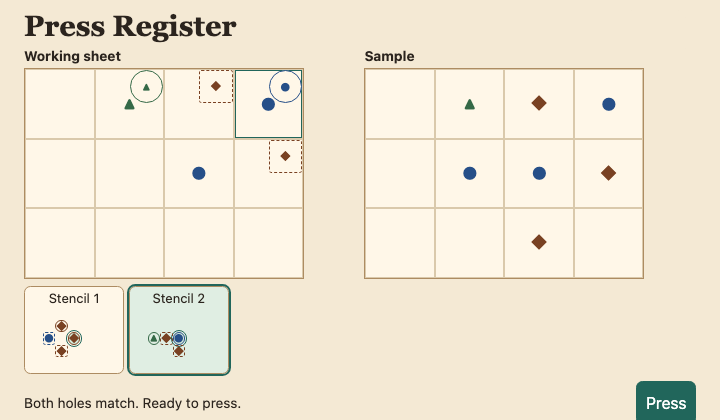
Place stencils on a damaged sheet to rebuild the sample print. Each stencil has two registration holes that must line up with existing symbols or bare paper before you press.
Every impression changes where the next stencil can fit. The twelve plates start with simple pairs and build to sequences where printing a mark too early can block an otherwise clear fit.
How to play
- Goal
- Use every stencil to restore the sample print.
- How it ends
- The plate clears when the sheet matches the sample exactly, and Undo lets you recover from a wrong impression.
- Record
- Records keep the fastest first clear for each plate.
- Choose a stencil, then tap the square that matches the double-ringed hole on its card.
- Check both ringed holes against the sheet. An empty ring needs bare paper. Every dotted ink square needs bare paper too.
- Press to make the impression. Use all the stencils and match the sample exactly. Undo takes back the last impression.
Controls
| Input | Action |
|---|---|
| Mouse or touch | Select a stencil and an anchor square, then select Press. |
| Keyboard | Use Tab to reach controls and the arrow keys to move around the sheet. Press Enter or Space to activate. |
Tips
- Keep one square blank If a later stencil needs bare paper in a hole, use it before an impression fills that square.