About Letter Shuttle
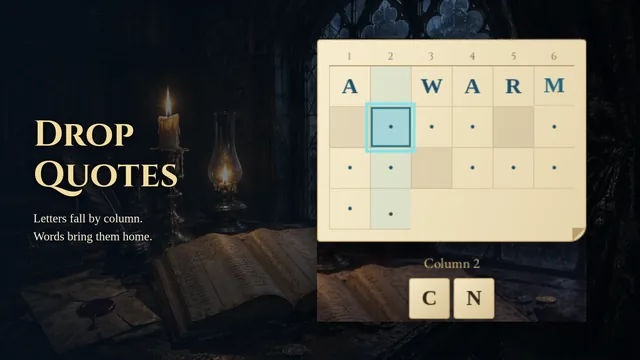
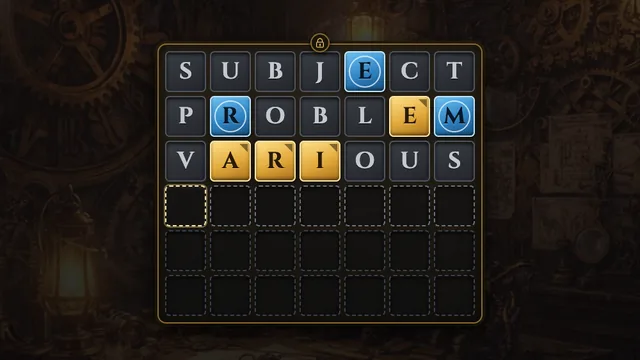
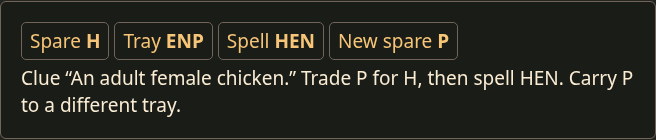
Each tray holds scrambled letters and a clue. Trade one tile for the spare, use the new letters to spell the answer, and carry the tile you traded away to the next tray.
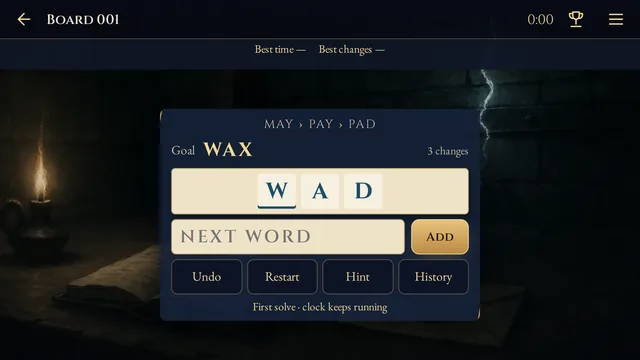
Clear twelve packets. On later packets, a word can be right and still leave you with a spare that strands you. Undo gives you the old letter back.
How to play
- Goal
- Solve every clue by exchanging the spare letter for one tile in each tray.
- How it ends
- The board clears when every tray has its clue word, and Undo lets you recover from a dead end.
- Record
- Your first clear is saved locally, and uninterrupted first clears can rank for that board.
- Select a tray, then tap the tile you want to trade away. The spare takes its place.
- Tap the tiles in spelling order and press Check. If the clue matches, the outgoing tile becomes the new spare.
- Pick the next tray. If the spare strands you, Undo reopens the previous tray and returns your old spare.
Controls
| Input | Action |
|---|---|
| Mouse or touch | Select a tray, choose a tile to swap, tap the letters in order, and press Check. |
| Keyboard | Use Tab to focus controls and Enter or Space to activate them. Type letters in the selected tray after choosing a tile to swap. |
| Controller | Move focus with the D-pad. Press A to act, B to go back, and Start to pause. |
Tips
- Look ahead Before checking a word, look for a tray that can use the letter you would carry away.
- Try a different order When Undo returns your previous spare, try a different tray before stamping the same one.
Good to know
The clock keeps running through Undo, Restart, Pause and menus.