About Echo Dividers
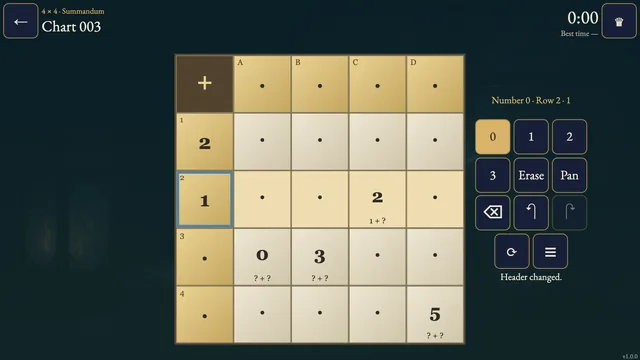
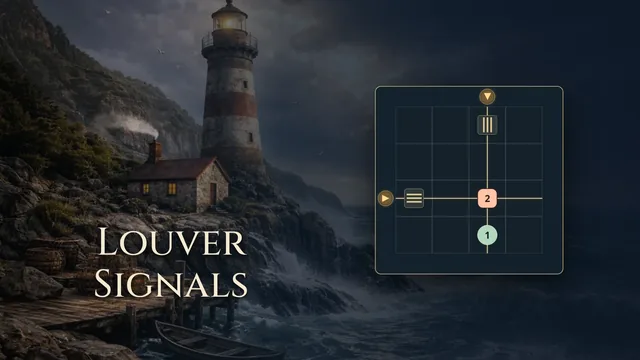
A drafting chart has one divider in each row and column. A clue compares the lengths of the horizontal and vertical stretches that meet at its cell.
Fixed stops give you a place to start. Follow one comparison into the next across 30 charts in three sizes.
How to play
- Goal
- Place the dividers so every crossing clue compares its horizontal and vertical stretches correctly.
- How it ends
- You finish when all dividers are set and every clue agrees, and you can keep editing until then.
- Record
- Each chart keeps your fastest first solve.
- Set one divider inside every row and column. Green dividers are fixed.
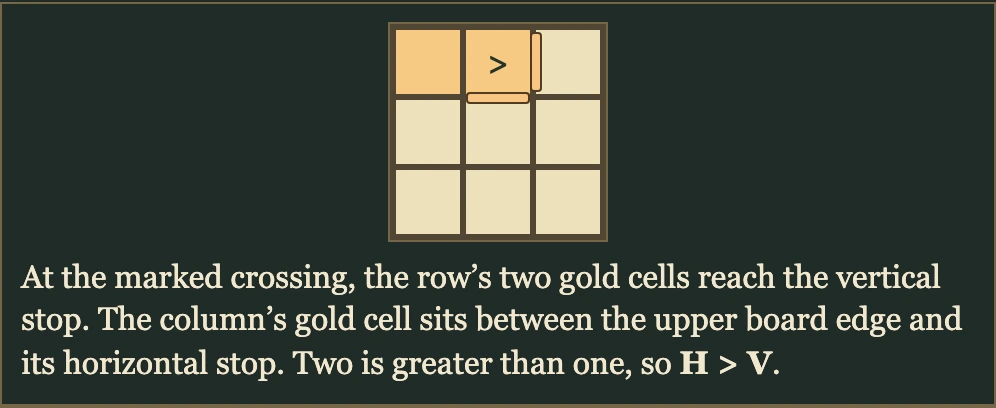
- At a marked crossing, the comparison describes horizontal length relative to vertical length. Count the crossing cell in both stretches.
- Select a comparison to highlight both stretches. Press Check when all dividers are set.
Controls
| Input | Action |
|---|---|
| Mouse or touch | Select a gap to set its divider or a clue to inspect its lengths. |
| Keyboard | Use Tab or the arrow keys to move focus and Enter or Space to select. |
| Controller | Use the directional pad to move focus, A to select and B to go back. |
Tips
- Start at a fixed stop A fixed stretch already has a length. Apply that comparison to rule out gaps on the other axis.
- Follow the crossing Moving one divider can change several comparisons on the same row or column.